CleanMyMac Thank you for downloading
Your download will begin automatically. If it doesn’t, please click here.

1. Open
Find the DMG file in your Downloads folder, and open it.

2. Install
Just drag and drop CleanMyMac to Applications.

3. Launch
Awesome! You’re good to go. Enjoy using CleanMyMac!
Subscribe to know first
Our mail pigeon will bring you our best deals and news about MacPaw apps.
Check your inbox and confirm your subscription.
One last click and you’re all set.
Get the best of our
1500+ Mac tips library
- Essential macOS tricks
- Must-know shortcuts
- Productivity hacks
In your inbox.
Did your download not start? No worries, just click here to try again.
Check your inbox and confirm your subscription.
One last click and you’re all set.
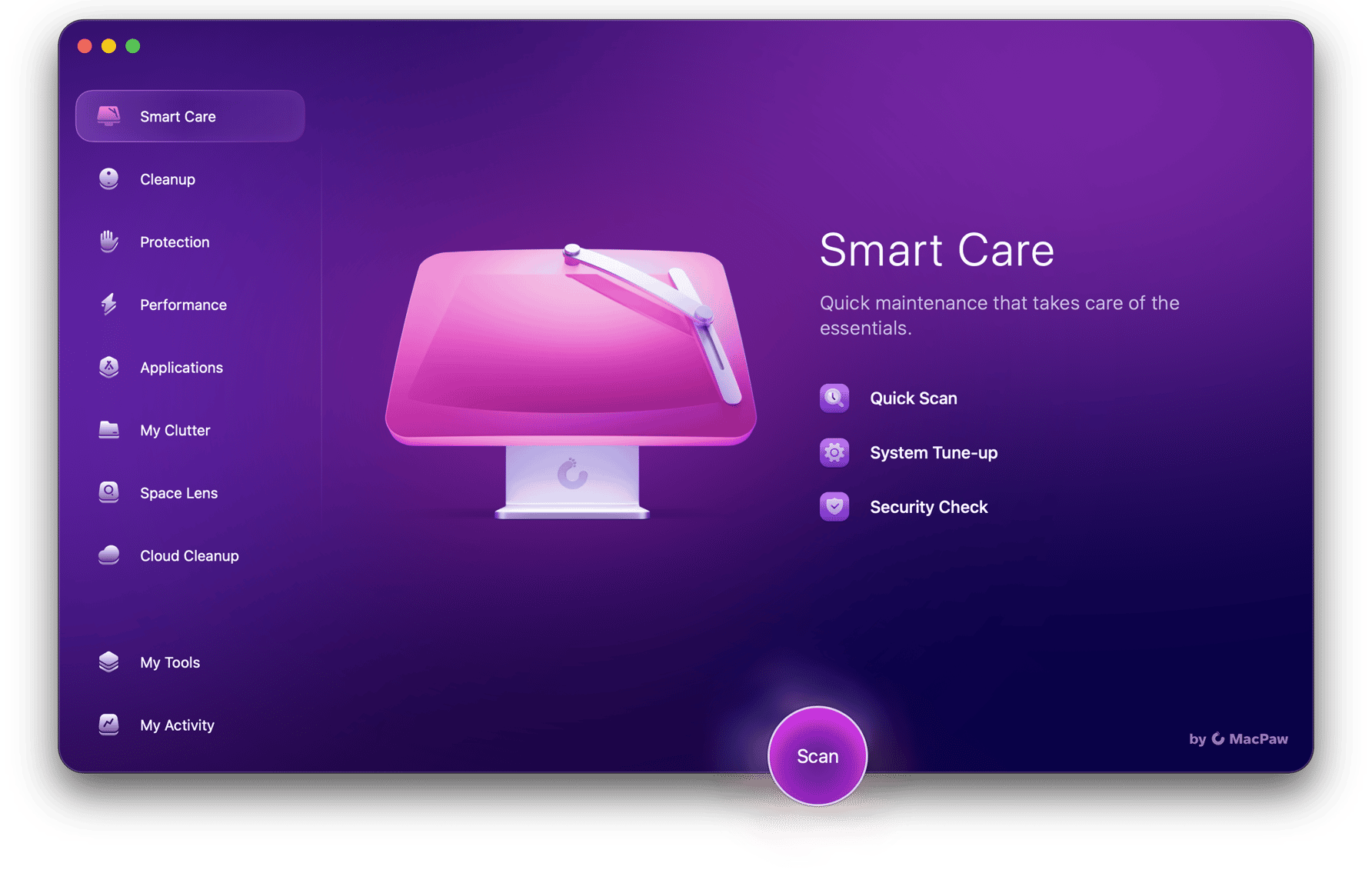
Show your Mac some Smart Care
Unleash a faster, cleaner, and safer Mac with CleanMyMac.
- Get more free space
- Check if your Mac isn't infected
- Prevent slowdowns
- Keep your apps up to date
- Remove redundant file copies