
Opening your inbox can feel like arriving at your desk to find it covered in yesterday’s paperwork. Yesterday’s promotions pile onto last year’s newsletters, forgotten drafts, and years of email you never got around to clearing. Before long, you’re looking at hundreds or thousands of messages — far too many to clean up one by one.
Today, we’re introducing Email Cleanup in CleanMyMac — a faster way to sort through years of email clutter, clean up in bulk, and free up Gmail storage without doing it all one message at a time.
Make light work of a heavy inbox
You shouldn’t have to spend an afternoon sorting through old email just to get your inbox back in shape. Email Cleanup groups what’s piled up over time, so you can quickly see what’s worth keeping, clear out what isn’t, and get back to the emails that need your focus and time.
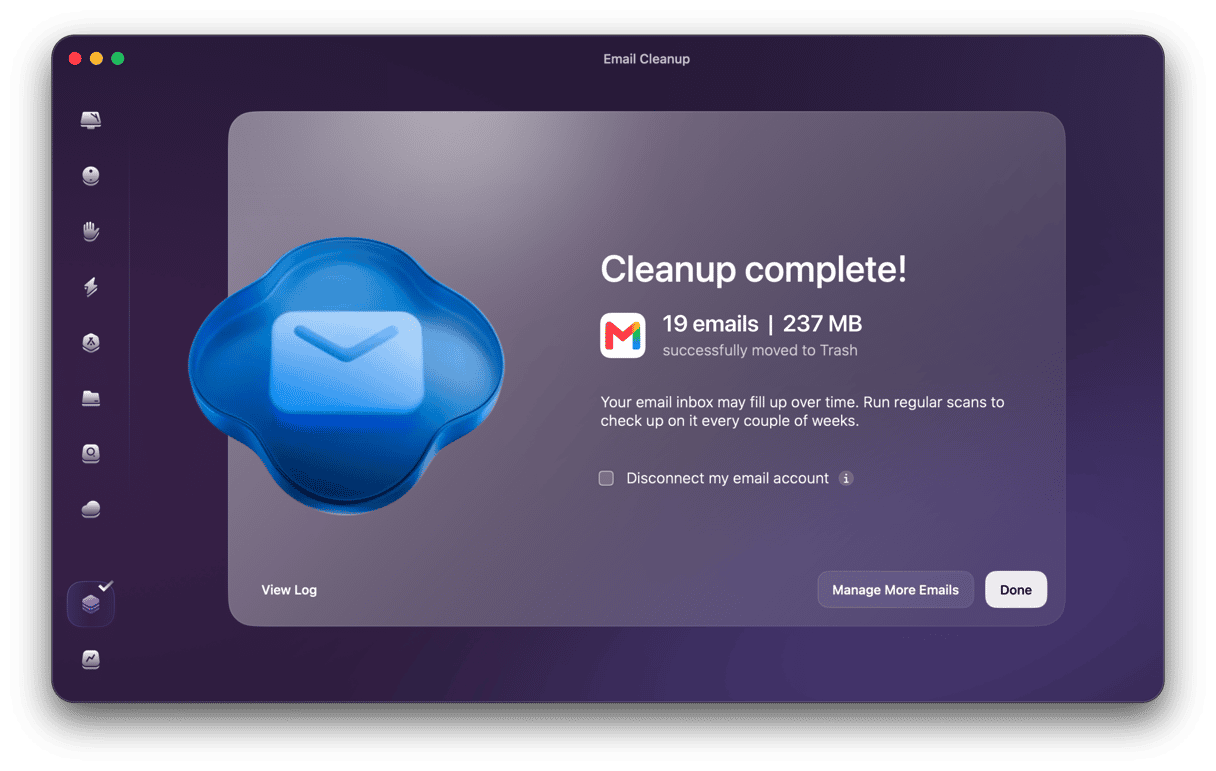
- Clean up years of email in bulk: browse messages by year and clear old newsletters, promotions, or spam without doing it one by one.
- Free up valuable Gmail storage: identify large attachments and see exactly how much space you'll recover before you clean up.
- Clean up all your Gmail accounts: connect multiple accounts and manage each inbox from one place.
- Stay in complete control: preview emails before taking action, and if you change your mind after deleting one, Gmail keeps it in Trash for up to 30 days.
- Clean your inbox your way: delete, archive, unsubscribe, or combine actions to clear unwanted email in bulk.
Effortless cleaning isn't just for your Mac anymore — now there’s an easier way to deal with the inbox you've been sweeping things into for years.
Clean with a safety net
Going through years of email can feel risky when you don't know what's hiding among thousands of messages. Email Cleanup lets you preview specific messages or entire senders before taking action — and nothing is deleted, archived, or unsubscribed without your approval.
You decide what access you give, and for how long. Email Cleanup connects to Gmail through official Google APIs and accesses only the data it needs. Connect for a cleanup, then disconnect whenever you’re done.
Finally, Email Cleanup never permanently deletes your emails. Deleted messages go to Gmail Trash, where you can recover them for up to 30 days.
Your inbox doesn’t need to be perfect. It just needs to feel manageable again. We’d like “clean my inbox” to stop being one of those jobs you save for a free afternoon.
Give it a try, and let CleanMyMac take some of that work off your hands.
Thanks for reading — and stay tuned! We’ve got our eyes on a few more corners of your digital life.