The start of something new
Oleksandr Kosovan, MacPaw CEO, shares where our journey has led to a new idea. And why.



Skills that mean less
work for you


Knows your Mac and apps
Ask naturally. No prompts, commands, or scripts.

Solves complex tasks
Breaks actions into small steps and handles them automatically.

Handles the busywork
App switching, settings, files, and small tasks. Done.

Keeps you one step ahead
Proactive workflows surface what needs your attention.
Clear the way for better work
Eney takes care of the small, tedious tasks across your Mac, so you can spend more time on the work that matters.
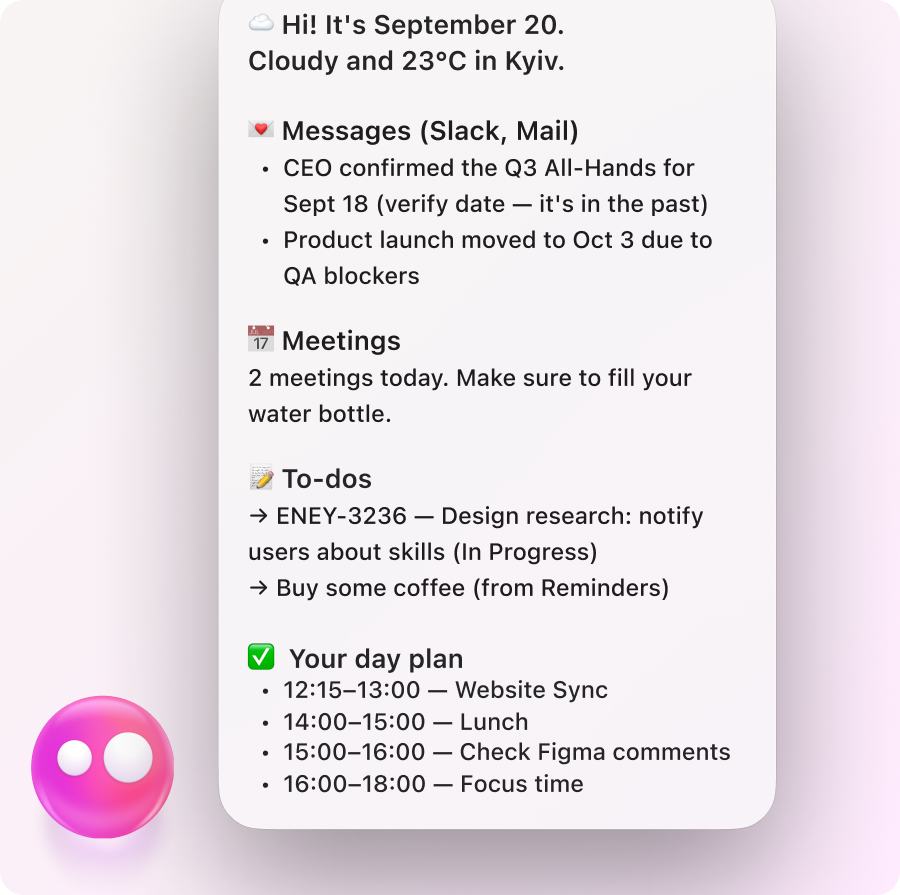
Keeps an eye on your work, surfaces what needs attention, and suggests what to do next, so you stay one step ahead.

Get things done on your Mac at your desk, then open Eney on iPhone to keep things moving when you’re on the go.

Works across Gmail, Google Drive, Notion, Linear, Slack, and more to find information, update work, and get things done without switching tabs.
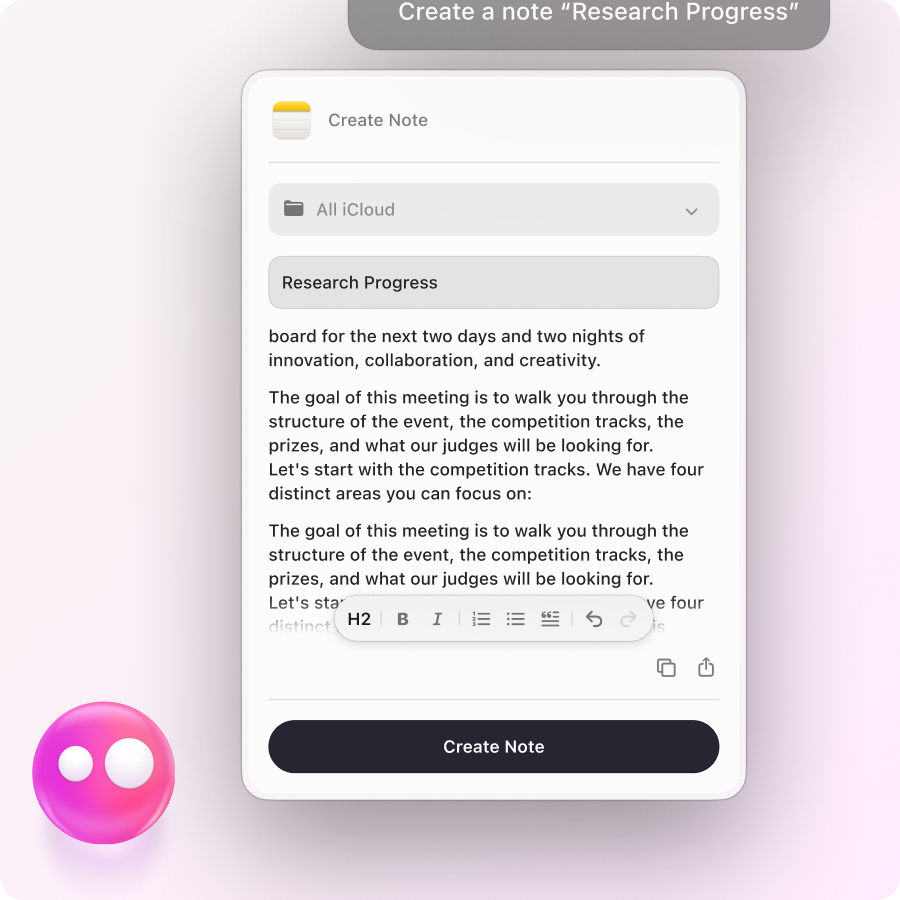
Drafts emails, captures notes, pulls up unread messages, and takes voice input, so you can get through communication faster.
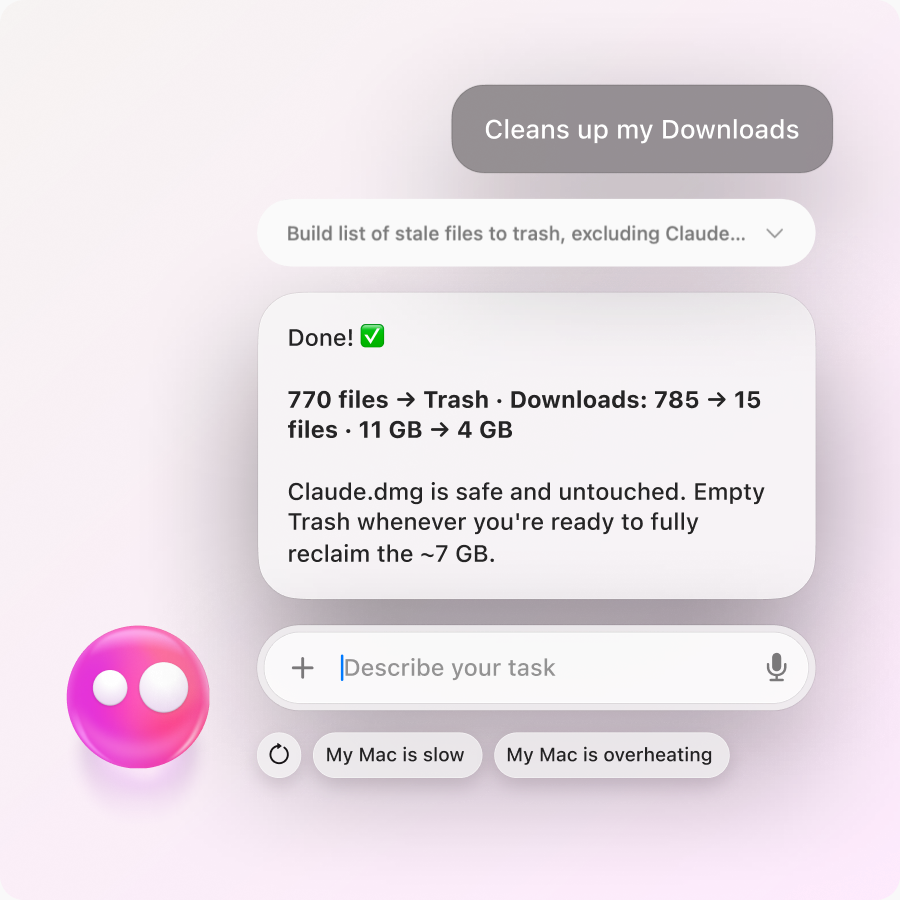
Cleans up your Desktop and Downloads, finds missing files, and organizes Mac clutter, so you spend less time looking and sorting.
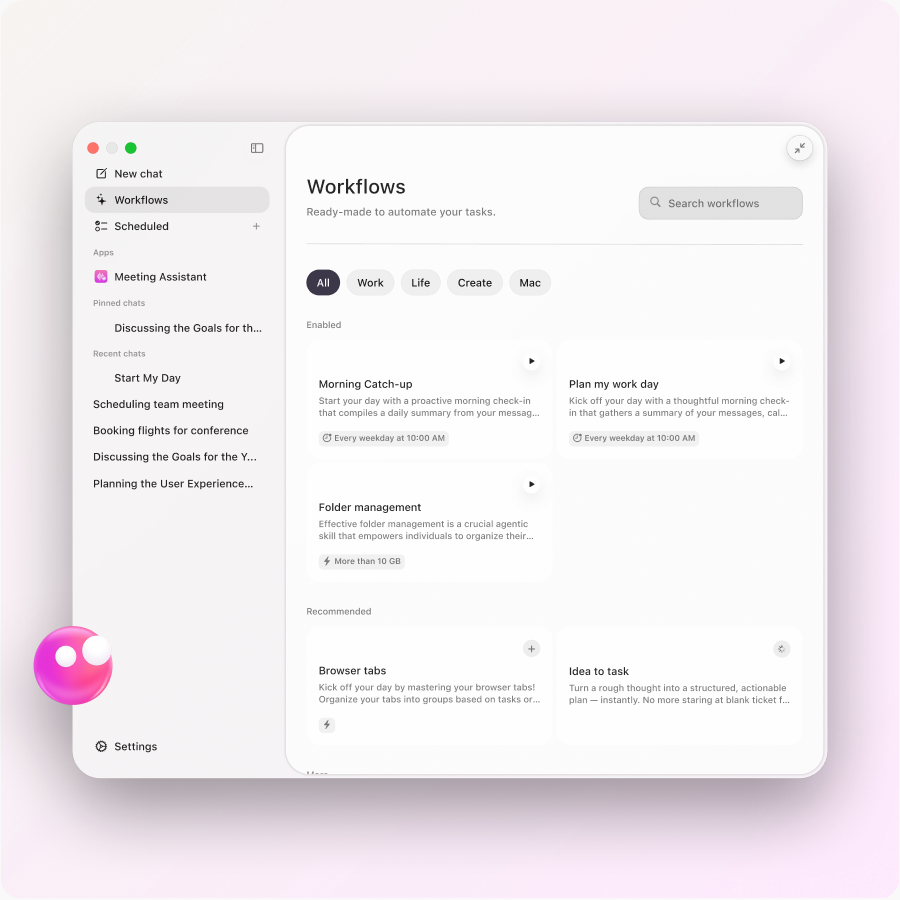
Start your day, review your week, catch up on news, or manage Downloads with ready-to-use workflows. No building from scratch.

Work with text, images, files, and more right on your screen, without taking screenshots, copy-pasting, or switching between apps.
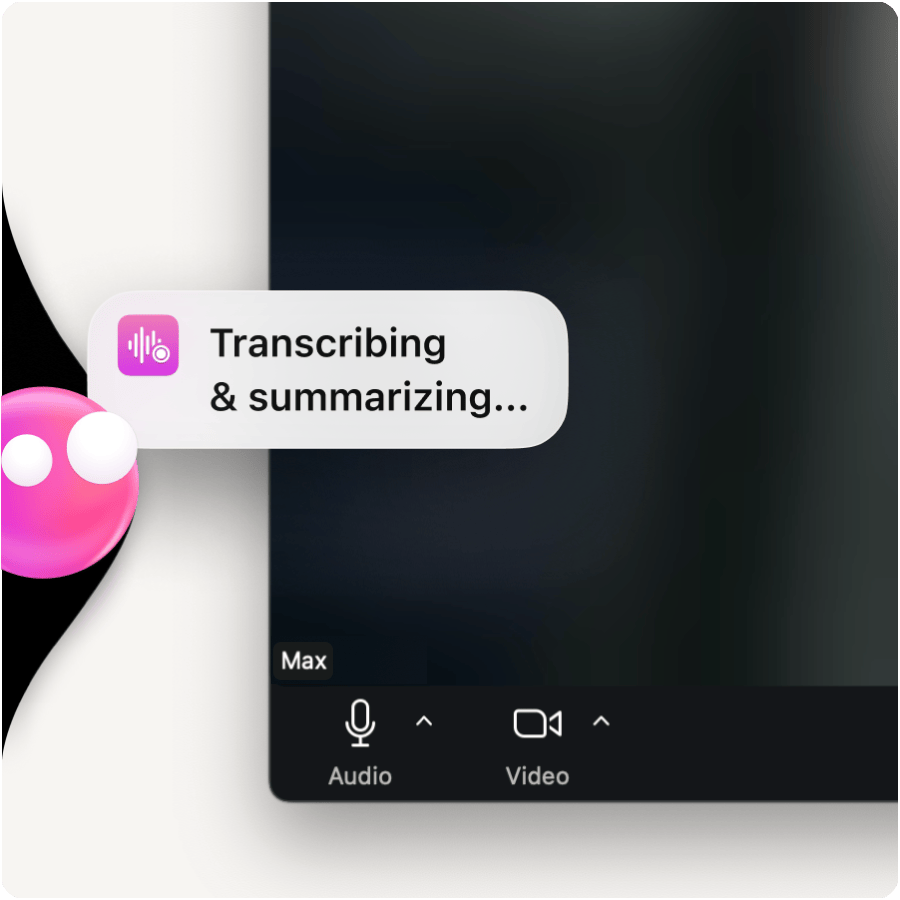
Transcribes your calls, takes notes, and sends you clean summaries and action points, so nothing slips between meetings.
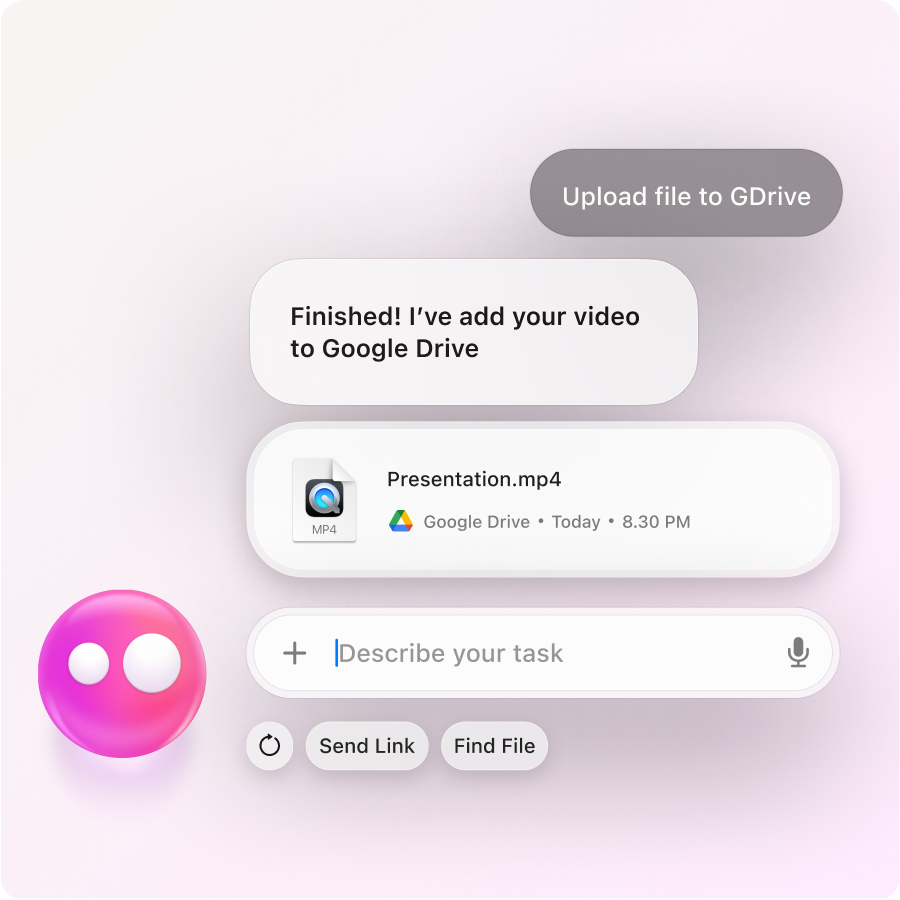
Finds files, creates and edits docs, splits PDFs, and converts files, so everyday file work stops slowing you down.

Generates and edits images, trims videos, annotates visuals, and handles QR codes, without opening another app.
There’s a lot Eney can already take off your plate — and it keeps growing.
Start free. Add credits when you need more
Eney is free to try with 10,000 AI credits for your first 14 days. After that, you can continue with an AI credits subscription.
 Starter
For occasional tasks
10,000 AI credits
$14.99 USD/mo
incl. tax, billed monthly
- PopularBoost
For daily work
25,000 AI credits
$29.99 USD/mo
incl. tax, billed monthly
- Power
For demanding workloads
50,000 AI credits
$49.99 USD/mo
incl. tax, billed monthly
Subscriptions renew automatically every month unless canceled. You can cancel anytime. Unused credits do not roll over. The final charge is processed in USD and may vary depending on exchange rates and bank fees.
By downloading Eney, you agree to our Terms of Service and Privacy Notice.