Chrome tab manager for hundreds of open tabs
Stop losing your focus by jumping from tab to tab. Let Browser Care turn a row of mystery icons into a smooth, productive workspace again.
Google Chrome extension included with an active CleanMyMac plan

You don’t need fewer tabs, you need Browser Care
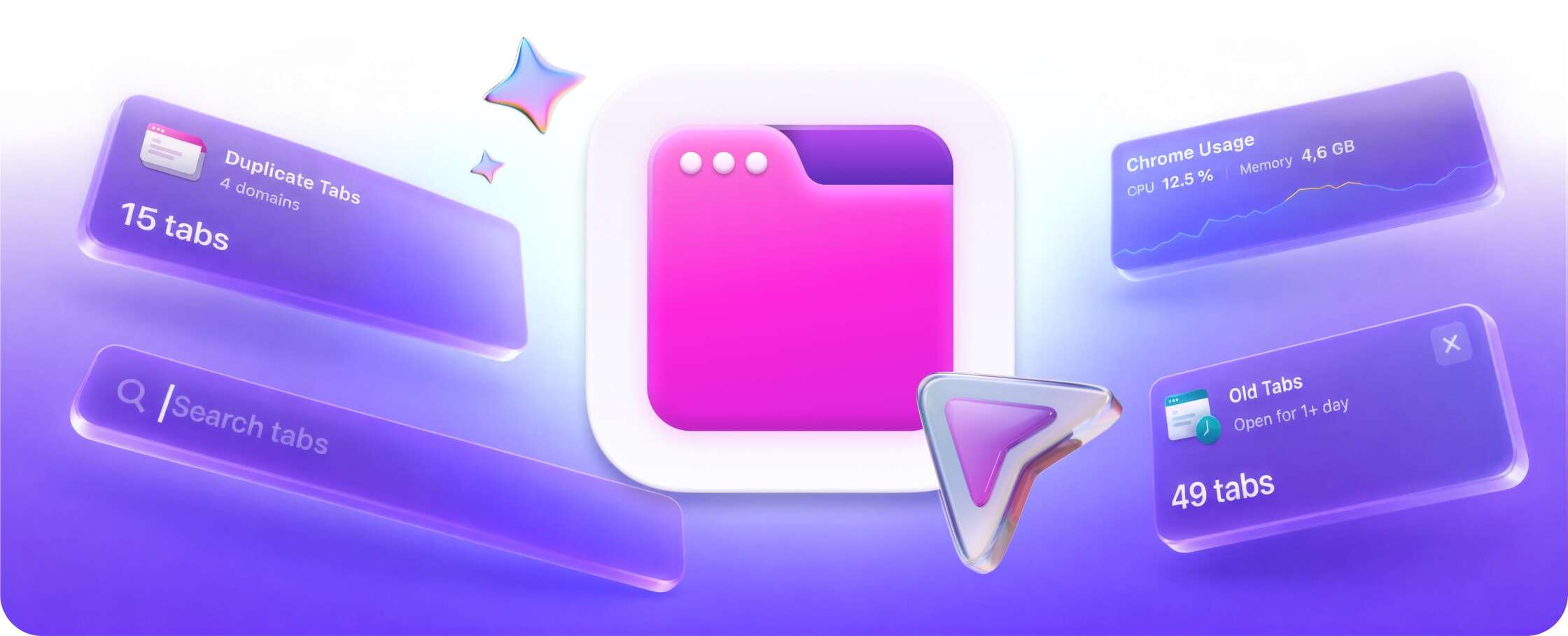
Fifty tabs open, and somehow it’s still faster to Google that page again. Browser Care gives you a tidier workspace, so Chrome feels lighter — and the work that matters stays within reach.

Keep heavy tabs from slowing everything down
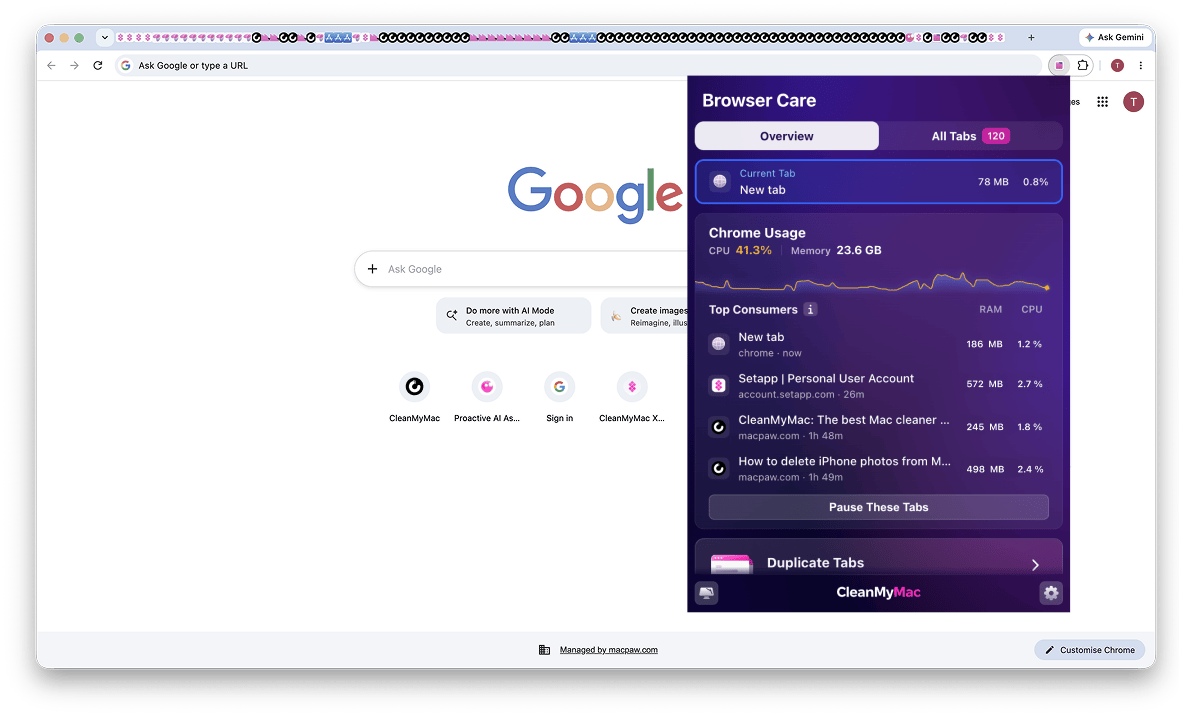
When Chrome starts dragging, you shouldn’t have to play guess-the-tab. Browser Care shows your five most demanding tabs and tracks their memory use in real time. Pause them all or choose individual tabs to free up system resources.
Spot duplicate tabs before they pile up
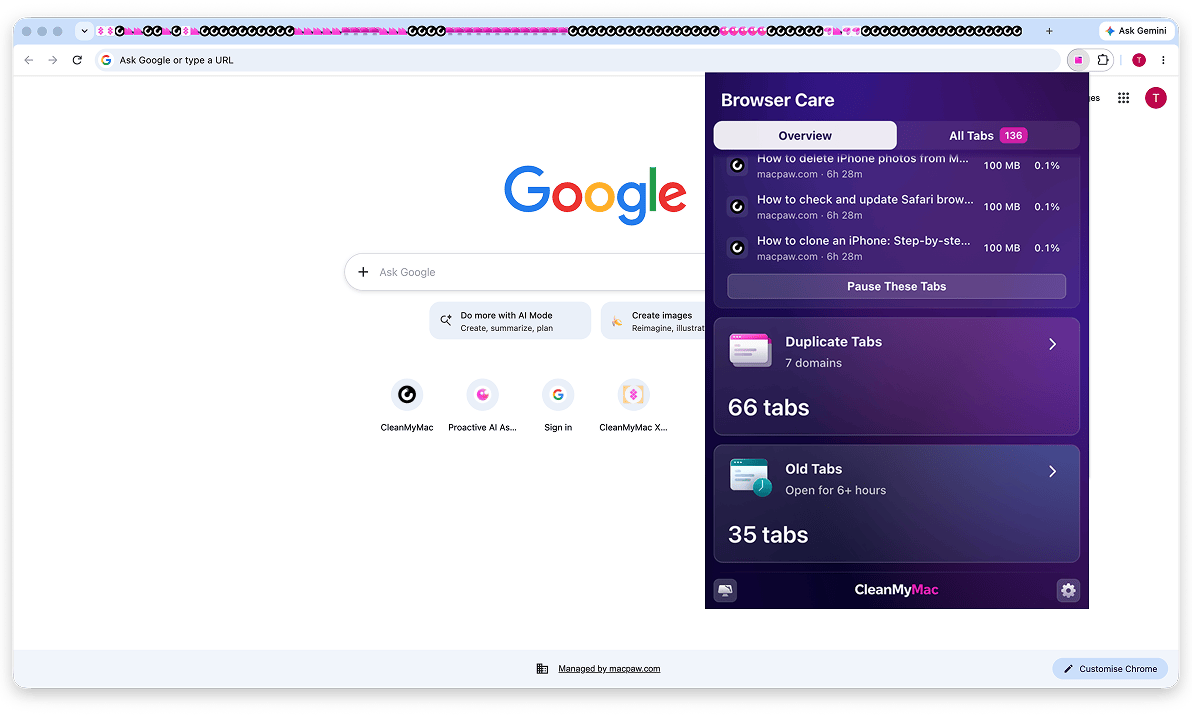
A busy week in Chrome can leave you with three copies of the same page and tabs you don’t even remember opening. Browser Care finds duplicates across every window and surfaces tabs untouched for hours or days. One click, and they’re out of the way.
Make a crowded Chrome easy to navigate
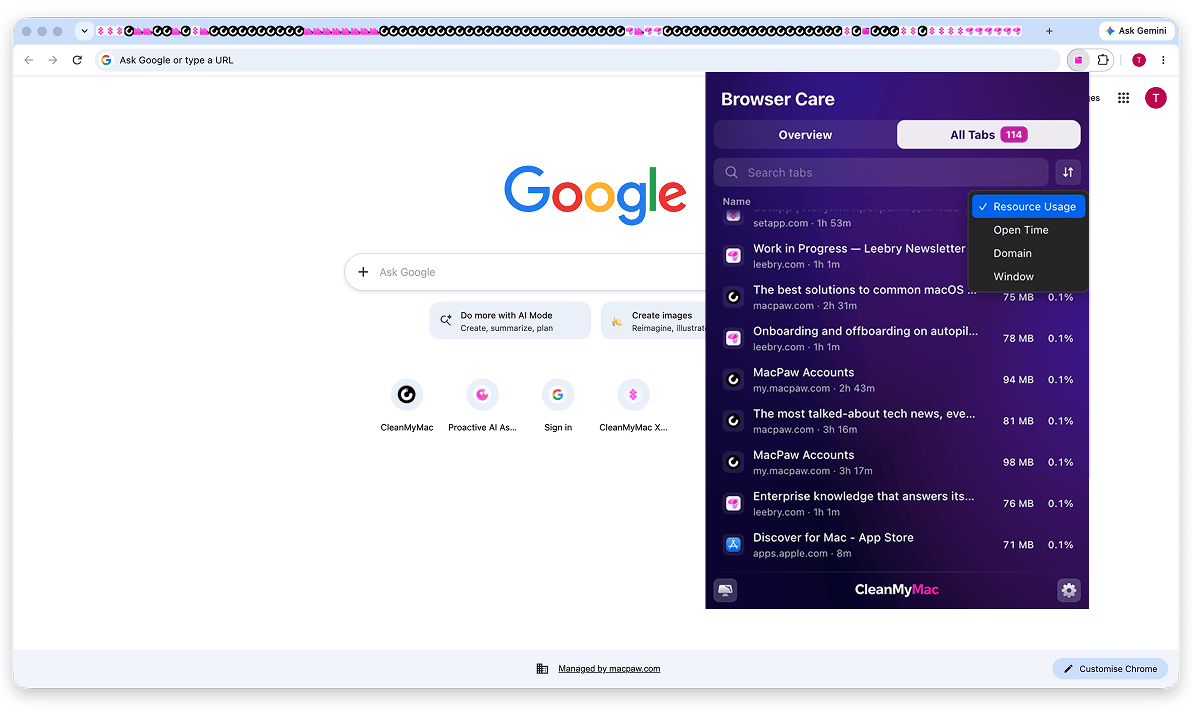
Instead of jumping between windows, see every open tab in one searchable vertical list. Sort by memory use, time open, website, or window, and find the right page before you lose your train of thought.
Get Browser Care with CleanMyMac
Alongside 25+ tools for cleaning, protecting, and speeding up your Mac.


Three steps to a lighter browser
-
Step 1
Start your free 7-day CleanMyMac trial
Browser Care is included with your plan.

-
Step 2
Find Browser Care in My Tools
Add the extension to Google Chrome in a few clicks.

-
Step 3
Get your Chrome tabs under control
Pause memory-heavy tabs, clear duplicates, and find open pages faster.
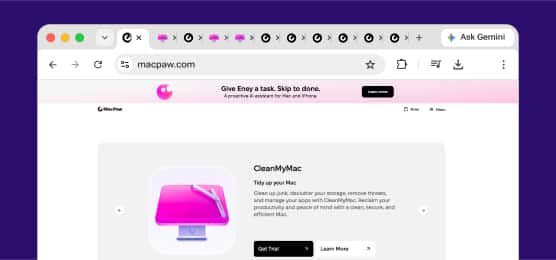
More ways to enjoy a tidier Mac
-
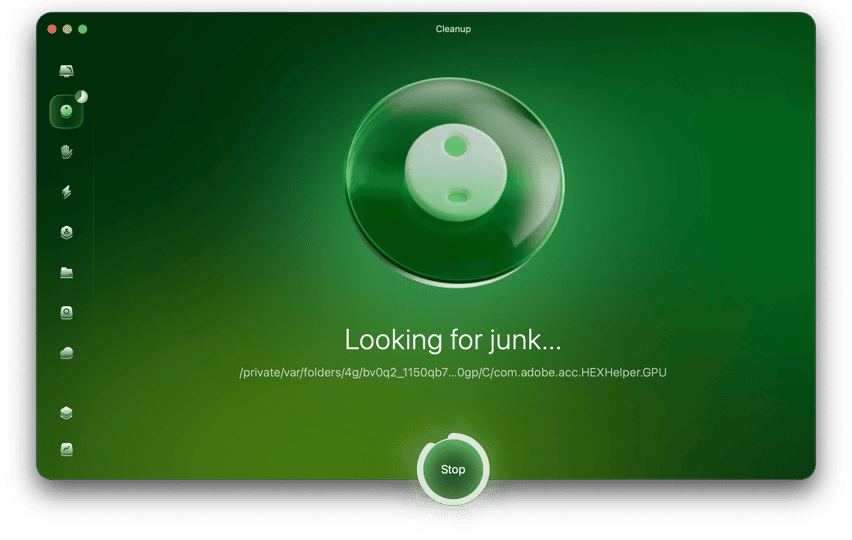
Clear clutter across your Mac
Give your whole digital workspace more room to breathe. See exactly what’s taking up space, find clutter you can safely remove, and clear duplicate files without digging through folders.
Explore Mac Cleanup -
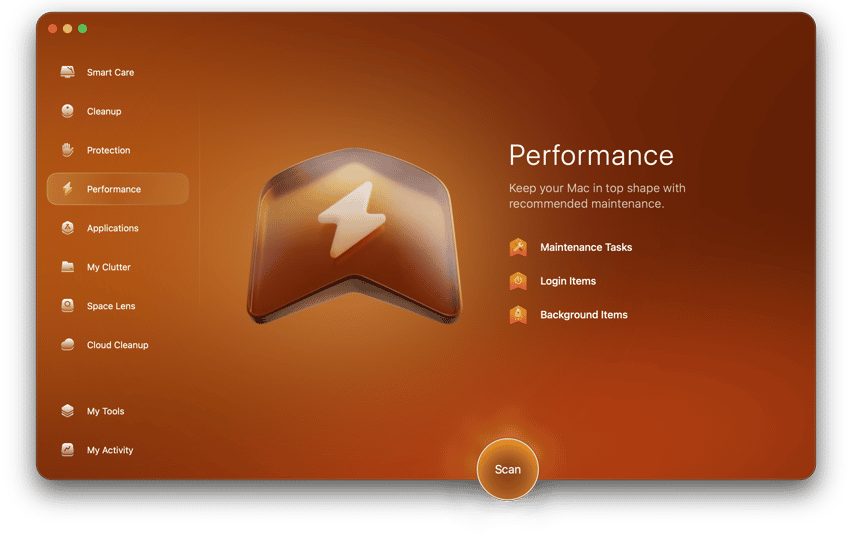
Give your Mac a speed boost
A slow Mac can turn a focused hour into an afternoon of waiting. CleanMyMac helps you manage background items, run maintenance tasks, and get everything moving smoothly again.
Speed up your Mac
CleanMyMac speaks:
-

-

-

-

-

-

-

-

-

-

-

-

Industry experts talk about CleanMyMac
-

Of all the utilities that can keep a Mac tidy and with space to spare, CleanMyMac is the best, without a doubt.
-

With CleanMyMac, you know you’re getting comprehensive coverage for your machine.
-

There are lots of cleanup apps available that claim to speed up your Mac… however, few of those cleanup apps are as comprehensive as CleanMyMac from MacPaw.
FAQ
Browser Care is a Chrome extension that helps you manage open tabs and spot the ones using the most memory. Pause demanding tabs, clear duplicates or inactive tabs, and find your open pages in one list.
1. Start your free CleanMyMac trial here.
2. Open CleanMyMac, go to My Tools, and find Browser Care.
3. Add it to Google Chrome as a web extension, and start organizing your tabs.
Browser Care is included with every active CleanMyMac plan, and you can try it free for 7 days.
Absolutely. Browser Care shows your five most demanding tabs and tracks their memory use in real time. You can pause them all at once or pick individual tabs to free up system resources.
No. Page titles, web addresses, and content stay strictly on your Mac. Browser Care doesn’t track your browsing history or activity, or share it with third parties.
At the moment, the Browser Care tab manager supports only Google Chrome. Safari support is planned for the future.
Subscribe to know first
Check your inbox and confirm your subscription.
One last click and you’re all set.