The only Mac cleanup tool you’ll ever need
CleanMyMac is a Mac cleanup software that quickly removes system junk, duplicates, and other clutter, slowing your Mac down. The result? A Mac that feels fast and clutter-free again.
All your Mac cleaning in one place
There’s so much to clean on your Mac, and CleanMyMac takes care of it all. Learn more about all the things it does below.



One-button Smart Care
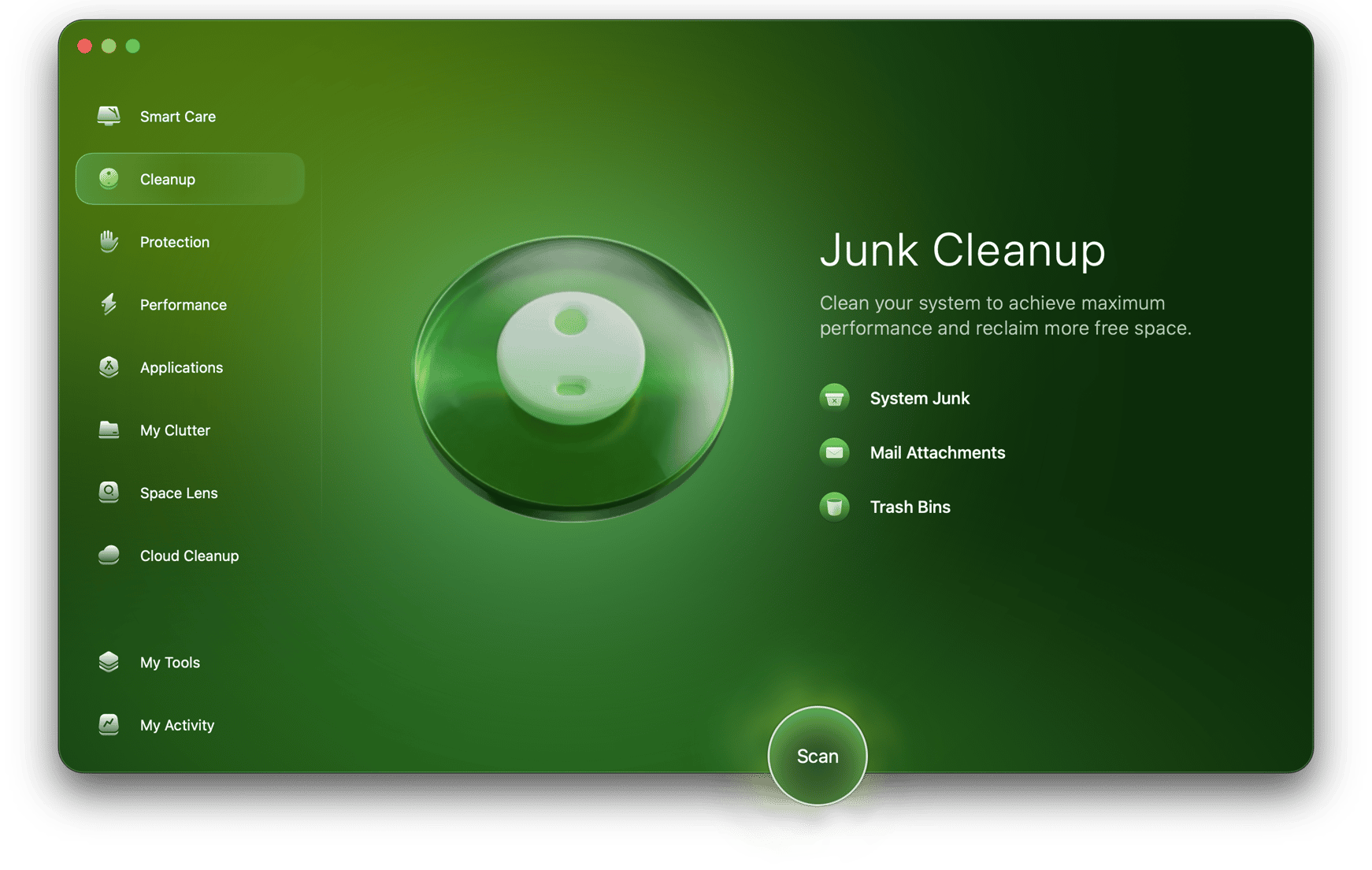
Even though there are no magic buttons in life, Smart Care really does a lot in one click. It cleans your Mac, searches for malware, updates apps, and speeds up your system. Use Smart Care as a starting point for optimization of your system and removing potential vulnerabilities.

Rocket-fast Mac cleanup
The CleanMyMac’s scanning algorithm is unbelievably fast. It analyzes everything on your drive folder by folder, collecting items it can securely delete. For your safety, CleanMyMac will always ask your permission before deleting things. Cleaning your Mac now literally takes a few seconds.
Macs are better without system junk
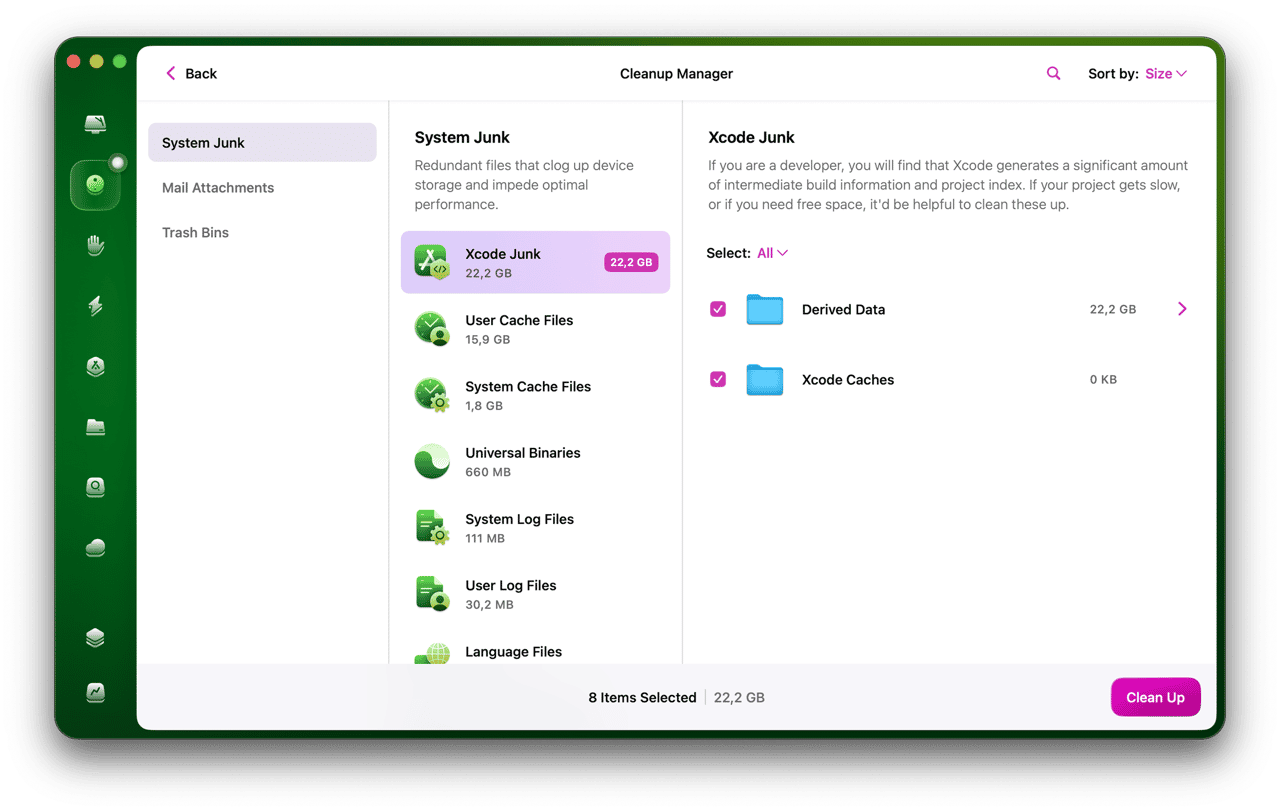
Every Mac contains gigabytes of clutter that’s buried down in system folders. It’s called system junk: caches, broken app data, backups, extra localizations that are now nothing but dead weight. CleanMyMac wipes them away with the speed of a laser.
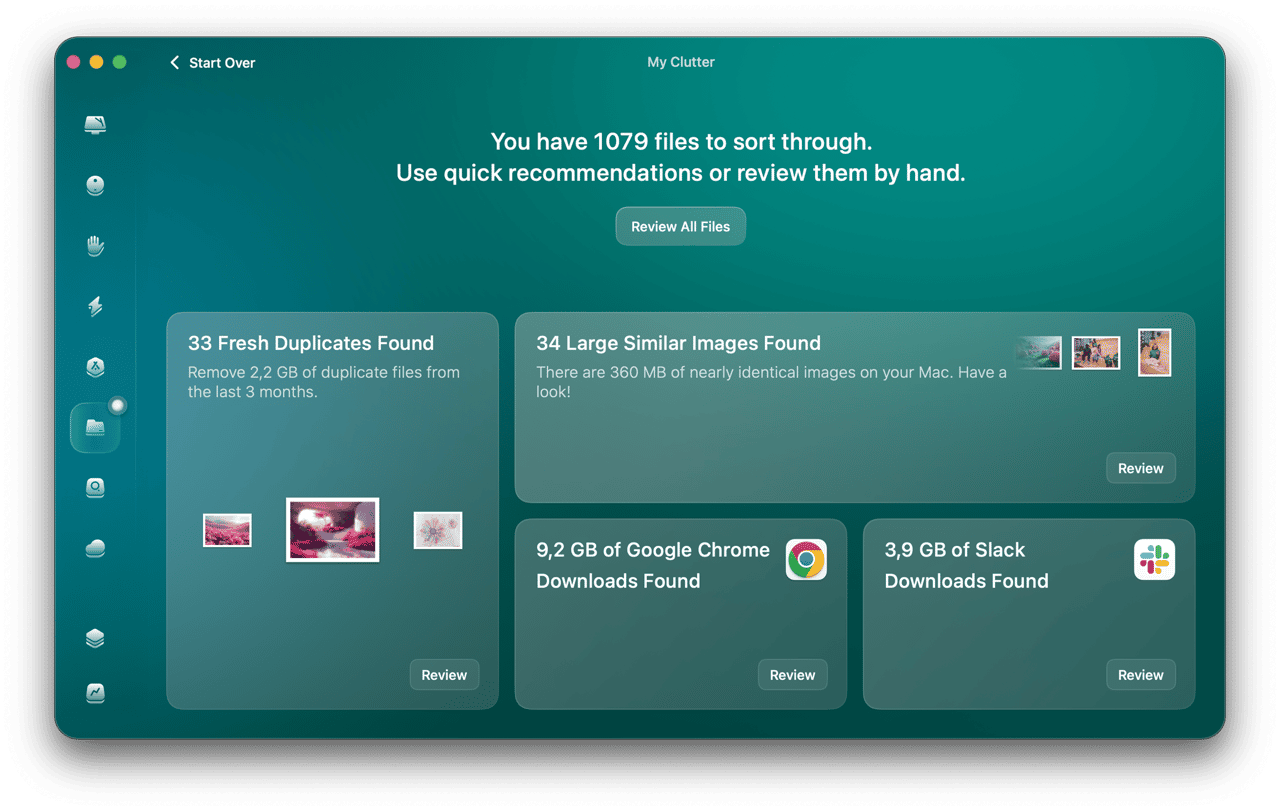
Sort out your duplicate files
CleanMyMac uses an advanced algorithm to locate duplicate files and similar images scattered across your Mac. These copies waste valuable space, so review and remove them with ease. Get your storage back instantly.
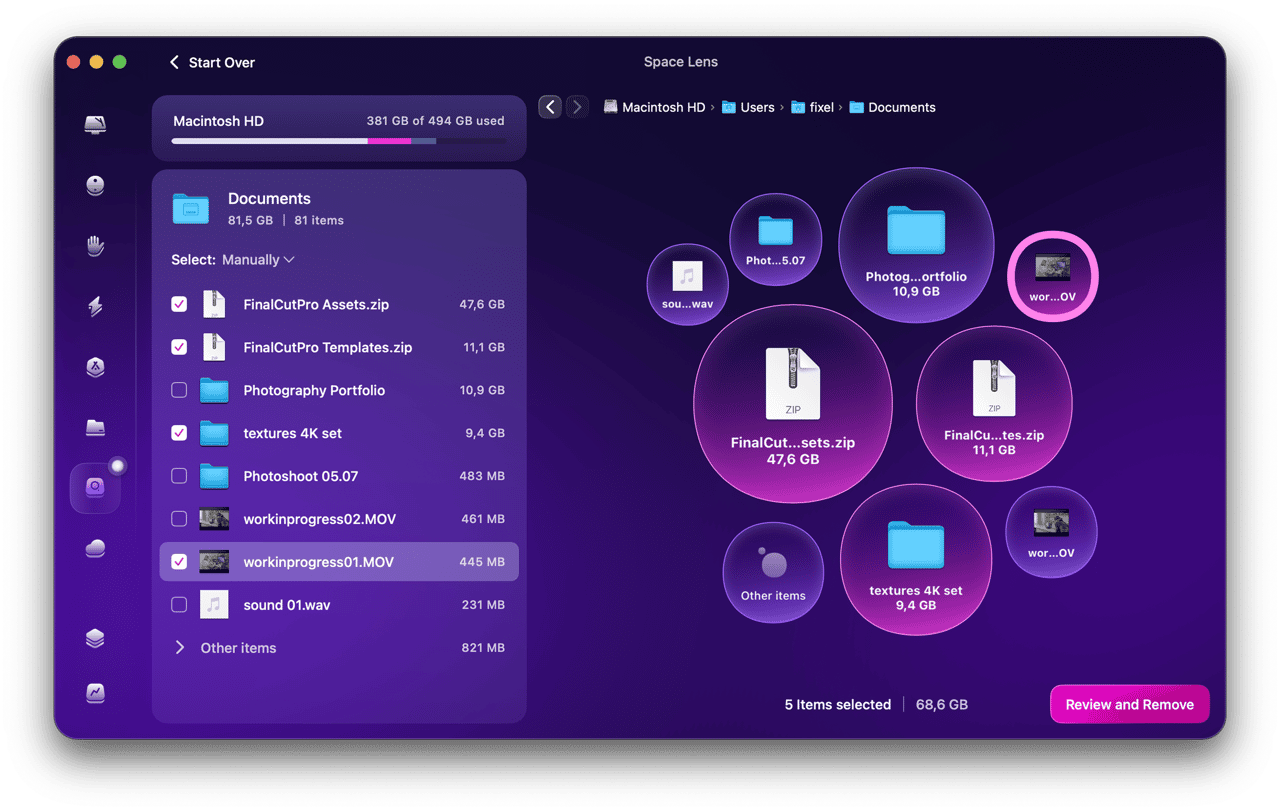
Visualize your storage space
With Space Lens, CleanMyMac turns your storage into an interactive map. It sorts folders by size, making it easy to spot what’s taking up space. Explore every folder, uncover hidden files, and remove unnecessary items to keep your storage under control.

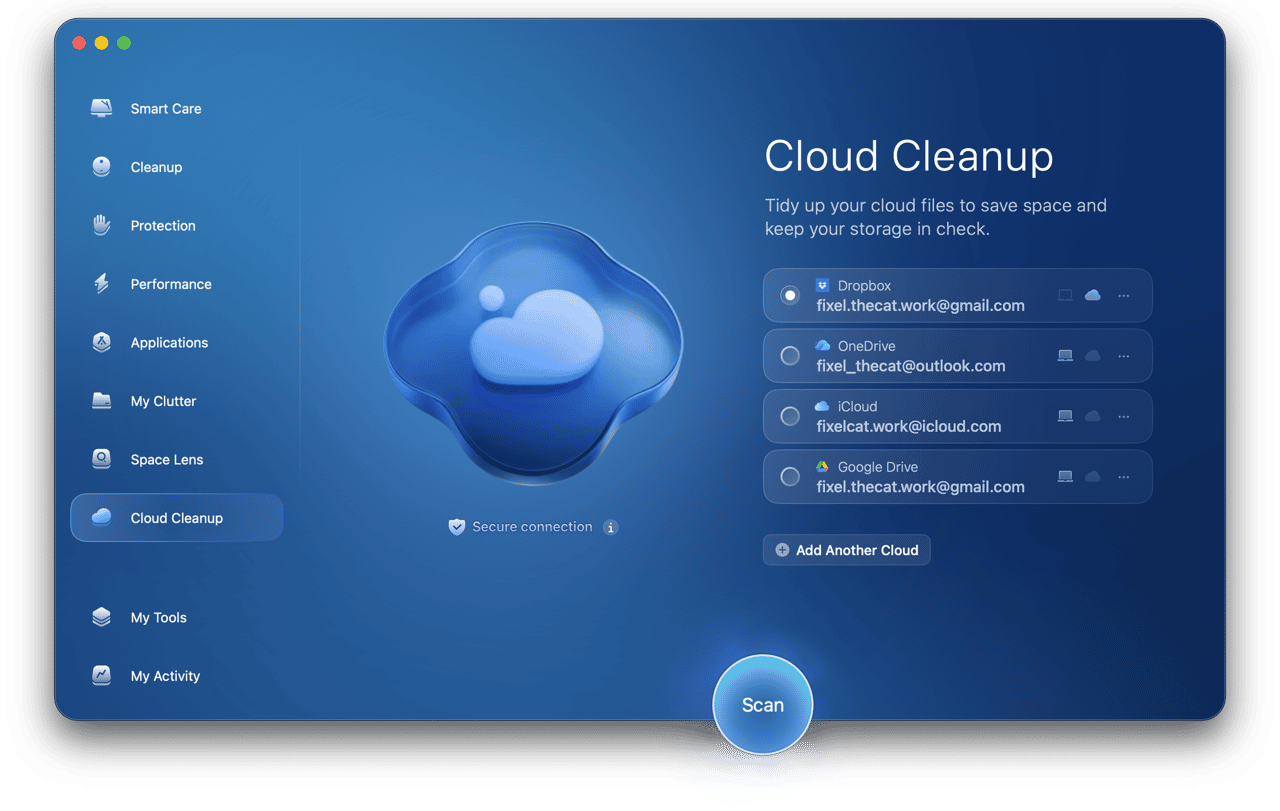
Declutter your cloud with ease
When your cloud storage fills up, it’s usually not because you’re out of space — it’s because you’re storing things you no longer need. Connect to iCloud Drive, Microsoft OneDrive, Dropbox, and Google Drive to review and remove synced files and folders with ease. Get more from your storage before buying more.
Learn more about Cloud CleanupiCloud Drive is a registered trademark of Apple Inc. Google Drive is a registered trademark of Google Inc. Dropbox is a registered trademark of Dropbox Inc. Microsoft OneDrive is a registered trademark of the Microsoft group of companies. The use of these trademarks does not imply any affiliation with, endorsement by, or sponsorship by their respective owners.
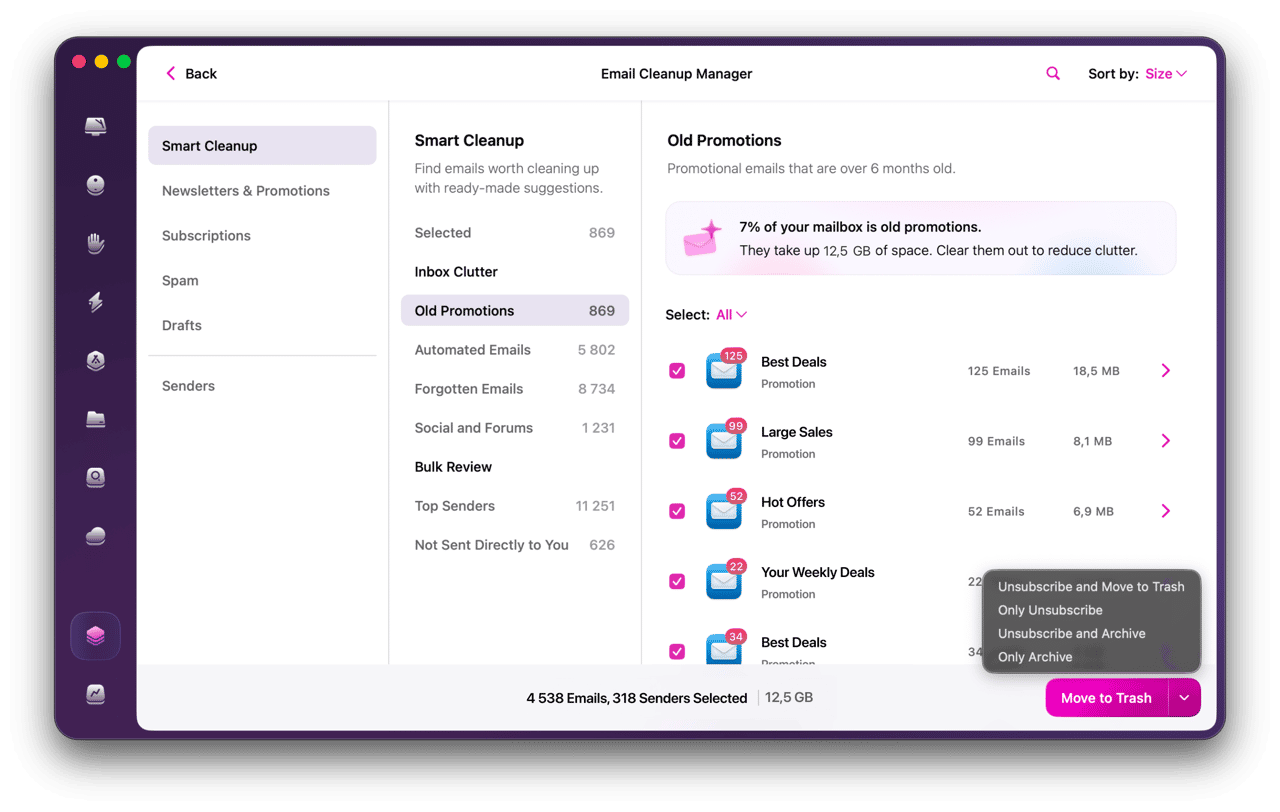
Sweep away the inbox noise
Newsletters, promos, spam, old drafts, and large attachments can pile up fast. CleanMyMac groups years of Gmail clutter so you can clear unwanted emails in bulk, unsubscribe from newsletters, and free up valuable storage — all while staying in control of what goes.
Learn more about Email CleanupMore ways to keep your Mac in great shape
-

Detect and remove threats early
A truly healthy Mac isn’t just free of clutter, it’s free of threats too. CleanMyMac protects against malware, viruses, and adware, and keeps your personal data safe.
Protect your Mac -

Speed up everyday Mac tasks
Space cleared is a good start. CleanMyMac takes it further by optimizing memory, managing startup items, and helping your Mac stay responsive throughout the day.
Explore Performance tools -

Bring order to your tabs
Dozens of open tabs slow down your Mac and your work. CleanMyMac finds duplicate, forgotten, and heavy Chrome tabs so you can get back to a lighter workspace.
Discover Browser Care
CleanMyMac speaks:
-

-

-

-

-

-

-

-

-

-

-

-

Industry experts talk about CleanMyMac
-

Of all the utilities that can keep a Mac tidy and with space to spare, CleanMyMac is the best, without a doubt.
-

I was impressed with the volume of files it identified that I could summarily delete. You can tune up your Mac by clearing caches and other unnecessary files taking up your storage…
-

CleanMyMac is a powerful utility app for your Mac designed to keep your system ‘clean’ as the name suggests, ultimately resulting in an even faster Mac.
-

With CleanMyMac, you know you’re getting comprehensive coverage for your machine.
-

There are lots of cleanup apps available that claim to speed up your Mac… however, few of those cleanup apps are as comprehensive as CleanMyMac from MacPaw.
Subscribe to know first
Check your inbox and confirm your subscription.
One last click and you’re all set.