Your email cleaner for an overloaded inbox
Turn years of Gmail clutter into an inbox you can manage again. Clean up in bulk, unsubscribe from newsletters, and reclaim shared Google storage in one place.

Deal with thousands of emails without thousands of decisions
Years of email shouldn’t mean hours of cleanup. Spend less time sorting through what doesn’t matter and get back to an inbox that helps you get things done.


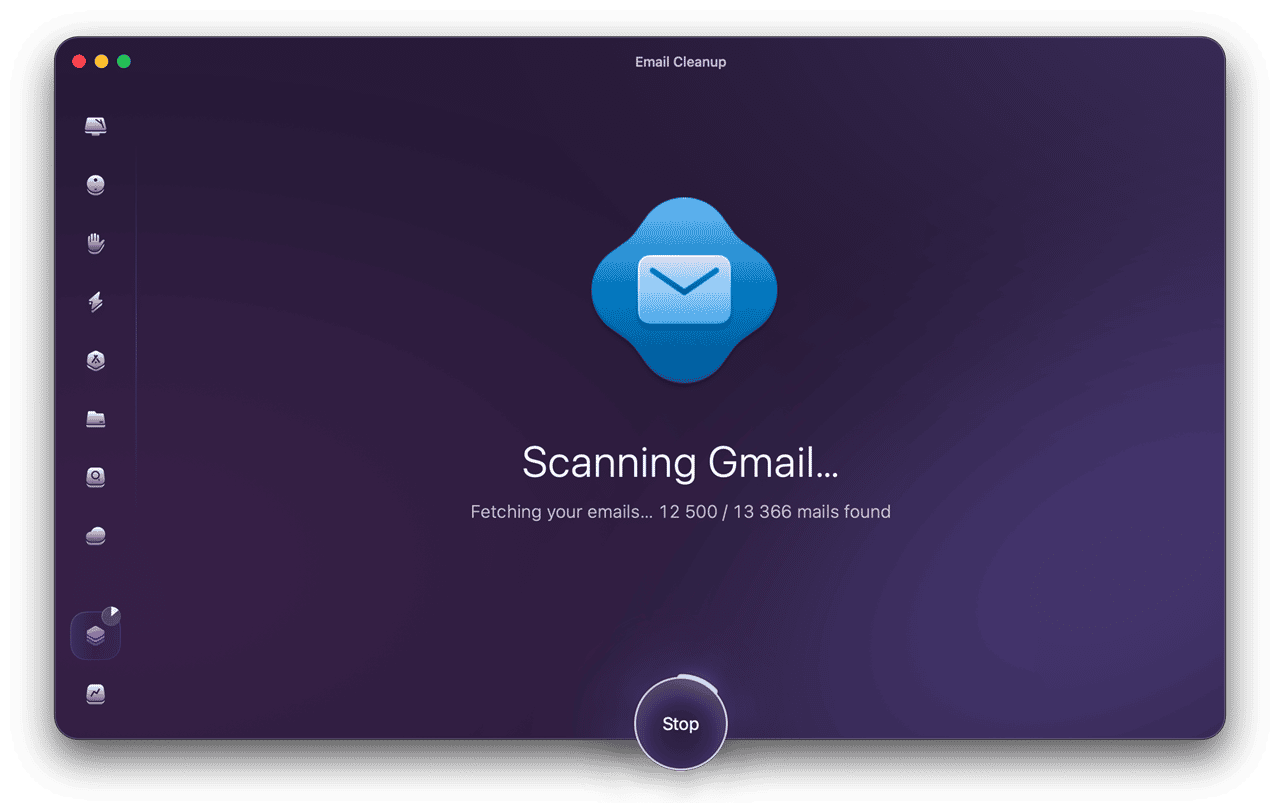
Clear piled-up email in one go
See years of email grouped by year, type, or sender instead of one endless list. Clear messages in bulk, archive what you need, or unsubscribe from unwanted senders — all from one clear view.
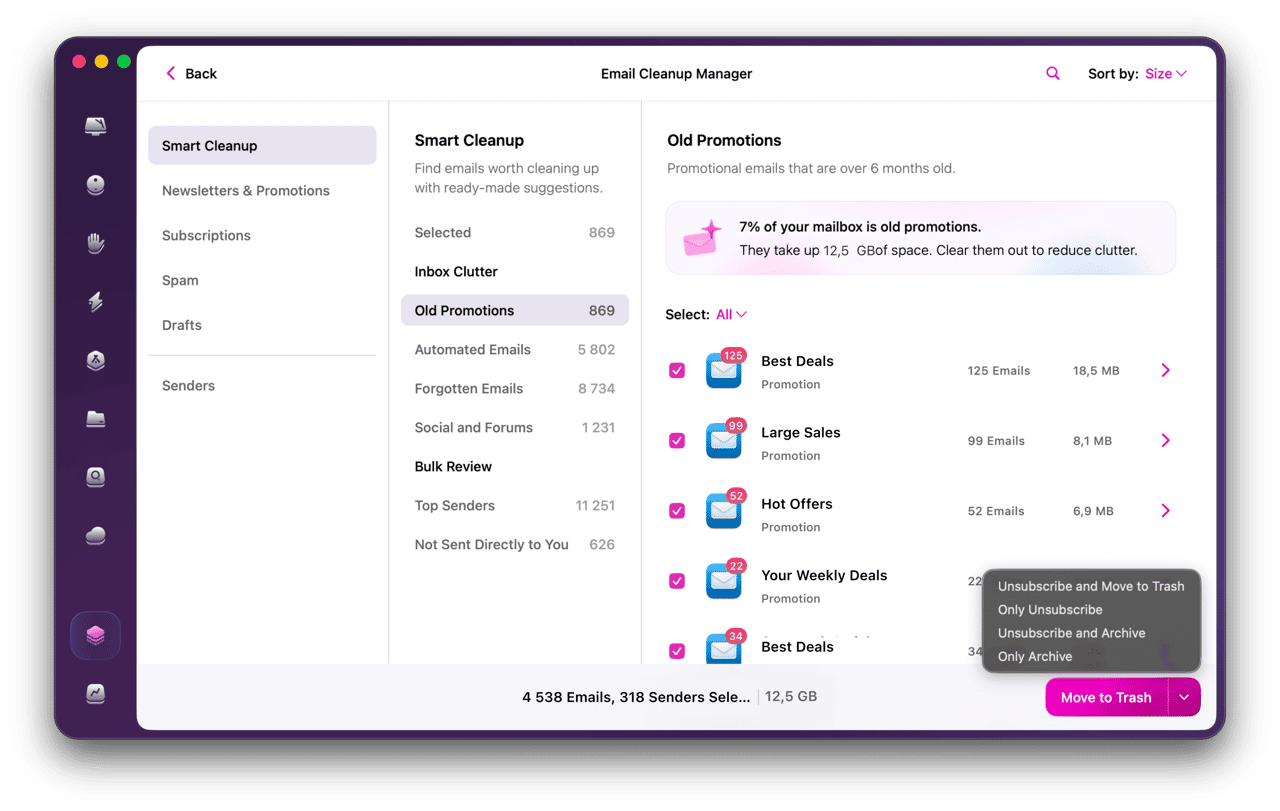
See what’s worth cleaning first
Going through your inbox with a fine-tooth comb? That could take a while. Smart cleanup suggestions give you a head start, grouping old promos, forgotten messages, automated mail, and storage-heavy emails for easy review.
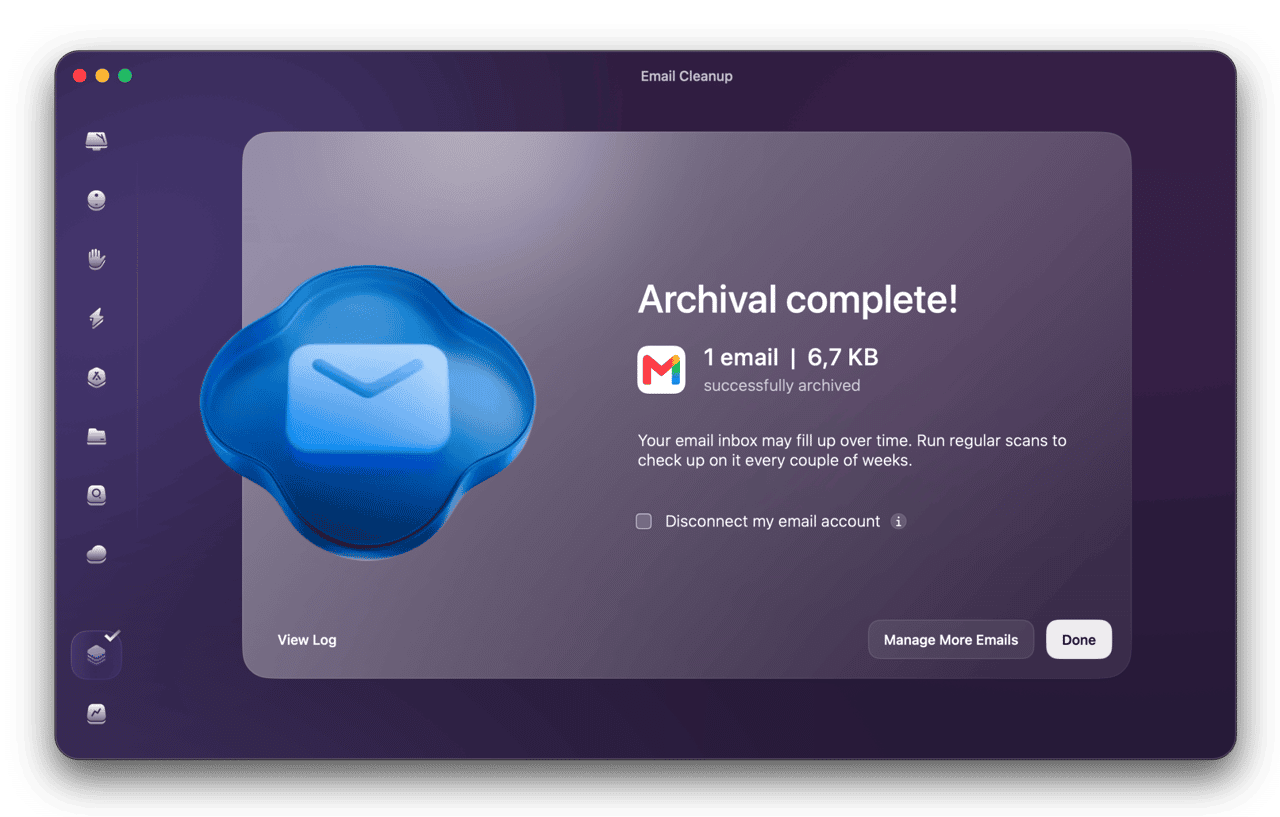
Turn old attachments into free space
Don’t wait until you’re bumping up against your storage limit. Find the biggest email attachments and clear them out to reclaim some of the 15 GB shared across Gmail, Drive, and Photos.
One app for a lot less digital clutter
From a crowded inbox to a nearly full Mac, CleanMyMac gives you 25+ tools to get things back in shape.


Start cleaning in a few steps
-
Step 1
Connect your email account
Add one or more Gmail accounts to get started.

-
Step 2
Scan your inbox
Email Cleanup organizes years of email for easy review.

-
Step 3
Review and clean
See what’s piled up, delete or unsubscribe in bulk.

More room for what matters
-

Reclaim space on your Mac
Give your Mac drive a quick clear-out and remove system clutter you don’t need. On average, users reclaim 5.5 GB on their first scan.
Free up Mac space -

Put your cloud storage to better use
Find old and forgotten files across your cloud accounts. Clean up iCloud, Google Drive, Dropbox, and OneDrive — before paying for more storage.
Clear cloud storage -

Put your browser tabs in order
Tired of way too many tabs? Spot the pages you no longer need and get Chrome back to a tidier, smoother workspace.
Explore Browser Care
CleanMyMac speaks:
-

-

-

-

-

-

-

-

-

-

-

-

Industry experts talk about CleanMyMac
-

Of all the utilities that can keep a Mac tidy and with space to spare, CleanMyMac is the best, without a doubt.
-

With CleanMyMac, you know you’re getting comprehensive coverage for your machine.
-

There are lots of cleanup apps available that claim to speed up your Mac… however, few of those cleanup apps are as comprehensive as CleanMyMac from MacPaw.
Subscribe to know first
Check your inbox and confirm your subscription.
One last click and you’re all set.