

Despite the growth of social media and messaging services as forms of communication, email remains as popular as ever. We all use it, and so we all know the frustration of having an email inbox full of promotional emails, newsletters, and other emails we could do without. On top of that, most of these emails have images and other attachments with them that take up lots of space on your Mac or cloud storage service.
One way to deal with all that clutter is an email cleaner app. These apps work alongside your email client to remove clutter. You carry on using the same client you have always used, while the cleaner app gets rid of the junk in your inbox.
How to choose an email cleaner app for Mac
There are a number of things to consider when you are trying to choose the best email cleaner for you.
- Does it work natively on your Mac or is it a web service?
This is largely a matter of personal preference. Apps that run on your Mac tend to be more flexible in terms of the email accounts they can access and have more features.
- How secure is it?
To use an email cleaner, you need to give it access to the email account you want cleaned. That means it can access messages and attachments. So you should ensure that whatever app you use is trustworthy. All those listed here fall into that category. For example, they connect to Gmail using the standard Google connection protocols, and you can revoke access at any time.
- Does it handle attachments?
Attachments can take up gigabytes of space in cloud storage or on your Mac. A good email cleaner will allow you to remove these and free up space.
- Is there a free trial?
A free trial will allow you to give the service a go and find out if it meets your needs before you spend any money.
The best email cleaner apps for Mac
1. CleanMyMac
Price: From $3.33/mo (free trial)
Best for: Anyone who wants a Mac-native email cleaner and attachment remover
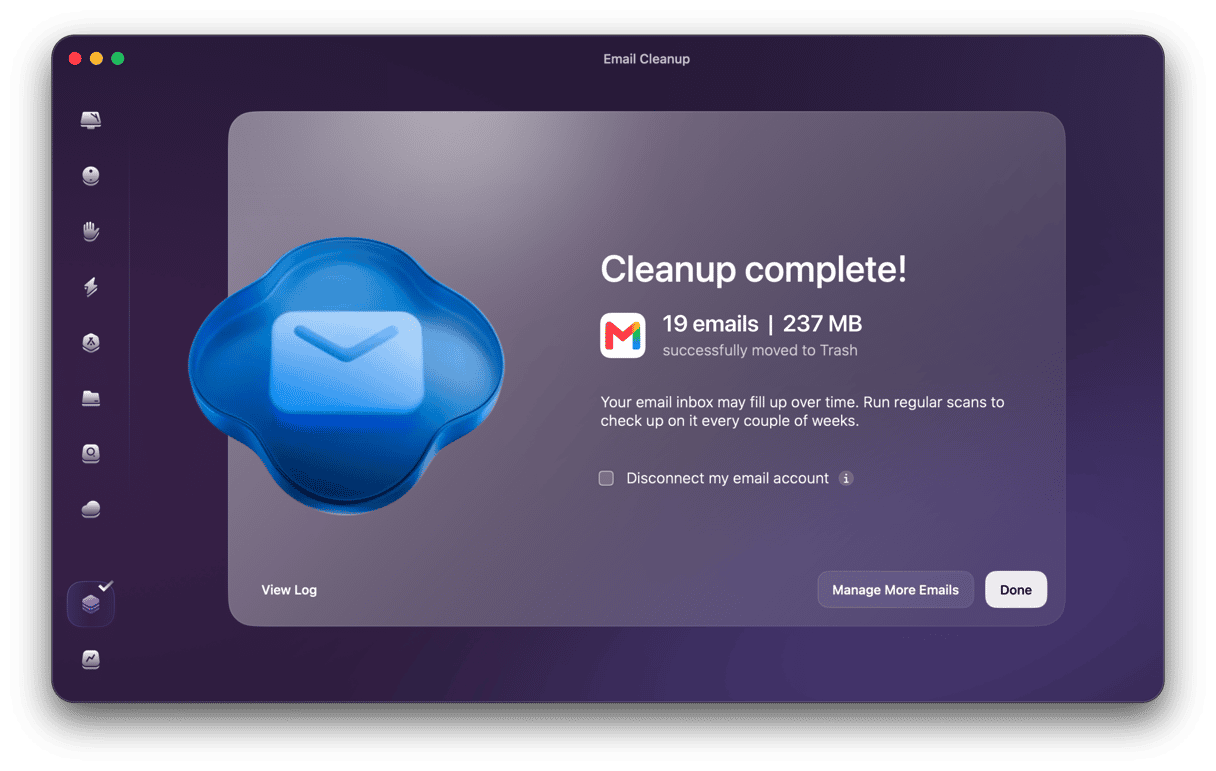
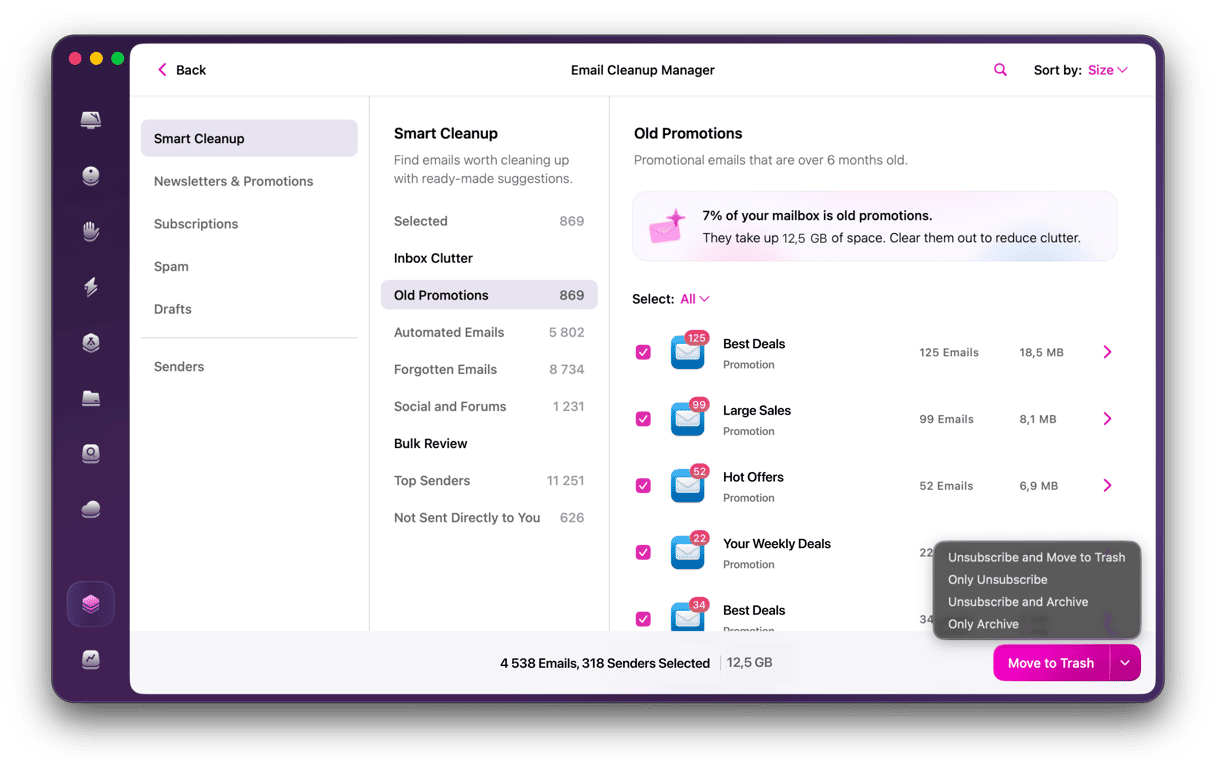
CleanMyMac differs from other tools on this list because it’s a native Mac app. It can also clear out all those attachments that are taking up space on your Mac and in cloud storage. And if that’s not enough, it has a bunch of other features for clearing the junk from your Mac, keeping it running smoothly and safe from malware.
2. Clean Email
Price: From ~$9.99/month
Best for: Bulk inbox management; auto-inbox rules
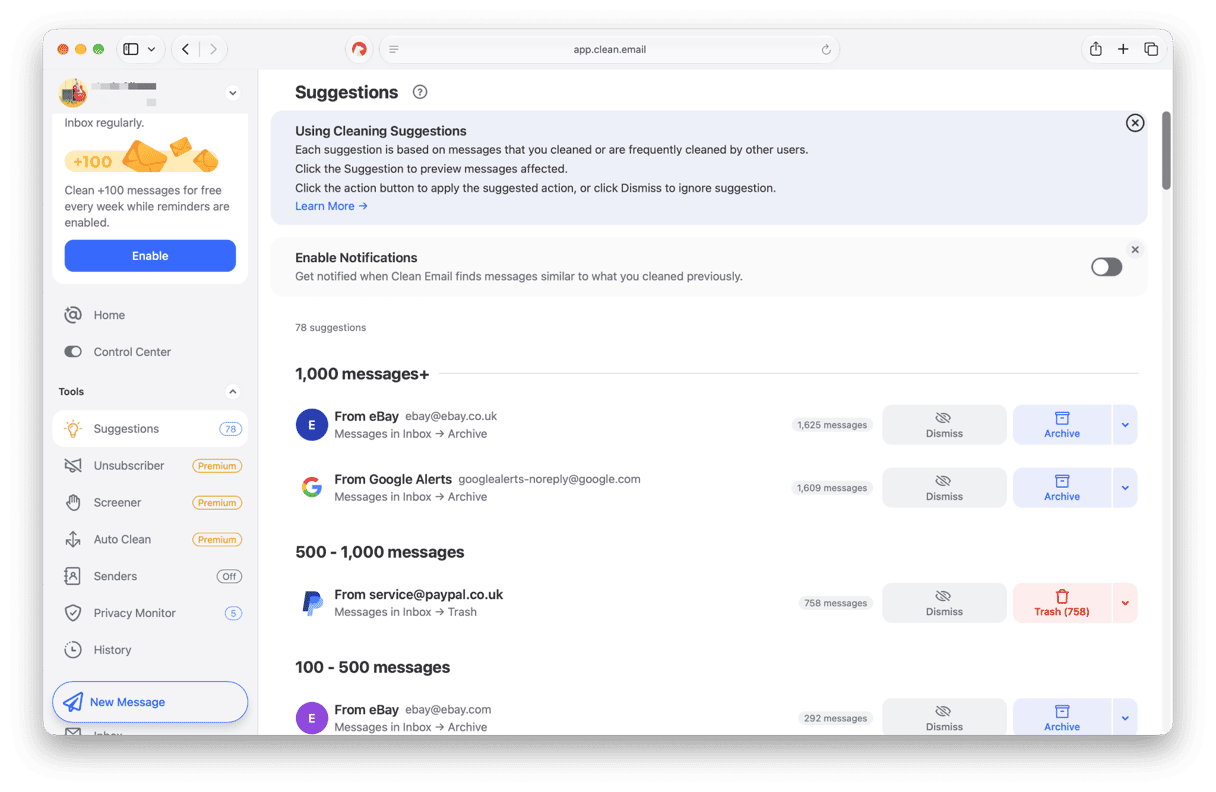
Clean Email has a friendly and clear user interface and a bunch of useful tools, like the ability to screen email as it arrives and hold it outside your inbox until you confirm you want it. It also has an auto-unsubscribe tool, and you can create rules to label messages that meet criteria you specify.
3. Mailstrom
Price: $59.95/year
Best for: Power users; deep grouping by sender, size, age
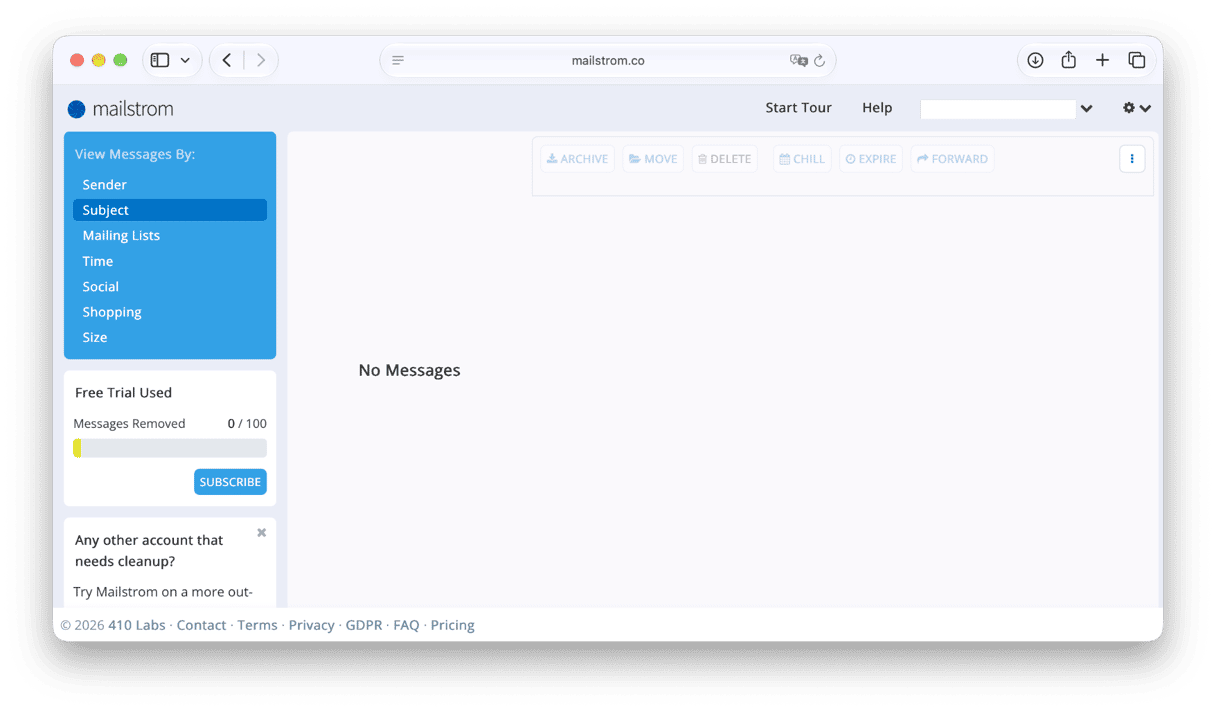
Mailstrom works by analyzing the metadata in email headers and uses that to put them into categories. You can then select a category, such as the type of email, the sender, or the frequency with which you receive the emails, and choose what to do with all the emails in that category in one batch. You can also create rules to deal with emails automatically and unsubscribe from newsletters and promotional emails.
4. Cleanfox
Price: Free (monetizes anonymized data extracted from some emails)
Best for: Free option; eco-conscious angle; unsubscribe focus
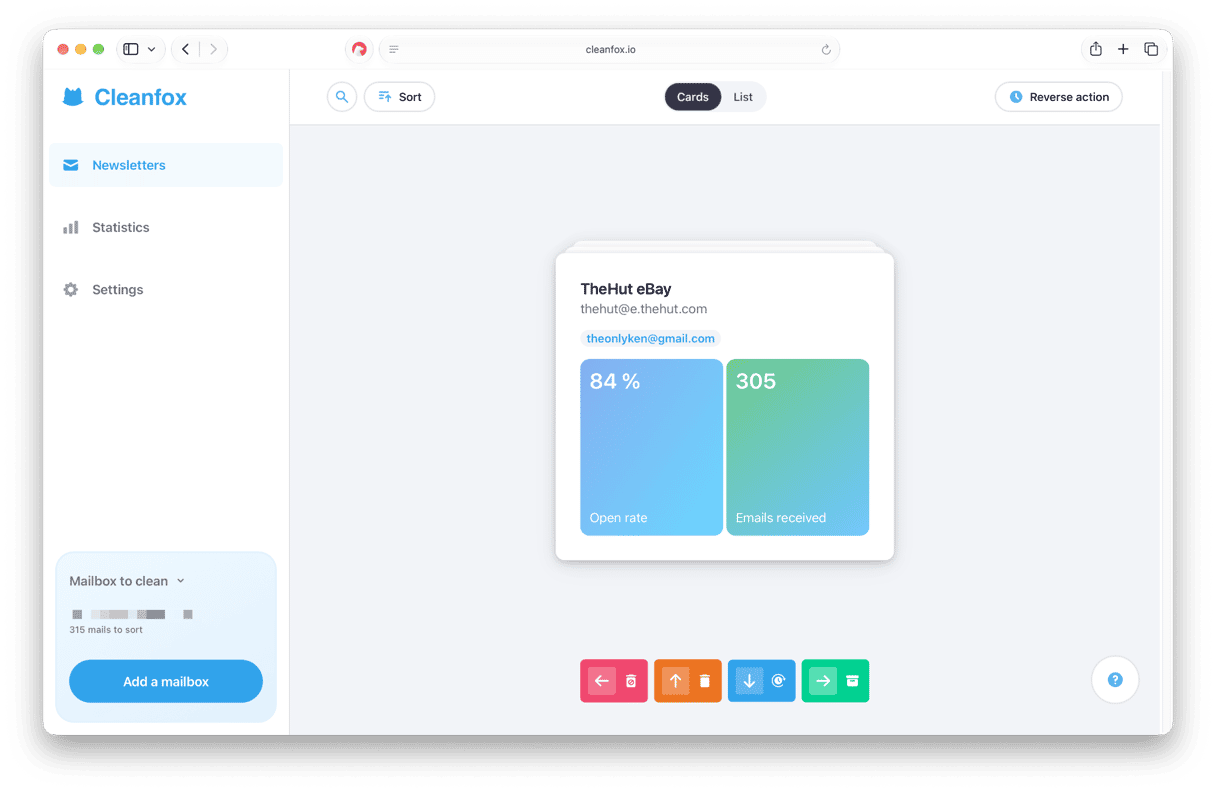
Cleanfox stands out from the rest of the tools on this list for two reasons: it’s completely free to use, and it shows you the CO2 emissions you’ve prevented as a result of cleaning up your email. It scans your email inbox and identifies commercial emails and displays them in a dashboard by sender. You can then mass delete emails and unsubscribe from future messages.
5. Leave Me Alone
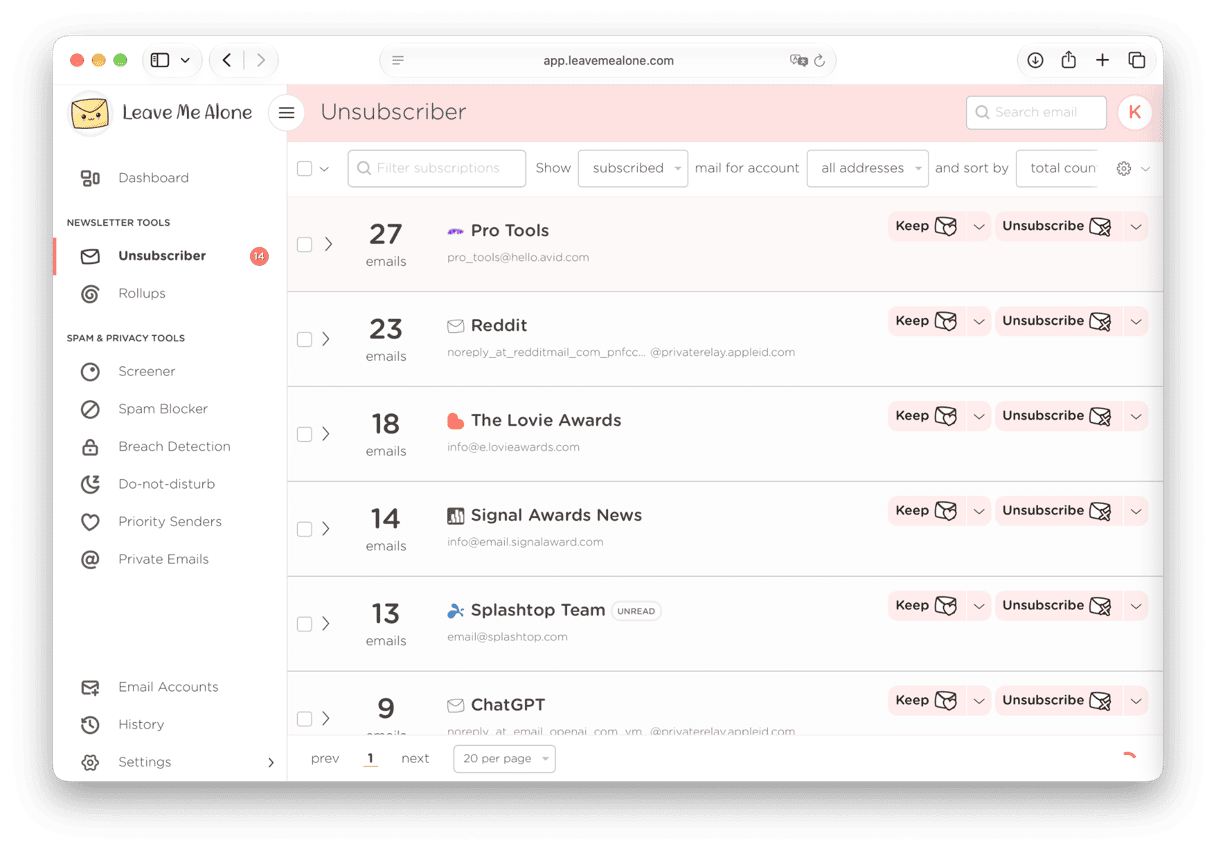
Price: From $19 for a seven-day pass to $64/year for unlimited use
Best for: Bulk unsubscribe; pay-per-use model
Leave Me Alone allows you to mass unsubscribe from promotional emails and newsletters as well as delete those you’ve already received. It also has a few other interesting features, such as the ability to ‘roll up’ the emails you don’t unsubscribe from into a daily or weekly digest, and to block ‘cold’ emails from mass-mailers posing as personal contacts.
6. SaneBox
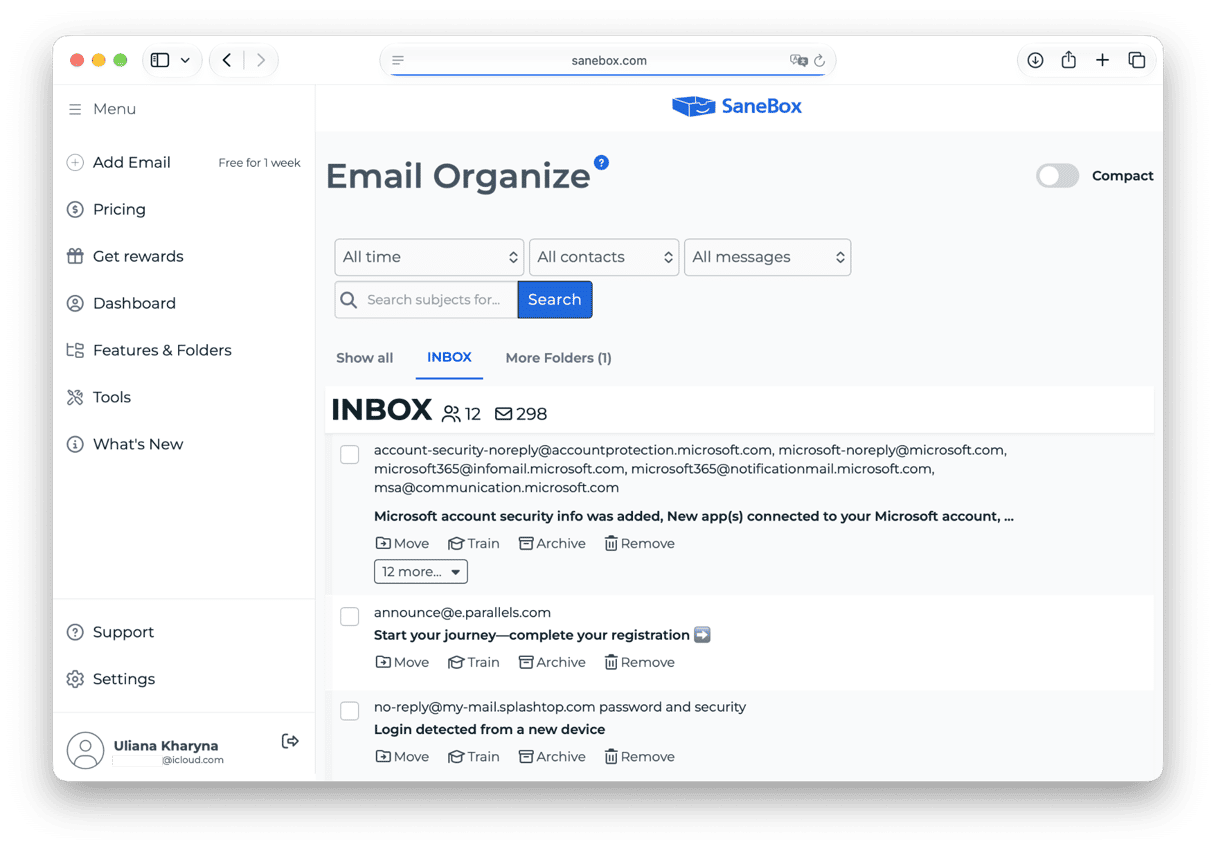
Price: From $7/month
Best for: AI-based email prioritization for power users
SaneBox uses AI to help you unsubscribe from mass emails easily, as well as filter out unimportant messages automatically and put them in the ‘SaneBlackHole’ — a tag that works similarly to Gmail tags. It can also send you a reminder if someone doesn’t reply to your email after a certain amount of time and snooze emails that come in outside working hours.
The winner
CleanMyMac is the clear winner in our round-up of the best email cleaner apps for Mac in 2026. It’s the only native Mac app here. That means it’s the only app that cleans your Mac, not just your email inbox. That’s important because Apple Mail stores attachments locally, and most of us have years’ worth of newsletters, PDFs, images, and zip files piling up silently. CleanMyMac’s Email Cleanup feature finds and removes all of it in one scan. Here’s how to use it:
- Start your free CleanMyMac trial — you can test it for 7 days.
- Open CleanMyMac and choose My Tools > Email Cleanup.
- Connect your email account. Follow the instructions to allow CleanMyMac to access your account.
- Choose Scan and wait for it to finish. You can also choose Review Now to review results as it continues scanning in the background.
- Browse the results.
- Select senders or individual emails to remove, archive, or unsubscribe — confirm every action.
The best email cleaner app for you depends on whether you need a tool that just cleans your email inbox or you want one that cleans your Mac, too. If you just need to clean up your inbox and unsubscribe from emails, any of the tools here will do the job, and the choice then comes down to price and the additional features they offer. If you want a tool that cleans your Mac and gets rid of attachments, as well as your email inbox, CleanMyMac is the only option. And if you need an alternative to built-in Apple Mail, jump to this guide to learn about the best email apps for Mac.
Frequently asked questions
Are email cleaners safe to use?
Yes. All the email cleaning tools listed here connect to your accounts securely and put you in charge of what they can access. You can also revoke access at any time.
Do email cleaners work with all email accounts?
That depends on the tool in question. Most work with the major webmail services, and some also work with any IMAP email account. Web-based services don’t work with POP3 accounts.
Do email cleaners really unsubscribe from promotional emails?
In most cases, yes, but they rely on the email sender respecting an unsubscribe request.