
Thinking about trying ChatGPT alternatives on your Mac? New apps and tools seem to be popping up daily, and I don’t know about you, but I've been feeling a bit overwhelmed by it all. The thing is, not every tool is built for macOS; yes, some have a dedicated Mac app, most run in your browser, and a few let you run AI models locally.
ChatGPT feels like a go-to, but there are some other great options too, depending on what you’re looking for (Price, integrations, and even privacy concerns).
I’ve tested and reviewed my absolute favorites that I think are genuinely worth trying in 2026, including Claude for writing, Google Gemini, Perplexity for research, and Ollama for local AI. I’ll also show you a couple of free options and how to download them safely.
What to look for in a ChatGPT alternative on Mac
There’s honestly a vast ocean of alternatives to ChatGPT, but before you download another AI assistant, you probably need to ask yourself: what do you really need it for? Because something that’s great at writing probably isn’t going to work so well for coding.
If you want to find the right tool for the job, first ask, how will it work with your current machine? Does it have a dedicated macOS app, or will you need to use it in your browser? Then I’d look into Apple Silicon performance, because if you do want to run AI locally, it needs to support your Mac's chip, and don’t forget to look into how much memory it needs. Privacy is another big deciding factor, and it should be on everyone's checklist, does it process your conversations online or locally? And can you control if your data is used for training? Then there's cost to consider. Is it free or paid? Are there limitations in free or paid tiers? Don’t forget to look into integrations, too, does it work with the apps you already use or coding tools?
The best ChatGPT alternatives for Mac
So, in my opinion, these are six of the best ChatGPT alternatives out there in 2026.
1. Claude for Writing and document work
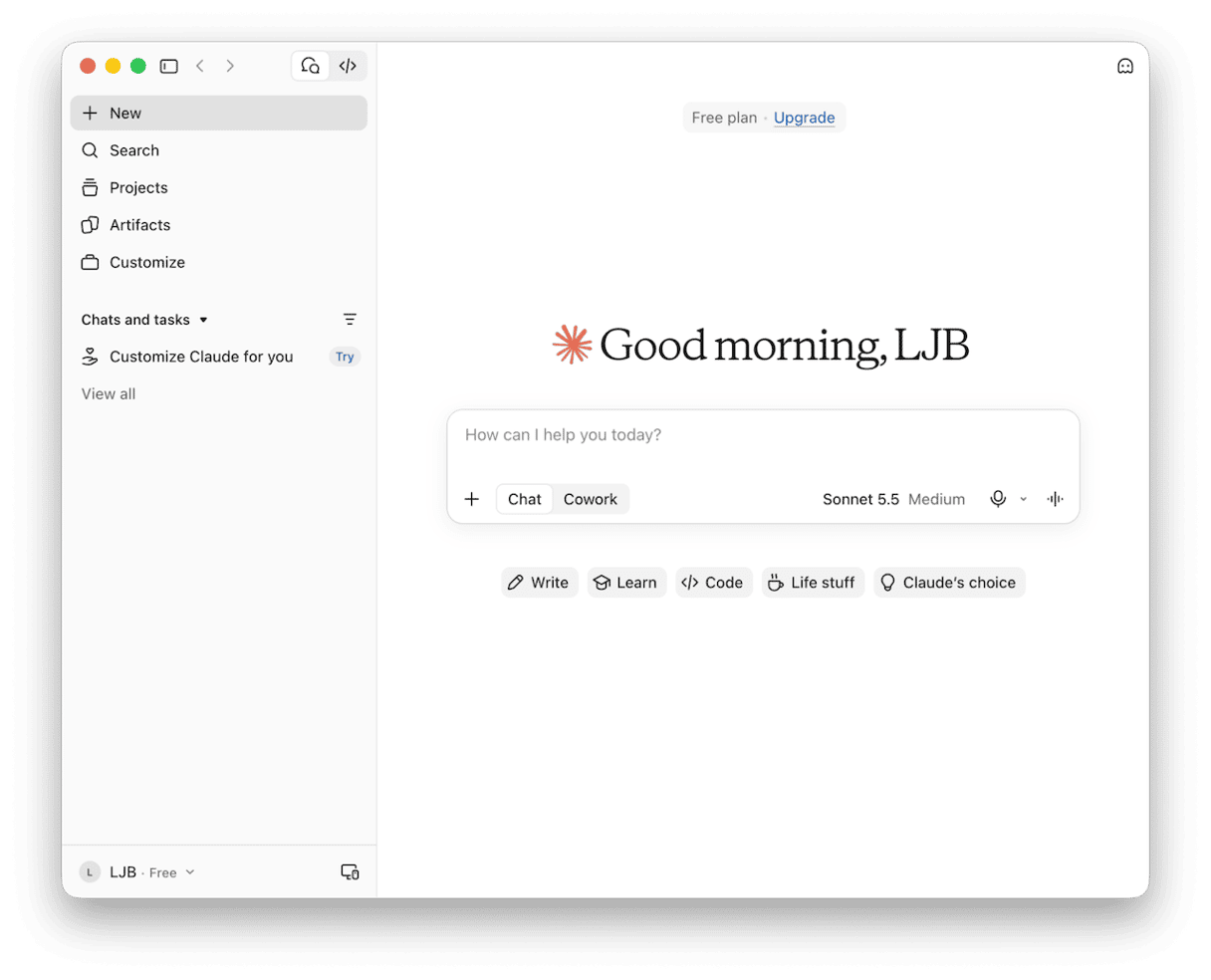
Probably won’t come as a surprise to many of you to see Claude at the top of my list. Once you’ve tried it, you might never go back to ChatGPT (it’s that good). For anyone who's working directly with drafting, editing, or even analyzing documents, and complex brainstorming, it’s a great tool. It has a dedicated Mac app too and a free tier. Also, on install, you get the option to immediately turn off how your chats are used for training the model, so there’s no hunting for this in settings, which I really liked.
The downsides for me were that the free tier limits ran out quickly, and its advanced features require the paid subscription, which starts at around $16 per month.
2. Google Gemini for anyone who relies on Google tools
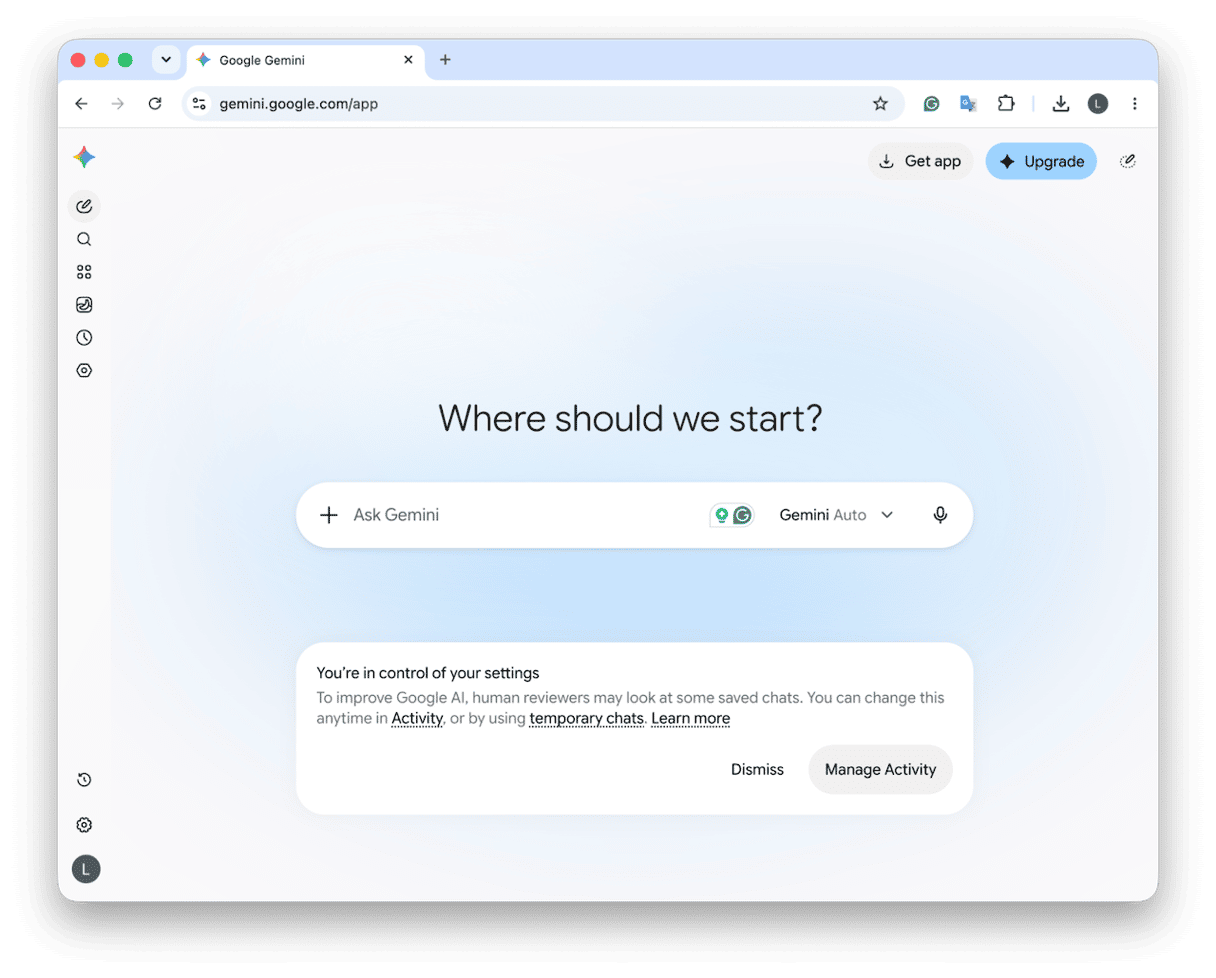
Gemini is obviously a no-brainer to test if you’re already working with Google tools like Documents and Google Drive. It becomes immediately part of the flow. It’s free, and it does have a Mac app too, but only for macOS 15 and later.
For me, the downsides I can see are that if you’re after some of the more advanced features, the free tier is quickly going to run out of capability, and you’ll need to switch to a paid subscription; they do start at around $5 per month, and you can get a discount on that when you pay annually. If you’re not a big Google tool user, then obviously the integration might not be worth the money.
3. Perplexity for research
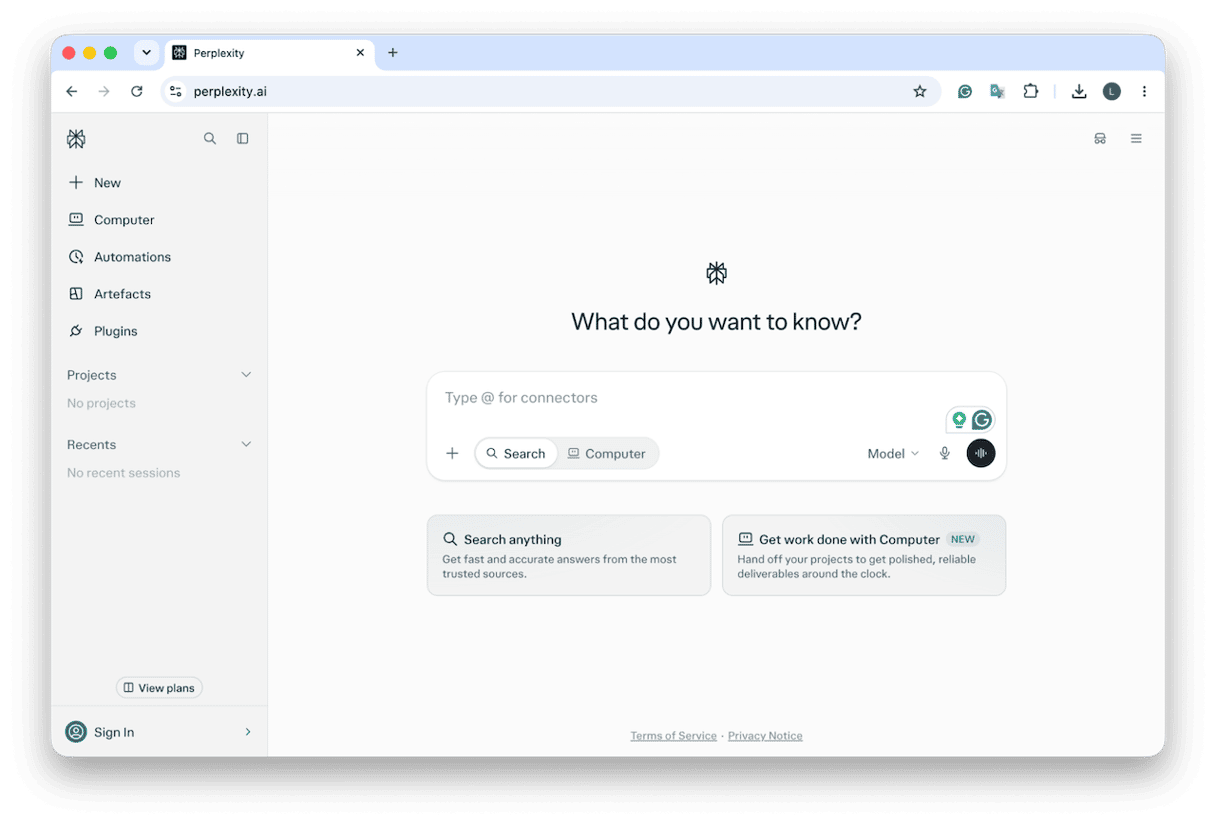
If your AI needs all-around research, then at the moment I don’t think anything comes close to Perplexity’s capabilities. I also found its free model pretty good, of course, yes, you still do need to human-check its results, but honestly, that kind of goes without saying across all tools. It does have a Mac app that even has some unique features not available on the web version. The only downsides I can really see are that those more advanced features and higher usage limits may require an upgrade, with plans starting at around $17 a month.
4. Copilot for Microsoft users
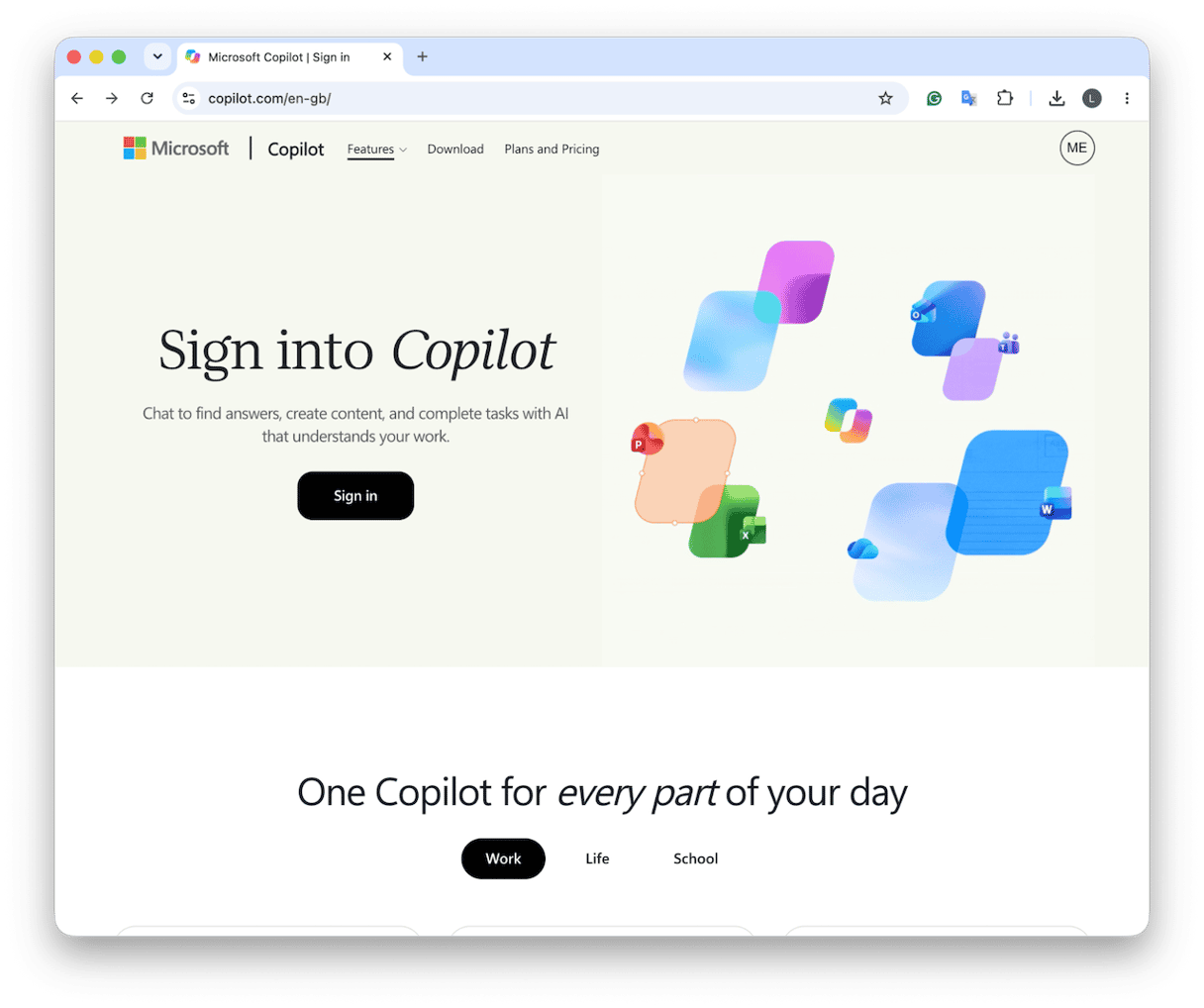
A bit like Google users, if you’re a Microsoft 365 user, then Copilot is a must-try because it will just slot in with the ecosystem and your workflow. It’s got a free conversational AI assistant, but depending on your Microsoft 365 subscription, you’ll be able to access additional productivity features. There’s a dedicated Mac App, but I found the web version best for my kind of work, because some of the features like deep research don’t currently work in the app.
The downsides are, of course, price, but not only the actual cost; the complexity of the tiers and credit systems could be way easier; I got quite confused. Essentially, plans do start at around $8.49 a month, but again, if you’re already using Microsoft 365 via work or school, this might be included.
5. Grok for following current conversations and trends
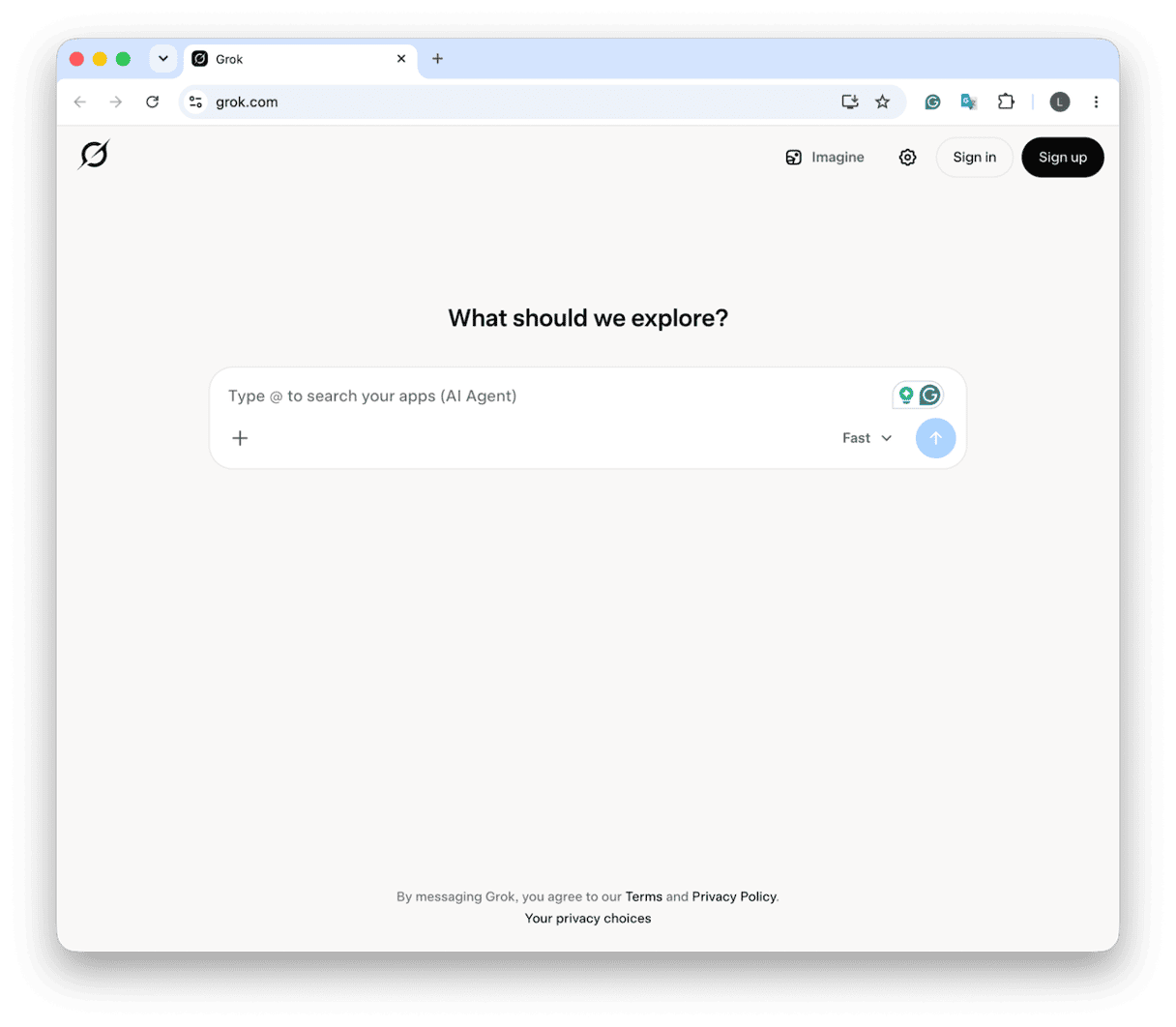
I was actually quite skeptical about this Grok at first, but It’s actually quite interesting. Its biggest selling point right now is its ability to access live info from the web and X. So you can get it to investigate a breaking news story, or summarize public reactions to a product launch, and what I liked was how it can track an emerging trend. It’s got free access, but no dedicated Mac app yet.
I think its downsides would be privacy; there’s quite a lot of threads across the forums on this, and I've also read a lot of users complaining that social media info always needs fact-checking. Plans start at around $8 a month.
6. Mistral Vibe for productivity and coding
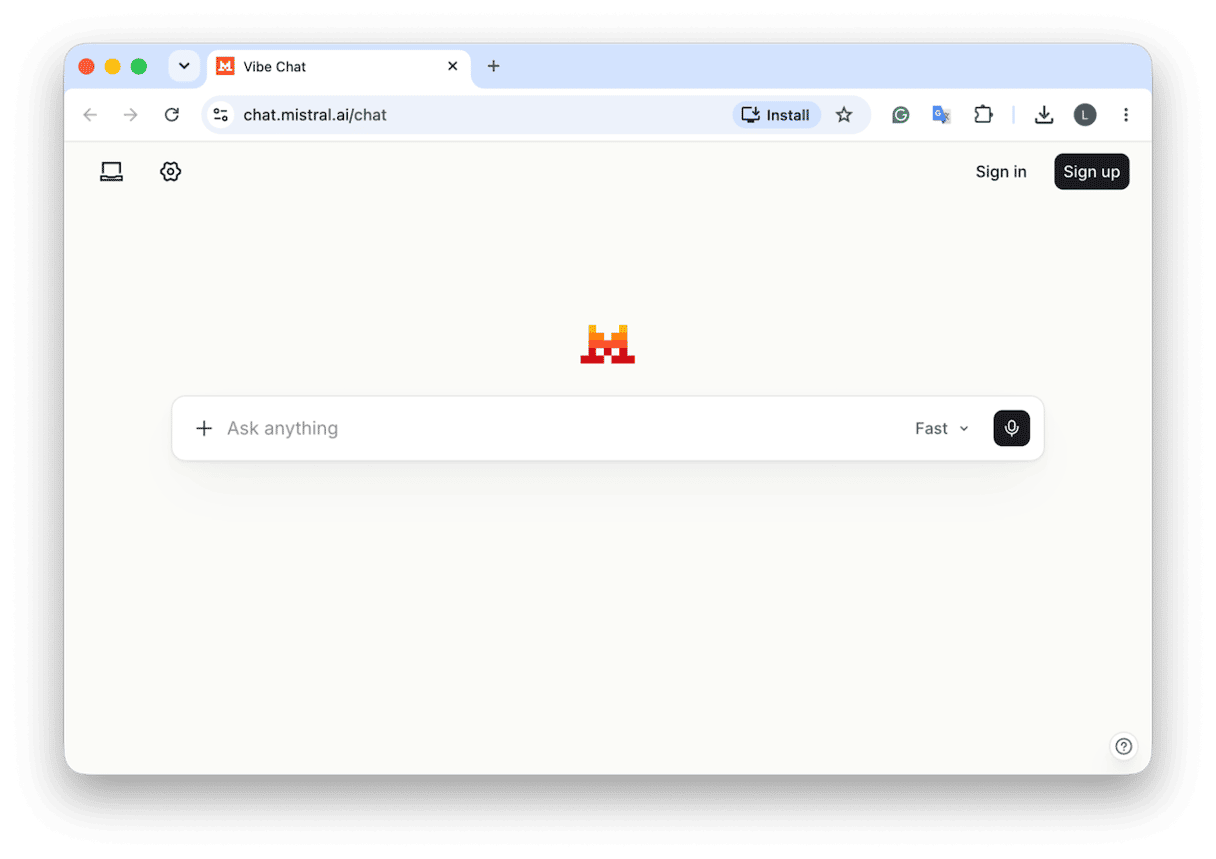
This one used to be called Mistral Le Chat, but its rebrand to Mistral Vibe seems to combine a free conversational AI assistant with more strategic work and dev tools that are paid, starting at around $14.99 a month.
Downsides, you’ve got to pay if you want those advanced tools and features, there’s no way around it, and for now it’s web-only access, with command-line and editor tools for coding.
ChatGPT alternative free and open-source
The six tools I covered above all have a free option, but none of them are entirely and completely free to use. They all have a limit on usage, how many messages you can send or what types of features you really get access to. And that free tier seems to be changing all the time at the moment. If you’re looking for a genuinely free tool, then open-source AI models are another option to consider, and you’ve got a couple of tools like Ollama and LM Studio that let you download compatible models and run them on your Mac, without paying for individual AI messages, with no subscription in sight if you use the free model. But the downside here is memory usage; it’s going to zap your machine's processing power and possibly affect performance, and that’s all going to depend on your setup.
How to run an AI model on your Mac
One reason people start looking for ChatGPT alternatives is privacy concerns, and running an AI model locally on your Mac can help. The tools I just mentioned above, Ollama and LM Studio, are both solid choices for this.
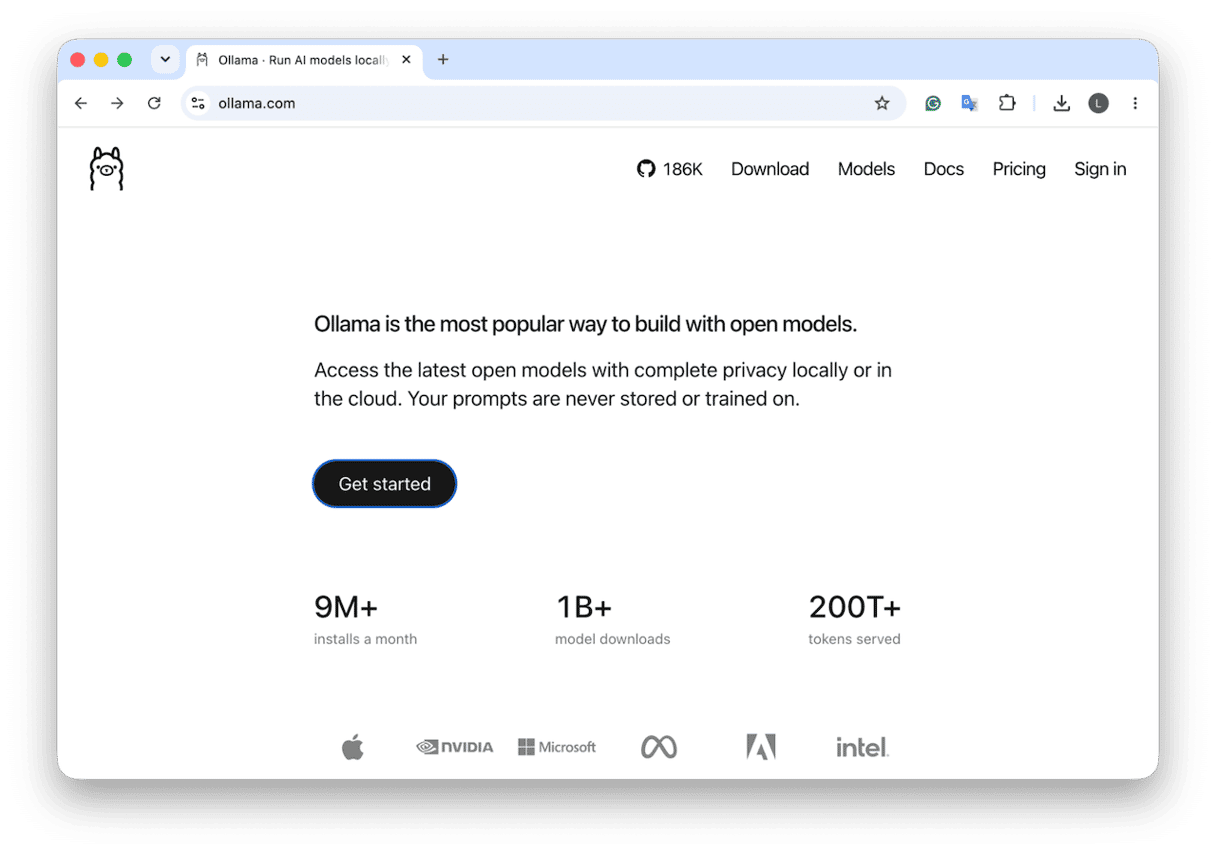
Ollama, I’d say, is the stronger developer choice; you can run AI models like Llama, Gemma, and Qwen, plus it supports Terminal commands, comes with a desktop app, and has integrations with other popular developer tools. But you need to be running macOS 14 or later.
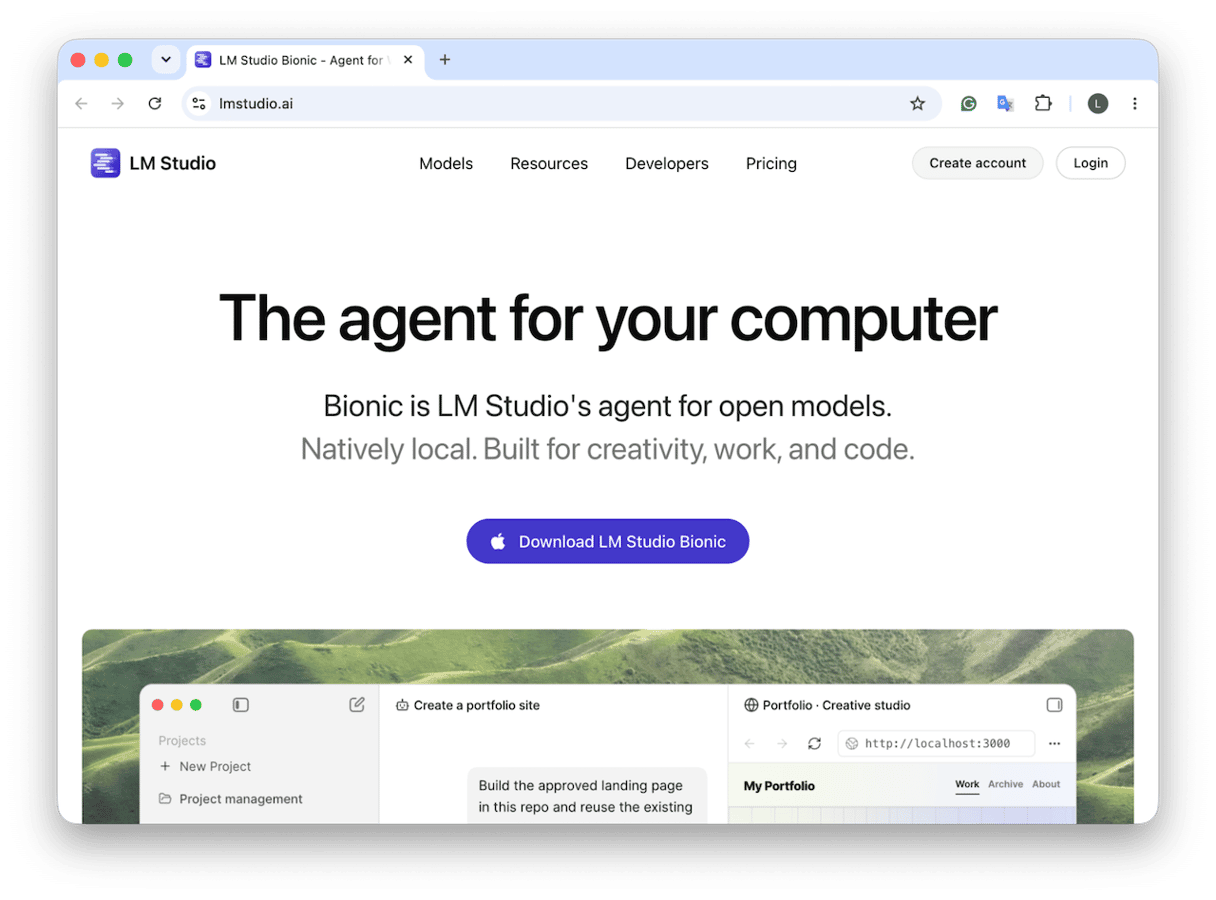
LM Studio, on the other hand, is more of a beginner's choice. It's a lot more visual, lets you browse available models, download one, and start chatting through its desktop interface without the need for Terminal at all. It’s a good tool all around for experimenting; you’ll need an Apple Silicon Mac running macOS 14 or later, plus 16 GB of unified memory to get started.
For both of these tools, the larger models will ultimately need more memory and storage.
How to download ChatGPT alternatives safely
Download AI apps from the developer’s official website or the App Store. Fake AI download pages can look convincing, so always check the web address and developer name. Avoid third-party download links and never copy Terminal commands from unfamiliar adverts or websites.
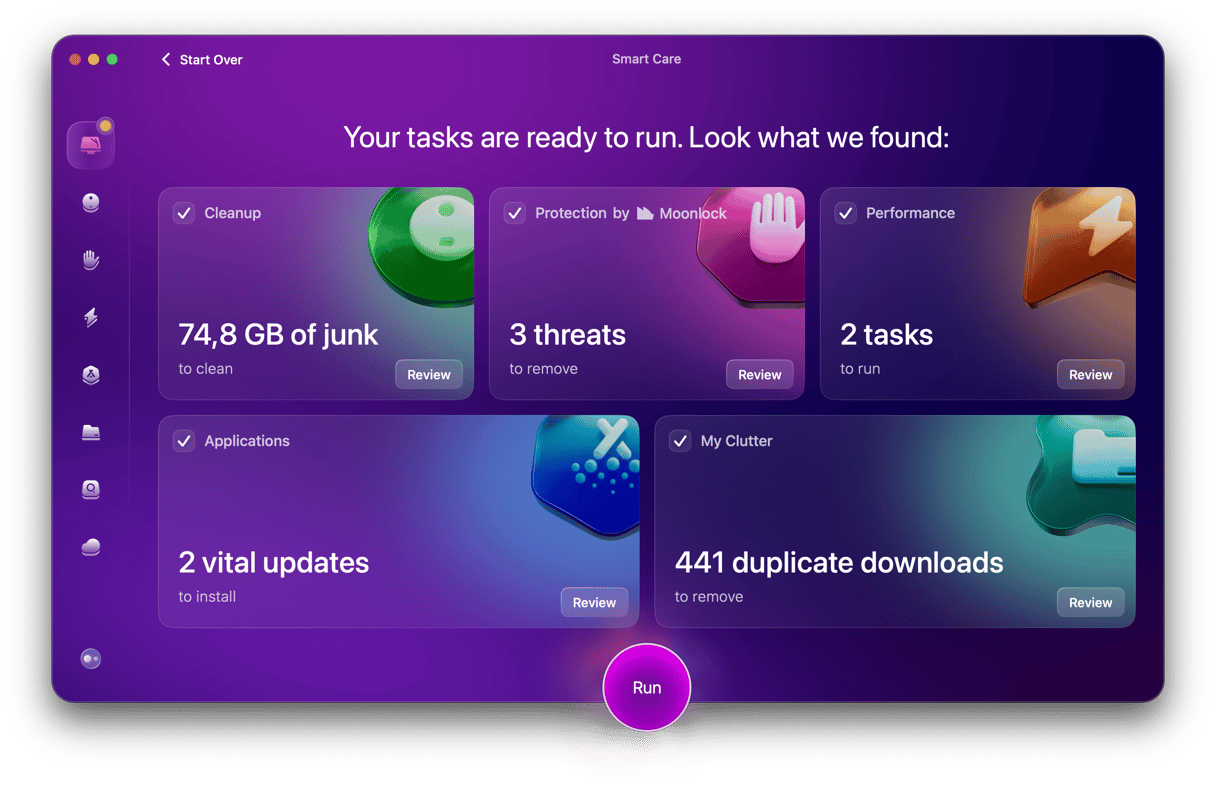
Fake AI apps are sadly on the rise, and with them is new malware. Also, if you’ve been trying several new tools, they can also leave unwanted system junk behind, too. So once you've picked your tools, I’d open up CleanMyMac (get your free trial here) and use the Smart Care feature to run a full system scan. It can look for both malware and built-up system junk in one go.
ChatGPT alternatives compared
AI Tool | Mac application? | Free option? | Best for… |
Claude | Yes | Yes, limited | Writing, editing, documents |
Google Gemini | Yes | Yes | Google Workspace users |
Perplexity | Yes | Yes, limited | Research and source-based answers |
Microsoft Copilot | Yes | Yes | Microsoft 365 users |
Grok | Web only | Yes, limited | Trends, current events, creative content |
Mistral Vibe | Web and developer tools | Yes | General productivity and coding |
Ollama | Yes | Free local models | Developers and local AI |
LM Studio | Yes | Free local models | Beginners exploring local AI |
So, now you know about ChatGPT alternatives for Mac users and how to choose one. Whichever option you choose, consider running CleanMyMac and its Smart Care feature from time to time to detect any Mac-specific threats and clean up your device from junk buildup.
Frequently asked questions: ChatGPT alternatives
Is there an AI better than ChatGPT?
It really depends on the task at hand. All the tools listed here are worth considering.
Is there an ethical alternative to ChatGPT?
I think this is a big question right now, and really there isn’t one simple answer: you have to do your own research and check that it meets your needs.
What's the best free ChatGPT alternative for Mac?
Google Gemini and Claude are good starting points. If you want to run AI locally without a subscription, try LM Studio or Ollama.