Need a Boot Camp alternative for Mac? It’s missing from Golden Gate, and if you relied on it to run Windows on a Mac, It’s come as a bit of a frustrating change for a lot of us. Because Golden Gate is Apple silicon-only, there’s no native Intel-based dual-boot option anymore. But there’s good news in here somewhere: you can still run Windows; you just need to match the right tool for your setup, and for most people, the answer will be Parallels Desktop or VMware Fusion.
Why was Boot Camp removed from macOS Golden Gate?
Boot Camp was built for Intel Macs, and because macOS Golden Gate no longer supports Intel hardware, Boot Camp no longer fits into the system. On Apple silicon, Windows runs through virtualization instead, using Windows 11 ARM.
Virtual machines put pressure on your Mac’s resources (RAM, CPU, and disk space). There’s no getting away from the fact that a leaner Mac will run a Windows VM better. Before you install anything, open CleanMyMac > Performance > Scan, review your login items and background agents, and disable anything you don’t need running at startup.
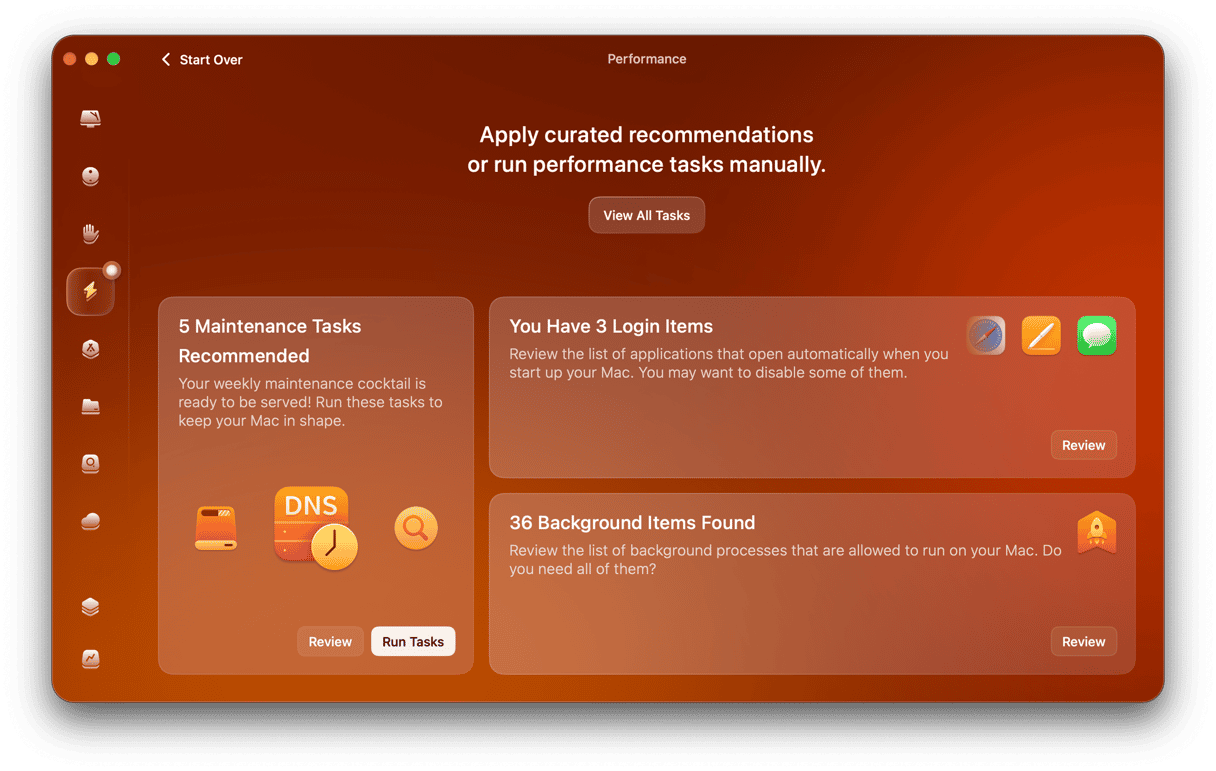
You can test CleanMyMac for 7 days — get your free trial here.
Here's a quick Boot Camp alternative for Mac overview.
Tool | Type | Price 2026 | Best for | Pro | Con |
Parallels Desktop | VM | From $99.99/yr | Daily Windows users | Fastest, MS-authorised | Paid subscription |
VMware Fusion | VM | Free | Power users and devs | Free, full-featured | No Coherence on Apple silicon |
UTM | VM + Emulation | Free / $9.99 | Developers, hobbyists | x86 emulation, open source | No 3D, slower, complex |
CrossOver | Compatibility layer | $74/yr | Specific apps or games | No Windows license needed | Not all apps supported |
Windows 365 | Cloud | ~$30/mo | Enterprise, occasional use | No local resources | Needs internet, costly |
VirtualBox | VM | Free | Cross-platform labs | Free, cross-platform | Limited Apple silicon support |
Boot Camp alternatives for MacBooks
1. Parallels Desktop
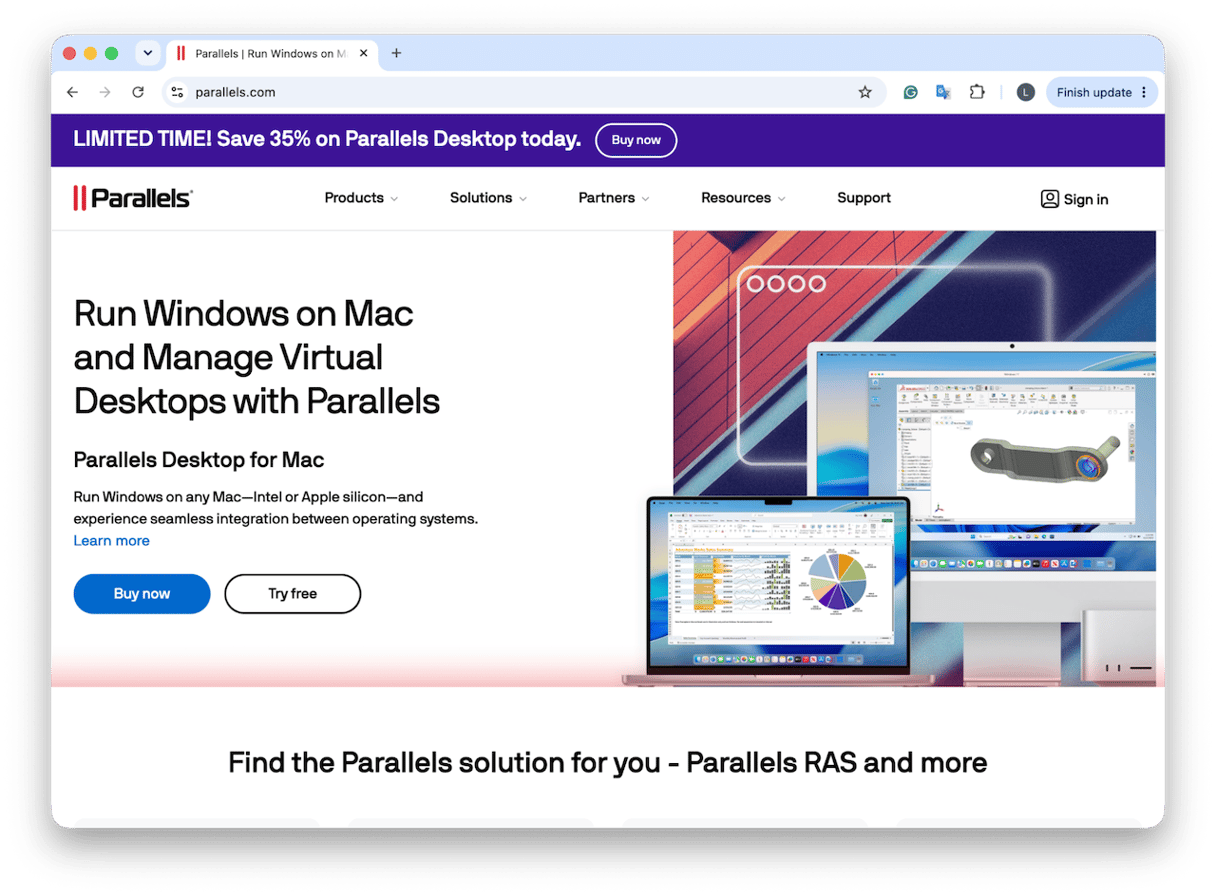
Parallels Desktop is usually top of the list because it’s the smoothest option for anyone who uses Windows regularly on a Mac.
It runs Windows 11 ARM inside macOS, so you can open Windows apps without rebooting. Pricing starts at $99.99 a year for Standard or $119.99 a year for Pro, with a perpetual license around $220.
Windows launches fast, Coherence Mode lets Windows apps sit alongside Mac apps, and performance on Apple silicon is strong. It’s also Microsoft-authorized for Windows 11 on M-series Macs. If you want more info on this, this is a pretty good article.
The downside is its cost, and the Standard only has an 8GB vRAM limit, and Windows still shares RAM and CPU with your macOS.
2. VMware Fusion
VMware Fusion is a good free option for power users, developers, or IT admins.
It’s been free since November 2024 for personal and educational use, and even commercial use, with Fusion Pro features rolled in.
Windows runs through virtualization, and you get tools like snapshots, multiple VMs, and detailed network configuration. Fusion 26H1 was released in May 2026; it’s actively updated.
The downsides are usability and integration. There’s no Coherence Mode on Apple silicon, support is mostly community-driven, and Broadcom ownership creates some long-term uncertainty.
3. UTM
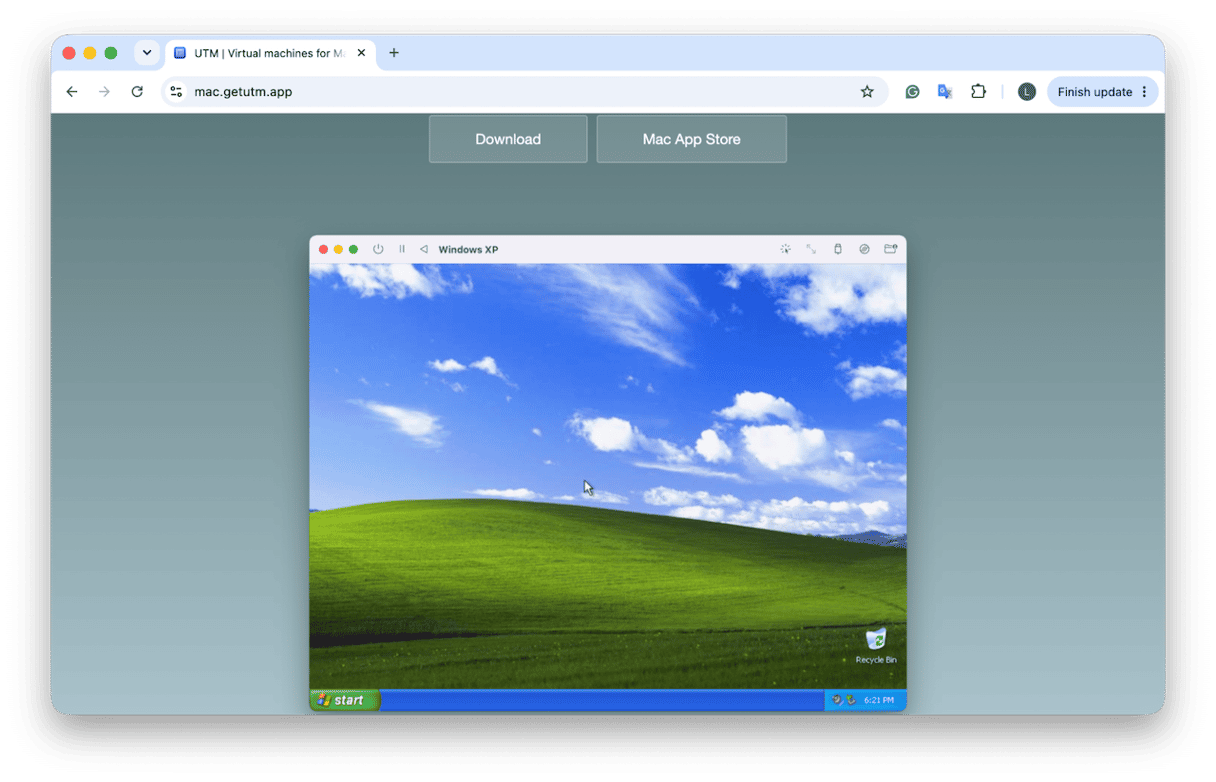
This one is more for technical users, developers, hobbyists, or anyone who needs x86 emulation.
UTM is a free, open-source option based on QEMU. It can virtualize operating systems, but it can also emulate older x86 versions of Windows on Apple silicon, which is useful if you need to run older Intel Windows environments. It’s free from the developer’s site, or $9.99 on the Mac App Store if you want to support the project.
It can run Windows, Linux, macOS, and retro operating systems, but there’s no Coherence-style integration, no 3D GPU acceleration, and emulation is slower than virtualization. Definitely not beginner-friendly.
4. CrossOver
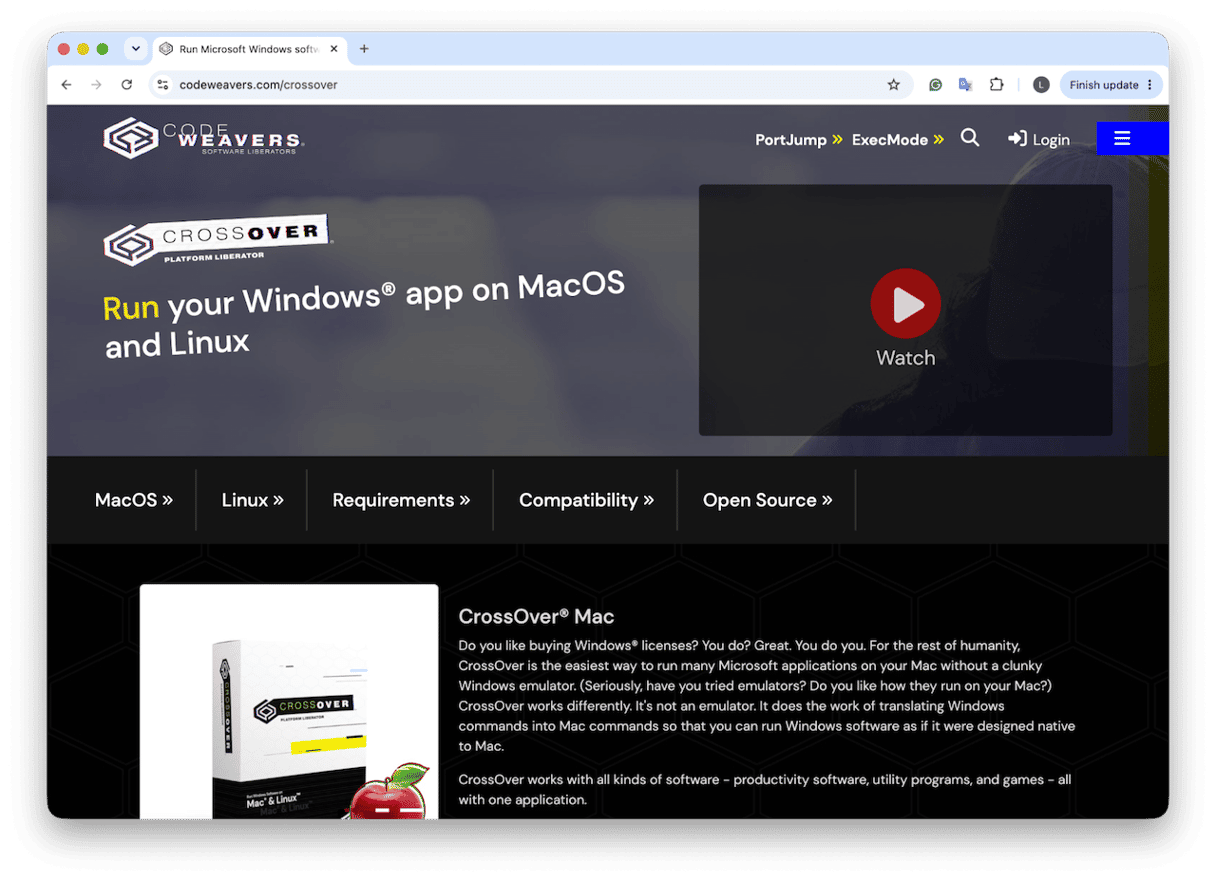
If you’re running specific Windows apps or games without installing Windows, this is a good option.
CrossOver is a bit different because it doesn’t run a full copy of Windows. Instead, it uses a compatibility layer based on Wine and Apple’s Game Porting Toolkit, so supported Windows apps can run directly inside macOS. That means no Windows license, no full VM, and less strain on your Mac’s resources.
It costs about $74 a year and comes with a 14-day free trial. But the limitation is the compatibility. Some apps run well, others need tweaking, and some just don’t work at all. If you’re going with this option, I'd check the CrossOver compatibility database before paying, because it’s not a full Boot Camp replacement.
5. Windows 365 Cloud PC
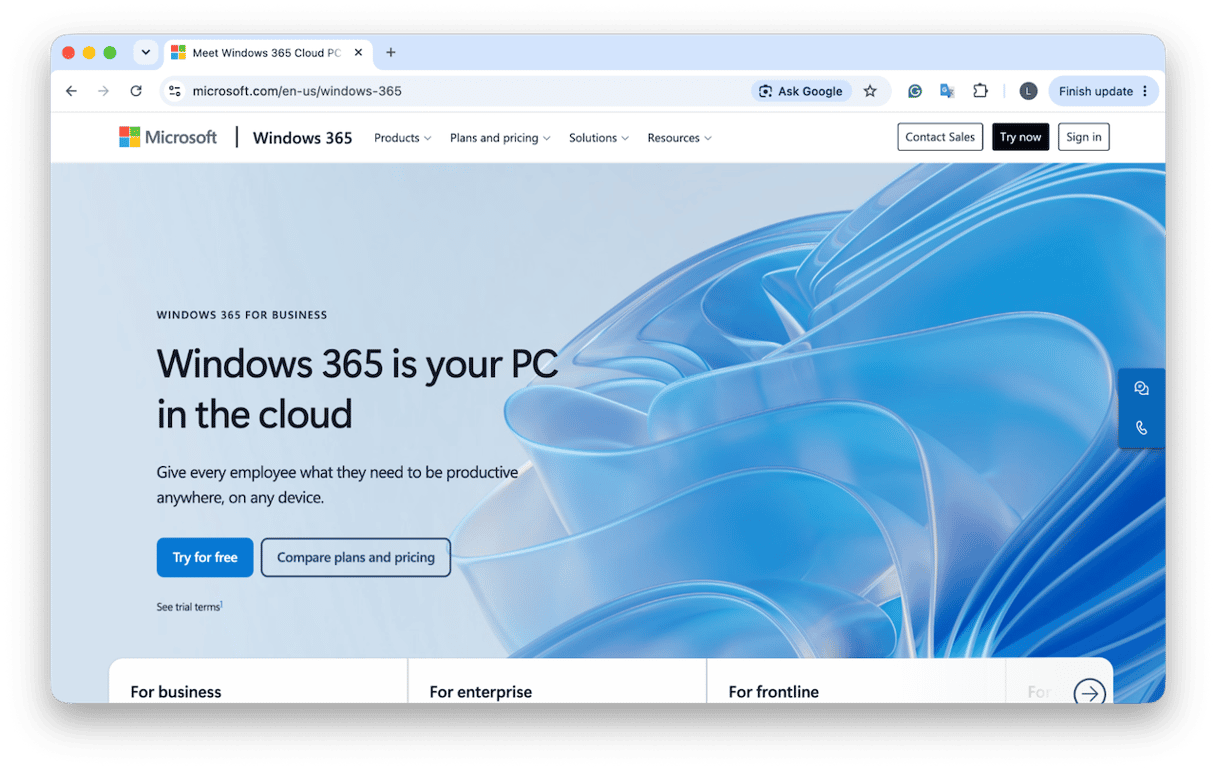
Windows 365 Cloud PC is a good option for business users who need Windows without draining Mac resources.
Instead of installing Windows locally, you stream a Cloud PC through a browser or remote desktop app. Pricing starts at around $30 a month per user, depending on the business plan.
The advantage is that your Mac does almost none of the heavy lifting. Windows runs in the cloud, stays updated, and can work on lower-RAM Macs.
Limits are internet dependency and pricing, which is often too high for non-enterprise users.
6. VirtualBox
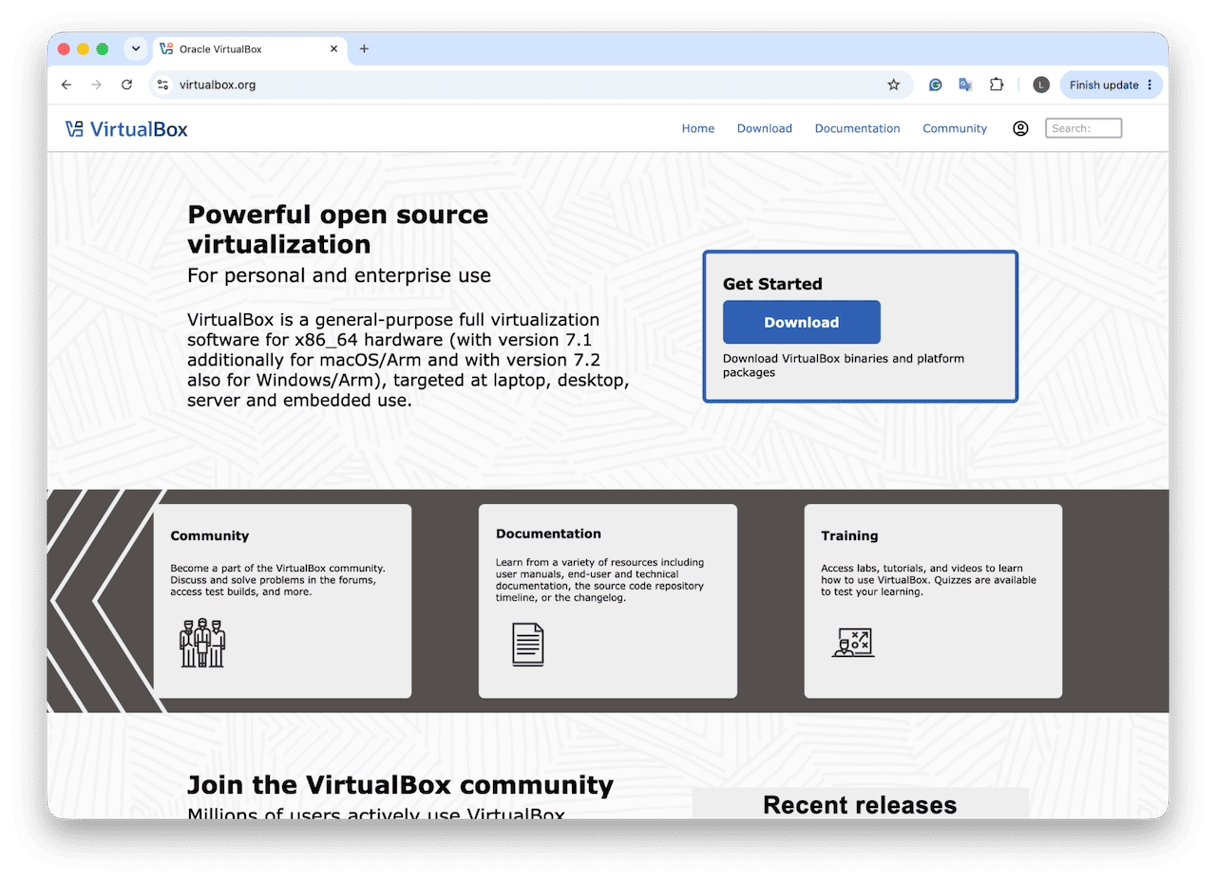
While VirtualBox is a free and open-source virtualization tool, it’s not going to be a viable option for any Apple silicon users because support is still pretty limited and experimental. But I do think it’s worth a mention because many people know it from Windows, Linux, or older Intel Macs.
So yes, VirtualBox belongs on the list, but mainly as a “know it exists” option rather than the one I’d recommend first.
How should I run Windows on Mac macOS Golden Gate?
If you use Windows apps every day and want the smoothest experience, Parallels Desktop is honestly the best choice. If you want Windows for free and you’re comfortable with a little setup, then I’d go with VMware Fusion. But if you need to run old x86 Windows apps or prefer open-source tools, UTM is a great choice. If you only need a few specific Windows apps or games and don’t want a Windows license, then I’d go with CrossOver. But if you only need Windows occasionally for work without using your Mac’s local resources, go with Windows 365.
Frequently asked questions
Can I still use Boot Camp after macOS Golden Gate?
No. Boot Camp has been fully removed from macOS Golden Gate.
What is the best free alternative to Boot Camp on Mac?
You’ve got a couple of options, like VMware Fusion or UTM; you’ll need to do your research above.
Can I run Windows 11 on an Apple silicon Mac without Boot Camp?
Yes, via virtualization. Parallels Desktop and VMware Fusion both run Windows 11 ARM on M-series Macs. Microsoft officially licenses Windows 11 for virtual machines on Apple silicon.