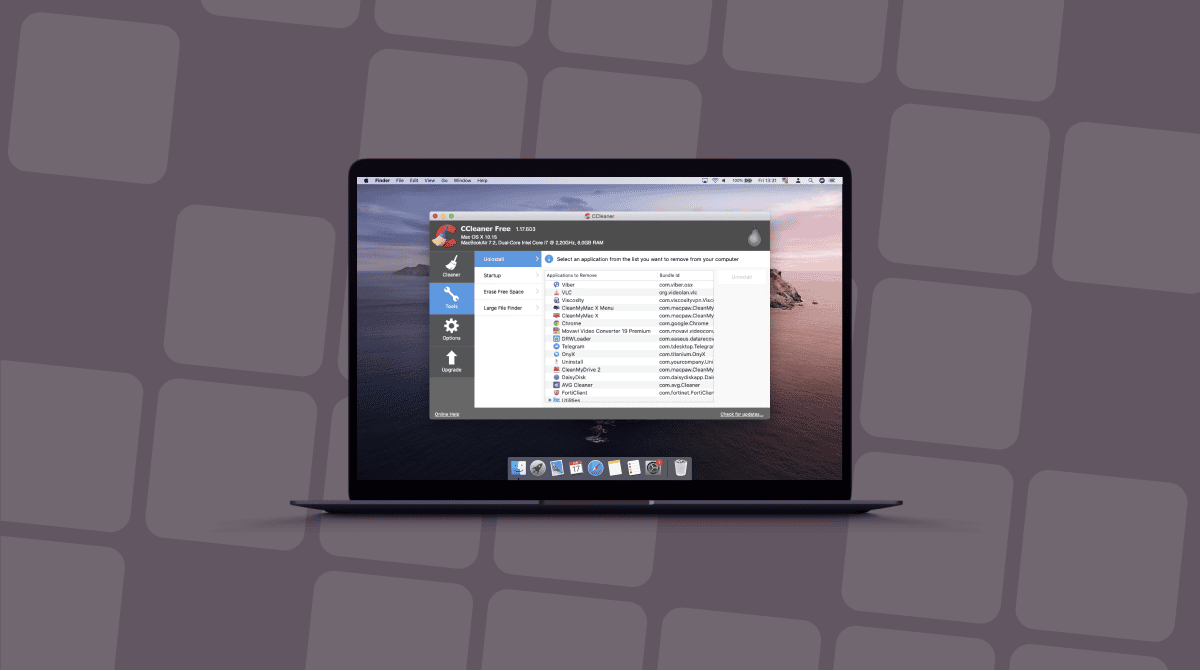

Just switched from Windows to Mac, and looking for a CCleaner alternative? I get it. It’s one of those names that sticks in your head. If your new machine has started to slow down, or storage is quickly disappearing, it makes sense you’d look for an alternative to this tool, or wonder if you can even use it on a Mac.
I’m going to compare the strongest options, explain where CCleaner still makes sense, and be very clear about which app I would actually install on a Mac in 2026. Let’s get started.
Why Mac users search for CCleaner alternatives
CCleaner is not useless on a Mac, but in 2026, it does feel like a Windows tool that was adapted rather than one that truly belongs in macOS. The Mac version handles the basics, sure, but it does not go especially deep into the things Mac users actually run into now, like purgeable space, Spotlight-related maintenance, or the odd storage categories macOS creates over time.
There is also the trust issue, and I do not think that can just be brushed aside. CCleaner’s official distribution history includes a serious malware incident, which is enough on its own to make some users pause. Add background activity and anonymous usage reporting, and I can understand why people start looking elsewhere.
Then there is the bigger practical problem: one of CCleaner’s most famous Windows features, registry cleaning, simply has no equivalent value on macOS. There is no Windows-style registry here, so one of its core strengths disappears the moment you switch platforms.
I think personally, this really comes down to using the right tool for the right operating system. The Mac version offers fewer features than the Windows one, yet asks for the same money, while macOS has its own maintenance needs that a Windows-first cleaner was never really built around.
What to look for in a Mac cleaner
Before I recommend anything, I think it is worth setting some honest expectations.
A Mac cleaner should be Mac-native in the way it thinks. And I mean that it should understand things like:
- Mail attachments
- Photos leftovers
- Xcode caches
- Login items and launch agents
- And all the weird little categories of junk macOS accumulate over time.
Whichever app you go with needs to be clear about what is safe to delete and what is not. Apple notarization matters to me here because it’s a strong signal that the developer takes macOS security seriously.
I also look for a tool that focuses on the core jobs, rather than tons of flashy utilities. For most people, the best CCleaner alternative handles junk cleanup, uninstalling apps properly, startup management, and some level of security or malware awareness.
And it needs to be compatible with the latest macOS version (macOS Tahoe as of 2026); if it’s not, then it’s really not on the shortlist.
I think the best cleaners out there aren’t the ones with big marketing promises, but the ones that tell you what it found, why it matters, and what happens if you remove it. Ok, so now we’ve covered all the basics, let’s move on to the options.
The best CCleaner alternatives for Mac
1. CleanMyMac: Best overall app
There’s no doubt about it, CleanMyMac is a dedicated Mac tool, it’s built by MacPaw (a Mac-first company) and is trusted and used by over 30+ million users.
It’s a complete suite, offering a comprehensive, yet focused set of cleaning features, that’s right, cleanup, malware protection, application management, and performance tools in one app.
Some key facts:
- Pricing starts at around $3.35 per month.
- It has a seven-day free trial.
- It’s Apple-notarized.
- CleanMyMac provides full system support for macOS 10.13 and later.

Something that really stood out to me was its Smart Care feature, and that's really because it combines junk cleanup, malware checks, and maintenance into a single scan. It also understands Mac-specific junk categories that Windows-first tools tend to miss, including Mail, Photos, and hidden leftovers from app removal.
I also found its Applications feature powerful. Not only does it remove unwanted apps, but it also safely cleans up all digital leftovers and makes installing app updates in one go simple and easy to manage.

Its Menu App gives you a real-time overview of your Mac's health and performance, which is what sets it apart. It’s real Mac maintenance tasks, not just cross-platform checkbox features.
Who is it best for? Honestly, most people. Especially Windows switchers who want one app that feels polished and self-explanatory on macOS.
2. OnyX: Best free option

OnyX is the one I recommend when someone says, “I do not want to pay. Titanium Software’s current page describes OnyX as a multifunction utility for verifying file structure, performing cleaning and maintenance tasks, deleting caches, rebuilding databases and indexes, and more. There is already a dedicated OnyX 4.9.8 for macOS Tahoe 26, released March 27, 2026, which is exactly the kind of current support I want to see.
The caveat is easy to explain. OnyX feels a little dated, and that's not a bad thing. It is powerful, but it's not as elegant as some of the other tools on this list. One thing I would also mention is that it does require a little confidence from the user; it's not always the easiest to navigate, so if you’re a first-time Mac user, this might not be for you. But I do trust it.
3. CCleaner for Mac: Windows switchers who want familiarity

I want to be fair here. If you are a Windows switcher and you just want something that feels familiar, CCleaner for Mac is not completely off the list. The official Mac page says it can remove junk, duplicates, unused apps, and startup processes, and the Mac pricing page lists CCleaner Pro for Mac at $44.95 per year. That gives you a known interface and a familiar workflow.
But it still feels like a Mac adaptation of a Windows tool, not a Mac-first utility. That difference is pretty hard to ignore once you compare it side by side with stronger Mac-native options.
4. DaisyDisk: Best for visual storage analysis

DaisyDisk is not a direct alternative to CCleaner; I need to state that first. But it still deserves a spot on this list, because I think it could be really valuable to new Mac users.
Instead of cleaning, it solves a different problem. This tool helps you see what is taking up space on your Mac. Its official site positions it as a visual disk-usage analyzer, and that is exactly how I use it. It’s really good for finding giant hidden folders, old media dumps, and weird space hogs you would never notice in Finder. It costs $9.99 with a free trial.
I would really recommend DaisyDisk alongside a broader cleaner, not instead of one.
5. App Cleaner & Uninstaller: Best for removing apps properly

If the reason you’re researching best CCleaner alternatives is that your storage is eaten up by old or unused applications, then App Cleaner & Uninstaller is a smart pick. Nektony markets it specifically around complete app removal, leftovers, and app management, and current pricing sits at $14.95 per year or $34.95 one-time for one Mac.
I really like tools that are straight up about what they are and what their capabilities are. This one is not pretending to be a full maintenance suite. It is trying to remove apps cleanly, and it does that well.
If you want one serious answer to what is the best CCleaner alternative for Mac, CleanMyMac is at the top of my list.
Feature | CleanMyMac | CCleaner | OnyX | DaisyDisk | App Cleaner & Uninstaller |
Mac-native | Yes | No | Yes | Yes | Yes |
Junk cleaning | Yes | Yes | Yes | No | No |
Malware removal | Yes | No | No | No | No |
App uninstaller | Yes | Yes | Limited | No | Yes |
Login items | Yes | Yes | Yes | No | Limited |
Apple Silicon support | Yes | Yes | Yes | Yes | Yes |
Updated for macOS Tahoe | Yes | Partial | Yes | Yes | Yes |
Free version / trial | Free trial + paid | Free + paid | Free | Free trial + paid | Free trial + paid |
Why is CleanMyMac the best CCleaner alternative for Mac?
The short answer here is that it understands the Mac better.
CCleaner can clean browser data and junk. That is useful. But CleanMyMac goes deeper into things that actually matter on macOS, including app leftovers, launch agents, login items, Mail clutter, Photos-related junk, malware scanning, and Mac-specific performance maintenance like purgeable space category of space that CCleaner simply doesn't understand. Its own product page is very explicit about this mix: cleanup, speed tools, protection, privacy, and application management all sit under one roof. That is closer to what a Mac utility should be in 2026.
If you are moving over from Windows, you probably do not want to learn five manual Mac workflows on day one. You want a tool that explains itself, feels safe, and does not ask you to understand hidden folders before you can free up space. CleanMyMac is good at that. It feels designed for people who like Mac hardware but do not necessarily want to become Terminal hobbyists.
The security side also matters. Apple notarization is visible on MacPaw’s own product page, and the inclusion of built-in malware protection powered by Moonlock Engine makes CleanMyMac more complete than CCleaner for Mac.
Try CleanMyMac for free first, play around for seven days and see for yourself if it fixes the issues you've encountered. If not, you can always uninstall it.
How to switch from CCleaner to CleanMyMac
First, make sure you have actually uninstalled CCleaner properly, not just dragged the app icon to the Trash and assumed that was the end of it. On a Mac, apps often leave behind support files, cached data, login items, and odd leftovers in the Library folder. That can be easy to miss if you are coming from Windows and expecting the uninstall process to be more obvious. This is one place where CleanMyMac’s own Applications feature can help. It can scan for leftover files and surface things that would otherwise stay buried in Library folders long after the main app is gone.
If you want to do this manually, here’s how:
- Drag the CCleaner app to the Trash.
- Open Finder > Go > Go to folder and check in all of these locations carefully.
- ~/Library/Application Support
- ~/Library/Preferences
- ~/Library/Caches
- ~/Library/LaunchAgents
- /Library/LaunchDaemons
- If you find anything that contains the CCCleaner name, send it to the Trash, and empty it afterwards.
- Finally, restart your Mac.

Once that is done, install CleanMyMac if you haven’t already and start with Smart Care. I think this is the best first step because it gives you one big overview of what is actually happening on your machine. Instead of forcing you to jump straight into cache files, malware checks, or app cleanup one by one, it gives you a wider picture first. That really helps if you are still getting used to how macOS handles junk, storage, and background clutter.
After that, I would enable the menu-bar helper and use the app normally for a week. That is enough time to see whether the Mac-native approach feels more intuitive to you. In my experience, it usually does. The main difference is that you stop trying to force a Windows cleanup habit onto a Mac and start using an application that is built 100% around how macOS actually works.
Free CCleaner alternatives
For anyone looking for CCleaner alternatives, and I imagine it’s really those, switching from Windows, it’s worth mentioning again, CCleaner is still a Windows cleaner that happens to have a Mac version. CleanMyMac is my clearest recommendation because it aligns with how Macs actually work in 2026. Try CleanMyMac for free — see how it feels on your Mac, and then decide whether you still miss CCleaner at all.