
Stuck on the long-standing MacBook vs Windows dilemma? I think we’ve all been there once or twice. A new computer is a pretty significant investment these days, and there’s no denying that a MacBook costs up front; the real question is, are they actually worth it?
I’ve done a lot of research on this over the last few months, because I've been faced with the predicament myself, so if you’re in the same boat, I really hope this helps, I’ve tried to cover all the important stuff like performance, longevity, and price of course, and rather than being all personal opinions, it’s just the facts, upfront.
The bottom line is that, for everyday users, a MacBook will outlast and outperform a similarly priced Windows laptop. But if you’re here for a gaming device, Windows wins hands down every time, and for budget entry point laptops, too.
MacBook vs Windows: which one to choose
Performance
MacBooks just do have the edge in performance, and that’s all down to Apple’s M-series chips. The M4 MacBook Pro, for example, outperformed the M3 by a whopping 64% in multicore testing, but the real win is performance-per-watt. You get strong speed and solid battery life, without the machine feeling like it’s working completely flat out all the time.
I found it harder to generalize Windows because they run Intel, AMD, and Qualcomm chips, so performance here really depends much more on the exact model you buy. But what I can say is that the best high-end Windows machines can definitely match or even beat Macs in CPU-heavy tasks, and they’re still hands down stronger for gaming or CUDA-based video workflows, and GPU-heavy work. If you use specific creative tools or want a proper gaming laptop, that's the thing you should be focusing on here.
So, to put it simply: for everyday performance, even battery life, browsing, office work, and most creative tasks, I’d choose Mac. For gaming or heavy GPU work, Windows is your safe bet.
True cost over time
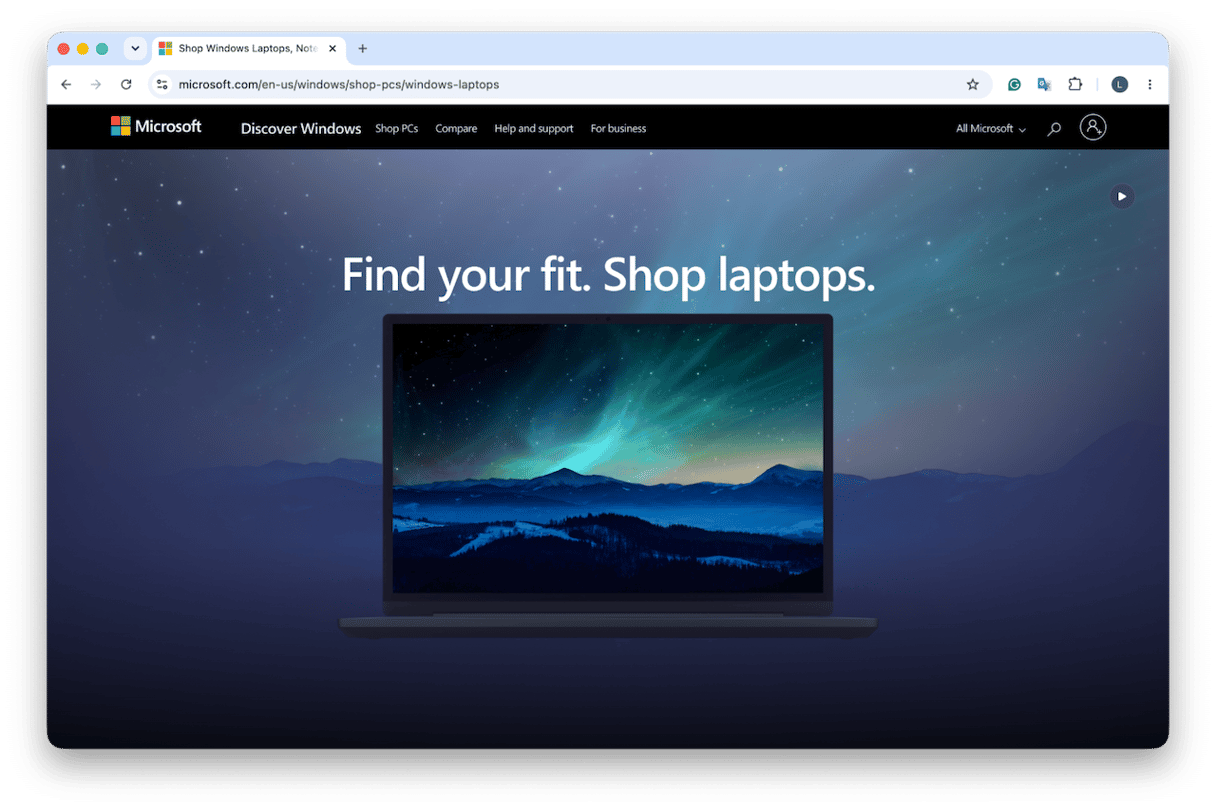
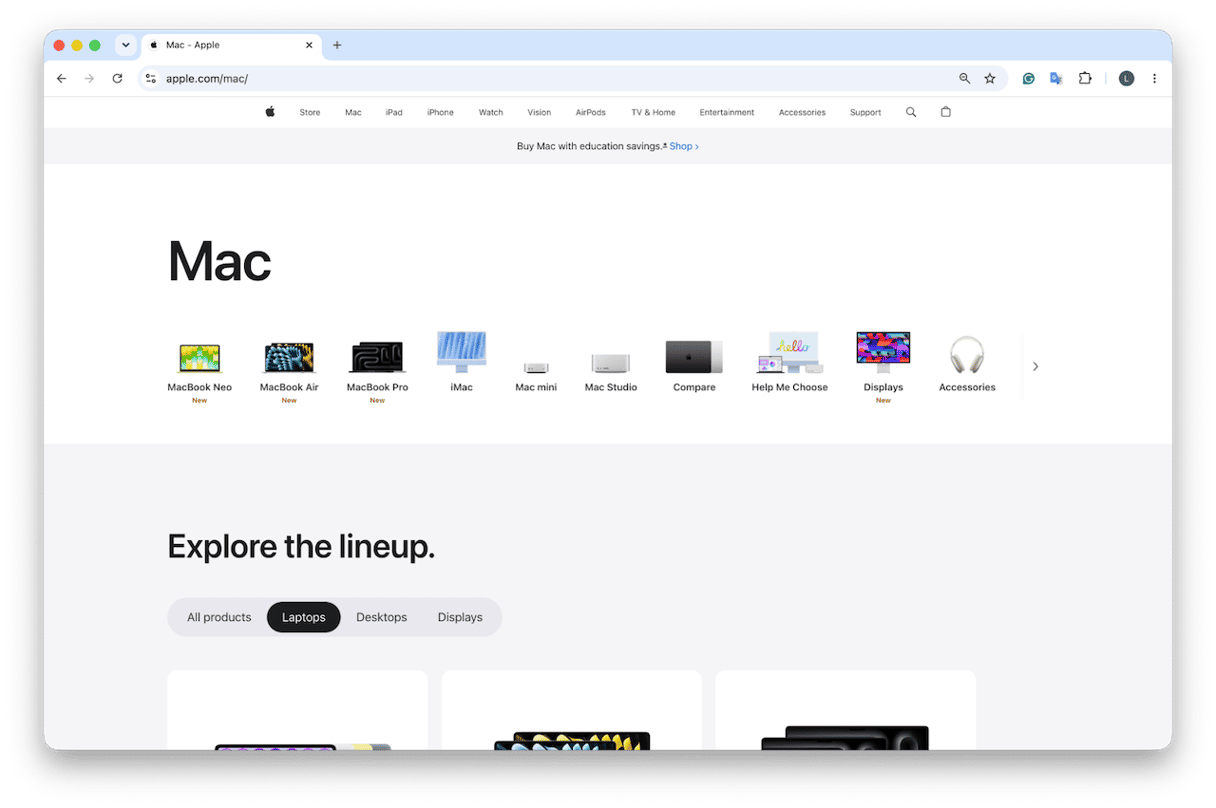
So as of writing this article, June 2026, an entry-level price MacBook will cost you $999, compared to a Windows laptop, which you can pick up from $300. It is going to depend, of course, on the specs you go for, but the price difference can be anything between $700 - $900.
When you look at the figures like that, then yes, for tight budgets, Windows wins on upfront cost; there's just no avoiding that.
But the true cost over time is slightly different. MacBooks often hold value better, with Jamf data putting resale value at around 25% after three years. And many users don’t need to budget for extra security software in the same way that you would on a Windows device. It's pretty well known that if you use and maintain your MacBook well, the higher upfront price can spread out over a longer period of ownership.
Bottom line here: while a Windows laptop is cheaper to buy. If you use your MacBook well, it could last you for years. If you use it for years, or hold its value if you decide to sell it.
Longevity
I think, in the MacBook vs Windows laptop comparison, this might be the section everyone cares about the most. Because getting the most for your money is, of course, super important.
A well-kept MacBook can realistically last between five and seven years, and Apple typically (not always) supports macOS updates for around seven years after release.
The thing with Windows devices is that they vary more. Some of the premium models last well, but cheaper machines will feel tired between three and five years. It’s going to depend on a number of factors, from thermals to battery health, and even build quality. It’s also well documented that Windows 11 hardware requirements also left some older PCs behind, so if long-term use is on your mind, that's worth thinking about.
And as I mentioned in the section above, too, resale value needs to be considered here if you’re likely to sell your device after a few years. A Mac wins here because they tend to hold value better.
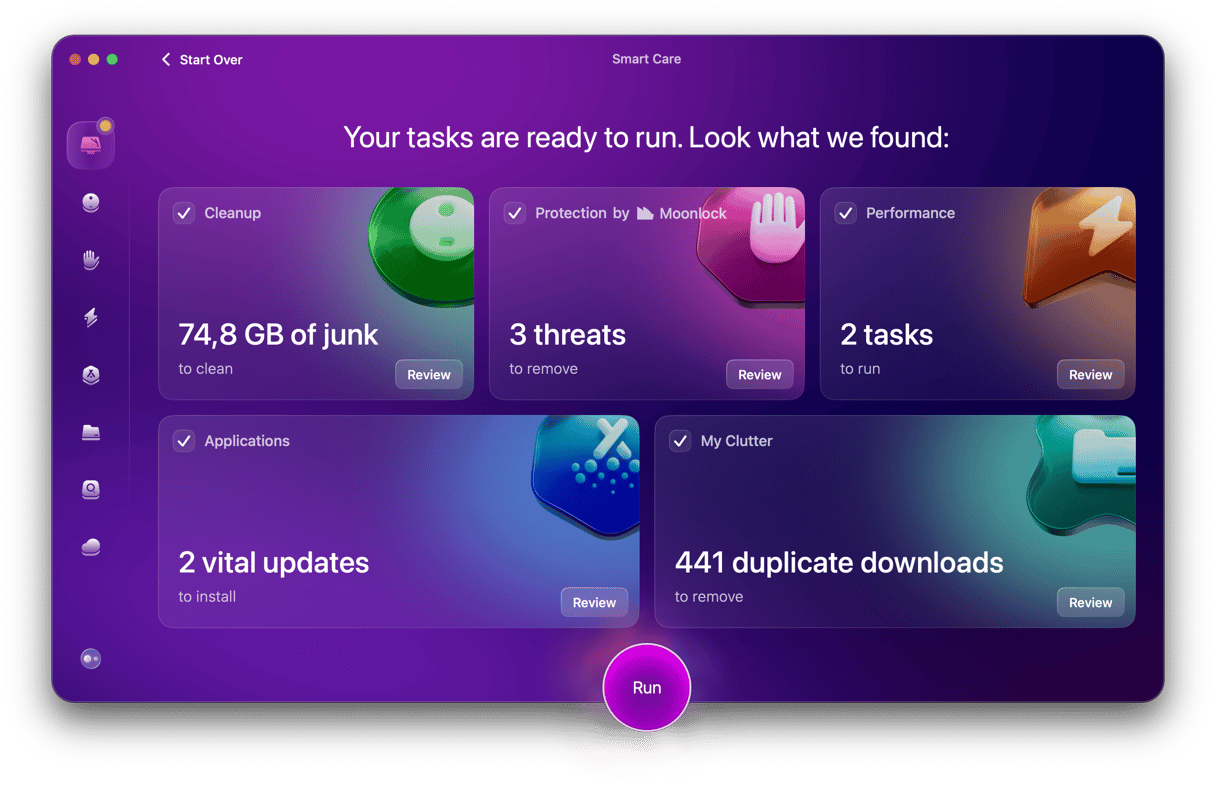
Longevity is going to be impacted by how well you handle the upkeep, so yes, while a MacBook may be able to function for seven years, it will need some help along the way. The Smart Care feature from CleanMyMac is a good option for Mac users, mainly because it’s so easy to use. In just one click, you get a full health check scan, with the ability to remove all your built-up residual junk and fix performance problems, before they run into bigger issues.
Try CleanMyMac for free — test it for 7 days.
Which is better?
I’ve put everything in the above sections into this MacBook vs Windows laptop comparison table, so if you’re scanning for the quick answer, I think you’ll be able to find it here.
Category | MacBook | Windows Laptop |
Performance | Apple M-series chips top most benchmarks for everyday & creative tasks | Wider chip range (Intel/AMD/Qualcomm); top-end matches Mac in raw CPU, leads in GPU gaming |
Price entry | From $999 (MacBook Air M2) | From ~$300; comparable spec ~$700–900 |
Longevity | 5–7 years typical; 25% resale value at 3 yrs (MacPaw/Jamf data) | 3–5 years typical; faster depreciation |
Battery life | 15–20 hrs (M-series); class-leading | Varies widely: 6–15 hrs depending on brand |
Software | macOS tight hardware/software integration, but fewer games | Windows broadest app & game compatibility |
Security | Fewer malware targets historically; SIP, Gatekeeper, FileVault built-in | Windows Defender; larger attack surface |
Repairability | Limited (Apple service network) | More options (third-party repair, more modular) |
Best for | Creatives, students, Apple ecosystem users | Gamers, enterprise IT, budget buyers, specific software needs |
Verdict: MacBook vs Windows
I know everyone probably just wants me to say which is best, but in this case, it’s not that easy. But what I will advise is, go for a MacBook if you're a creative, or student or, of course, if you’re already using Apple devices. It’s got the best longevity and resale value, so the higher price balances out there. But go for a Windows device if you’re a gamer, or you need specific Windows-only software. The extra pluses here are that it's cheaper, too, and often works better with workplace environments.
I really hope this MacBook vs Windows laptop pros cons guide helps you make a choice. I know it’s not always an easy decision; both sides genuinely have strong arguments, and the price gap can feel hard to ignore. As cliché as it sounds, try to make a decision from the angle of which device is going to meet my needs over time.
Frequently asked questions
Do MacBooks really last longer than Windows laptops?
Yes, anywhere between 5–7 years, while Windows are known to last around 3–5. But you will need to manage maintenance along the way.
Is a Mac really worth the higher price?
When you spread the initial cost over time, coupled with a Mac’s better overall longevity and resale value, the higher price tag does feel worth it.
Can a MacBook run Windows software?
Absolutely via Parallels or VMware Fusion, but it’s quite a large topic, so I won’t attempt to answer that here; this guide covers it all.