Despite Apple’s best efforts to improve gaming performance on Mac, by tightly integrating GPU and CPU, and introducing technologies like Metal, it remains the case that there are a huge number of AAA titles that just aren’t available natively to Mac users. The solution is cloud gaming. Since its inception a decade or so ago, cloud gaming has come a long way and makes it pretty straightforward to access and play titles on a Mac, either in a web browser or in a dedicated app. We’ve tried and tested 5 cloud gaming services to help you decide which one is right for you.
Best cloud gaming services for Mac
To be clear from the outset: GeForce Now and Xbox Cloud Gaming lead the pack, but the best choice for you will depend on which games you already own and want to play on your Mac.
Before you start installing apps for gaming services or trying them out in a web browser, run CleanMyMac’s Cleanup feature to get rid of junk files and free up space. Although cloud gaming doesn’t require you to install the games themselves or put pressure on your Mac’s GPU, a tidy Mac means a better browser experience and fewer interruptions from background processes. Try CleanMyMac for free — test all 25+ tools for 7 days at no cost.
Service | Price | Mac method | Game library | Best for |
NVIDIA GeForce Now | Free / $10–20/mo | Mac app + browser | Your Steam/Epic library | PC gamers who already own games |
Xbox Cloud Gaming | Included w/ Game Pass Ultimate ($22.99/mo) | Browser (Safari/Chrome) | 300+ Game Pass titles | Xbox & Game Pass subscribers |
Boosteroid | $7.49–12.89/mo | Mac app + browser | Own library (Steam, etc.) | Broad PC game access, budget option |
Amazon Luna | Limited access free with Prime; $9.99/month for full access | Chrome on Mac | Curated channels | Casual gamers; Amazon Prime users |
Shadow | Neo $30.29/month; Power $54.99/month | Mac app | Full Windows PC in cloud | Power users wanting full Windows PC |
NVIDIA GeForce Now
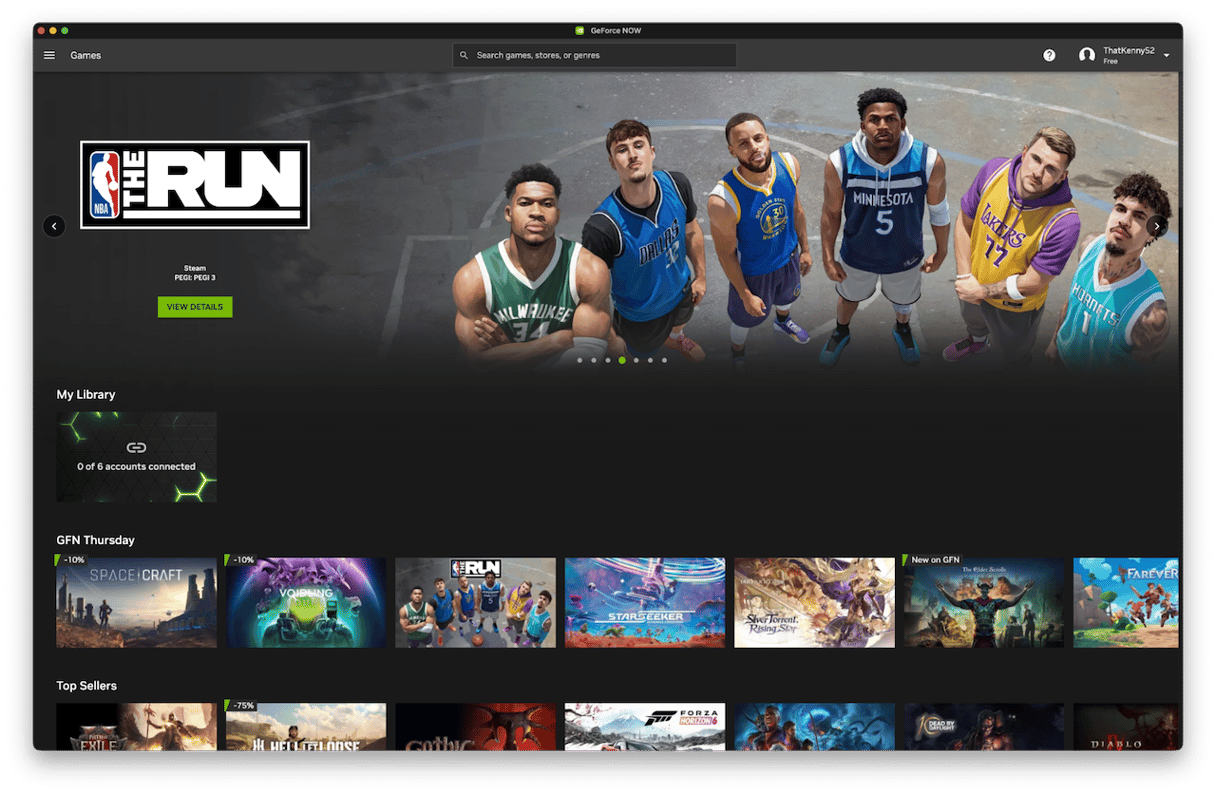
Price: From free
If your goal is to be able to play as many titles as possible on your Mac, GeForce Now should be top of your list. It runs as a native app on your Mac and connects to Steam, Epic Games Store, and others, giving you access to over 2,000 titles. It uses Nvidia’s RTX 4080 Superpods, meaning games run like a dream on the Mac if you have a reasonably fast internet connection. Pricing starts with a free tier that allows basic access in one-hour sessions. After that, you’ll pay $9.99/month for access to RTX features and 6-hour sessions or $19.99/month for RTX 4080 performance, 4K resolution, and up to 120 frames per second (fps).
The best choice if you want access to a wide range of titles at a reasonable price.
Xbox Cloud Gaming
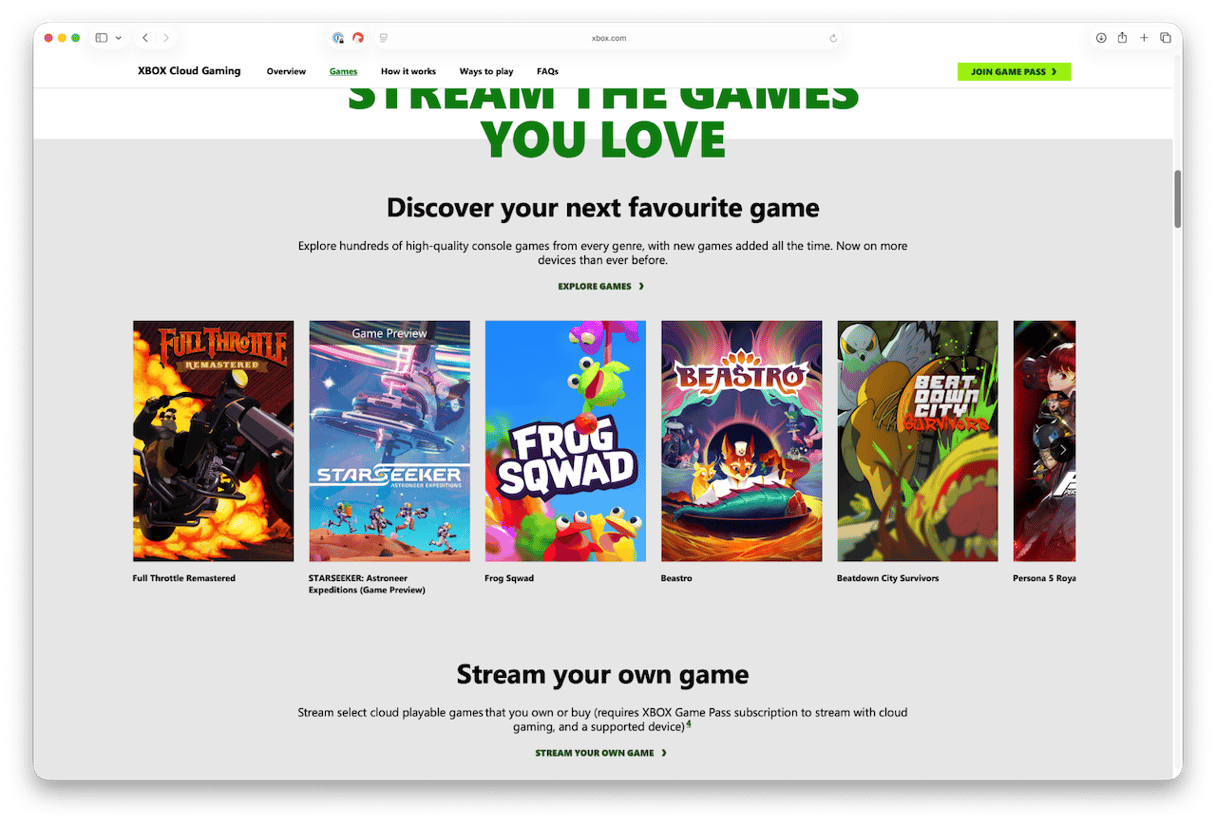
Price: $22.99/month
Xbox Cloud Gaming is the service to choose if you already have an Xbox Game Pass or play Xbox games and want to play them on your Mac. It runs in Safari, Chrome, or Microsoft Edge, and you’ll need a Game Pass Ultimate to use it. It runs on Xbox Series X hardware at 1080p resolution and 60fps. You’ll also have access to the full Xbox Game Pass library, EA Play membership, and unlimited free access to Fortnite. And, membership allows you to play on any platform, including mobile devices.
If you already have Xbox games or an Xbox Game Pass, Xbox Cloud Gaming is a no-brainer.
Boosteroid
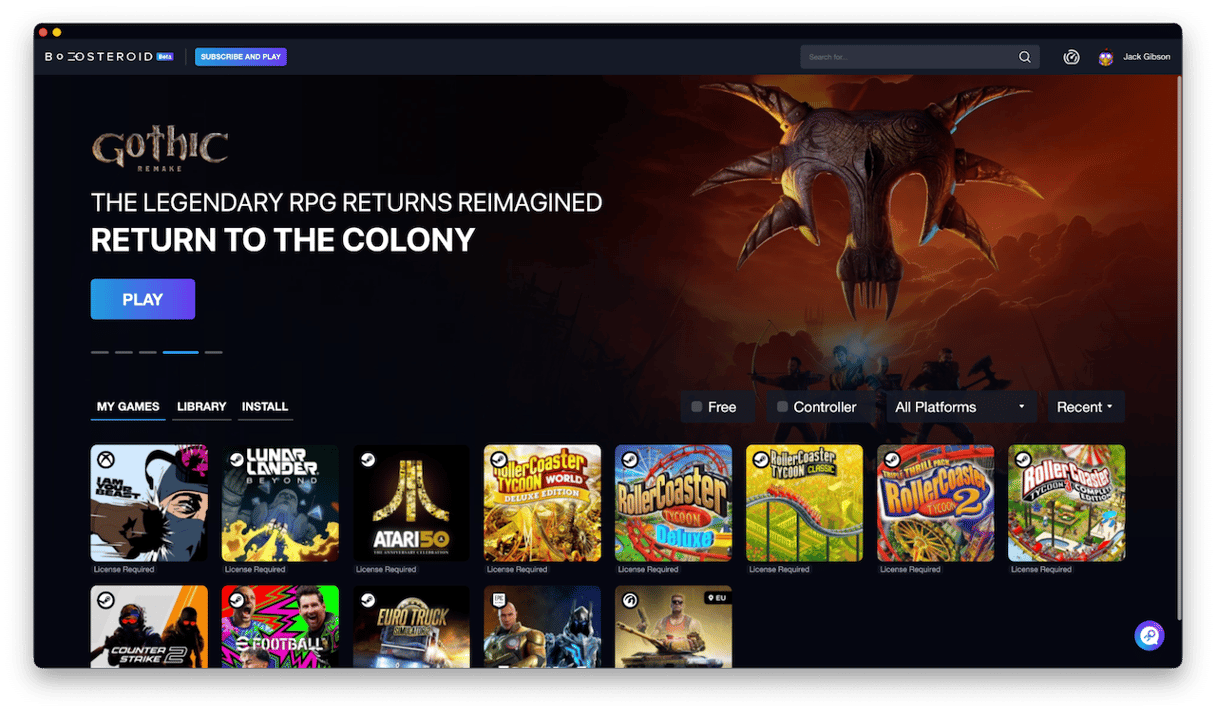
Price: Starts at $7.49/month paid annually for Ultra; $12.89/month for Ultra.
Boosteroid is a cloud gaming service that promises unlimited access to AAA games via a Mac app or web browser. It has several price tiers that offer performance up to 4K. You can only play games you already own via the likes of Steam, Epic Games Library, or Xbox Games Pass, or that are free. But there are no time limits on gaming sessions, and you can start playing on one device and then continue on another.
If you’re prepared to pay for a year up front, Boosteroid offers cheaper access to major game libraries than GeForce Now.
Amazon Luna
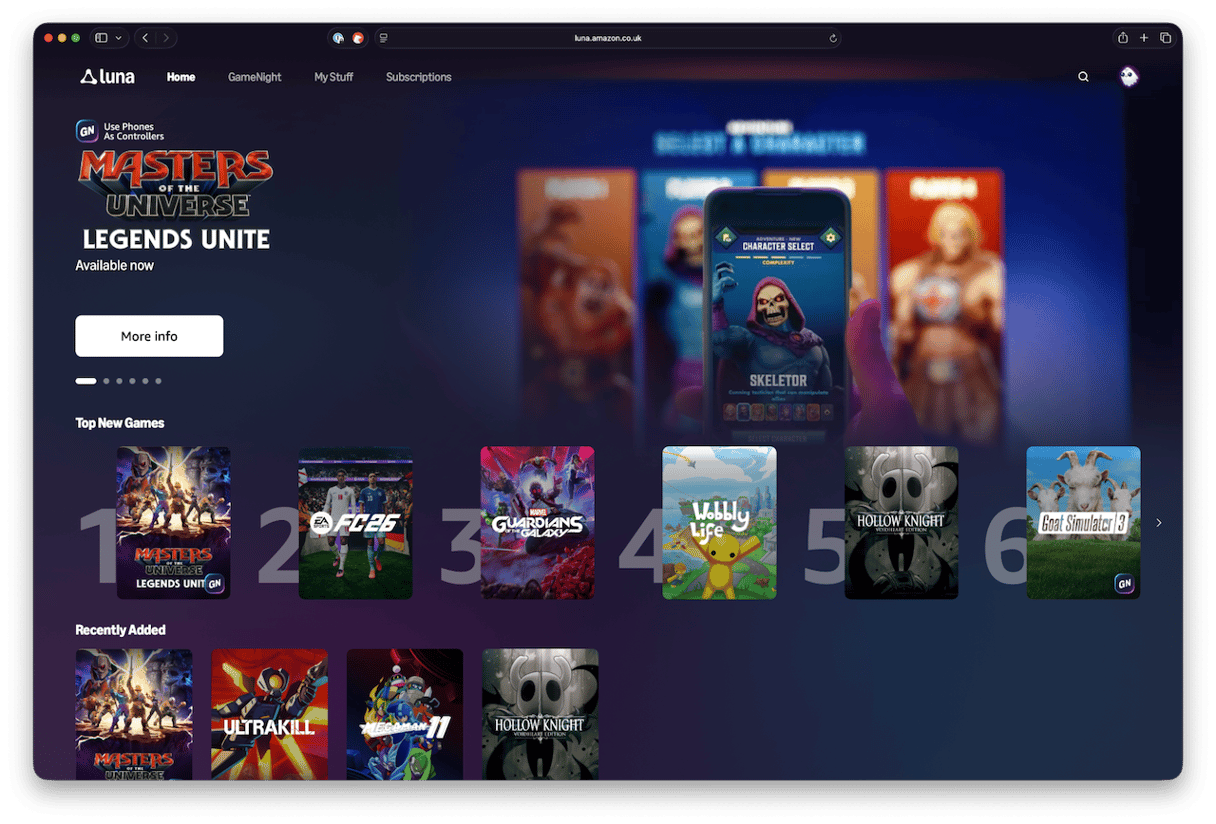
Price: Free with Prime; $9.99/month for full access
If you’re an Amazon Prime subscriber, Luna may be the best choice for you. It runs on Chrome and Edge on Mac, Safari on iPhone and iPad, and Smart TVs and Amazon devices. Prime subscribers get free access to a rotating list of titles that currently includes FC26, Fortnite, and Hogwarts Legacy. If you want more, a Luna + subscription costs $9.99/month and gives you access to the full Luna library. Luna uses Nvidia Tesla T4 GPUs, which allow 1080p/60fps performance.
Good performance on a range of devices, with a wide range of games, some of which are free to Prime subscribers.
Shadow PC
Price: Neo $30.29/month; Power $54.99/month
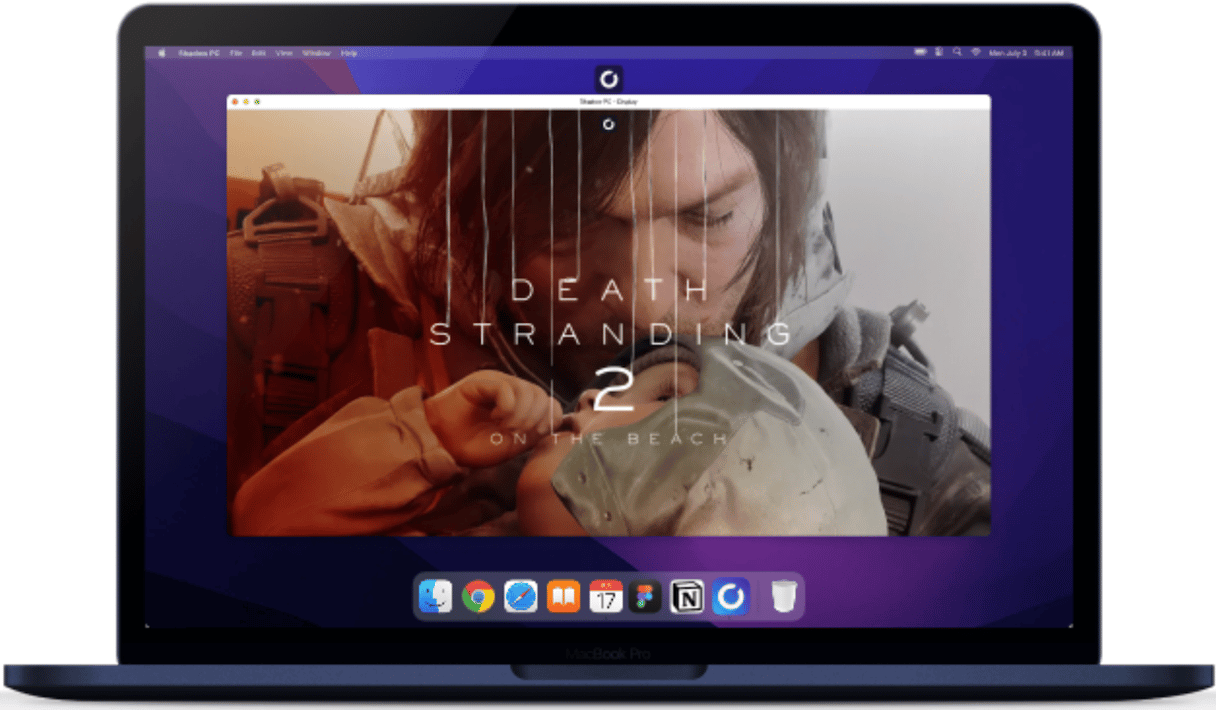
Shadow PC is a little different from the other services here in that it gives you access to an entire Windows PC in the cloud. It uses a native Mac app and means you can run Windows apps as well as games. Because it’s a Windows PC, it can run any Windows-compatible game, including those on Steam, Epic Games Store, and Battle.net. The Neo tier allows you to play at up to 1440p, while Power gives you more RAM and VRAM, and the ability to stream at up to 5K.
Not just a games machine, but an entire Windows PC, Shadow PC is expensive but might be worth it if you want to do more than play games.
Buyer’s guide
Here are the best cloud gaming services for Mac for different types of players:
- I own PC games on Steam
GeForce Now. It allows you to stream your existing library in a native Mac app and has a free tier.
- I want Game Pass titles
Xbox Cloud Gaming is included with the Ultimate Game Pass tier and allows you to access all Game Pass titles in a web browser.
- I want a full Windows gaming PC in the cloud
Shadow PC does exactly that. Although it’s more expensive than the others, it allows you to run any Windows-compatible game or app.
Frequently asked questions
Can you play cloud gaming on Mac without a controller?
Yes, for most services via browser — but input lag is higher; a controller is strongly recommended, particularly for Amazon Luna, where it connects directly to Amazon’s servers to minimize latency and allow you to switch easily between devices.
Does GeForce Now have a native Mac app?
Yes — it’s one of the only major cloud gaming services with a dedicated Mac application alongside browser play.
Is Xbox Cloud Gaming free on Mac?
No — it requires Game Pass Ultimate ($22.99/month) and runs entirely in the browser.
Can I use PlayStation Plus Premium on Mac?
Sony does not offer a native Mac app or web browser support for PlayStation Plus Premium cloud streaming. The official PlayStation Plus PC app is exclusive to Windows. To play on a Mac, you must use a Windows virtual machine or rely on local console streaming.