Loads of people are suddenly left wondering what happens to my Intel Mac after Golden Gate?
First up, let me just quickly reassure you: your Mac isn’t going to stop working the day Golden Gate launches.
If you have an Intel Mac, the update simply won’t appear in your available Software Updates, and your machine just stays on macOS Tahoe.
All your files, apps, settings, and all your daily workflows will continue as they do right now. I think the real question is, how long will Apple keep supporting Intel machines? I’ll cover everything below.
macOS Golden Gate software timeline
Ok, I think before we head off into the core of the article, this info might be what a lot of users really want to know. This is what macOS Golden Gate Intel Mac support looks like in the very near future.
Date | Event | Impact on Intel Mac owners |
Sept 2025 | macOS Tahoe released | Last major upgrade Intel Macs will ever receive |
June 2026 | Golden Gate announced at WWDC | Intel Mac owners confirmed as excluded from Golden Gate |
Fall 2026 | macOS Golden Gate launches | Software Update shows nothing new for Intel Macs |
Fall 2027 | macOS 28 expected | Most Rosetta 2 support will be removed; Intel-only apps stop working on Apple silicon Macs |
Later in 2028 | Apple security updates end | Intel Macs stop receiving patches and become riskier for internet use |
Later in 2029 | Third-party app support fades | Chrome, Zoom, Microsoft 365, and similar apps likely start dropping Tahoe support |
Check if you have an Intel-based Mac
Depending on what Mac you’ve got, you really need to check first up if this all applies to you. Go to your main Apple menu > About This Mac and look for the Chip or Processor line.
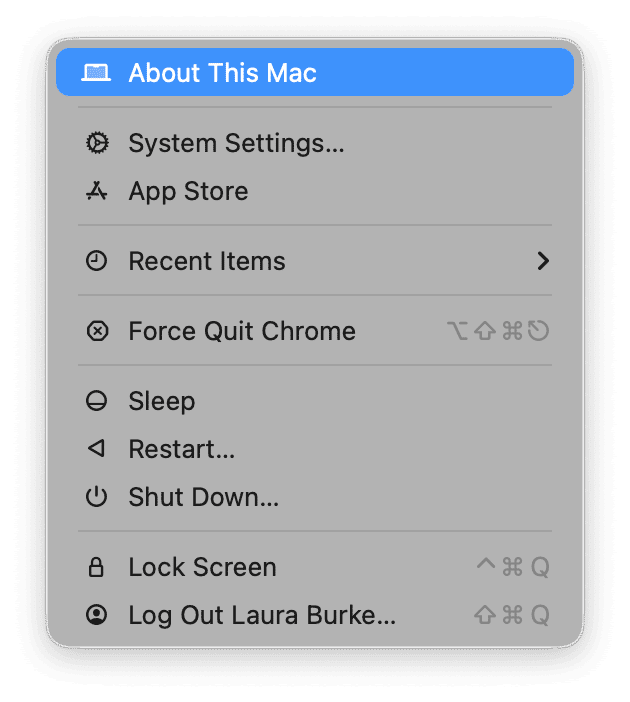
If it says M1, M2, M3, M4, or M5, you have an Apple silicon Mac and should be able to install Golden Gate, but if it does say Intel, then this article does indeed apply to you.
The final Intel Macs supported by macOS Tahoe, but cut off from macOS Golden Gate, are: MacBook Pro 16-inch 2019, MacBook Pro 13-inch 2020 with four Thunderbolt 3 ports, iMac 27-inch 2020, and Mac Pro 2019.
Older Intel Macs were already excluded from Tahoe, so if you have a 2018 Mac or older, you’ve already been sitting on your final macOS version for a while.
Does my Intel Mac still work after Golden Gate?
There’s a lot of concern right now from Intel Mac users, thinking that their Macs will instantly stop working, and I think it’s important to try and understand here that you’ll just be stuck on Tahoe, which will continue running exactly as it is right now.
Apple also reassured users that Intel systems on Tahoe would continue to receive security updates for three years at this year's WWDC, so that’s actually some transparency and honesty from Apple. While it’s not an exact date, I think that should give you a good planning window.
What are you really missing?
So you can’t upgrade, but what are you really missing?
Well, I think three core things: first, new macOS versions; second, Apple silicon-only performance improvements; and third, the full Apple Intelligence experience, which actually requires Neural Engine hardware, which isn’t even present in Intel Macs.
I don’t think any of those things are catastrophic losses. Tahoe is still a really capable release. I think it’s only a little later down the line, when Continuity features may drift as iOS and iPadOS move further ahead.
The Rosetta 2 warning for Apple silicon users
Apple has also announced that Rosetta 2 is not being removed in Golden Gate, but it’s going to be the last macOS version with full Rosetta 2 support. Rosetta 2 support is expected to disappear in macOS 28, and then Intel-only apps will stop working on Apple silicon Macs.
I think that’s a pretty clear signal that Apple is cutting loose from Intel.
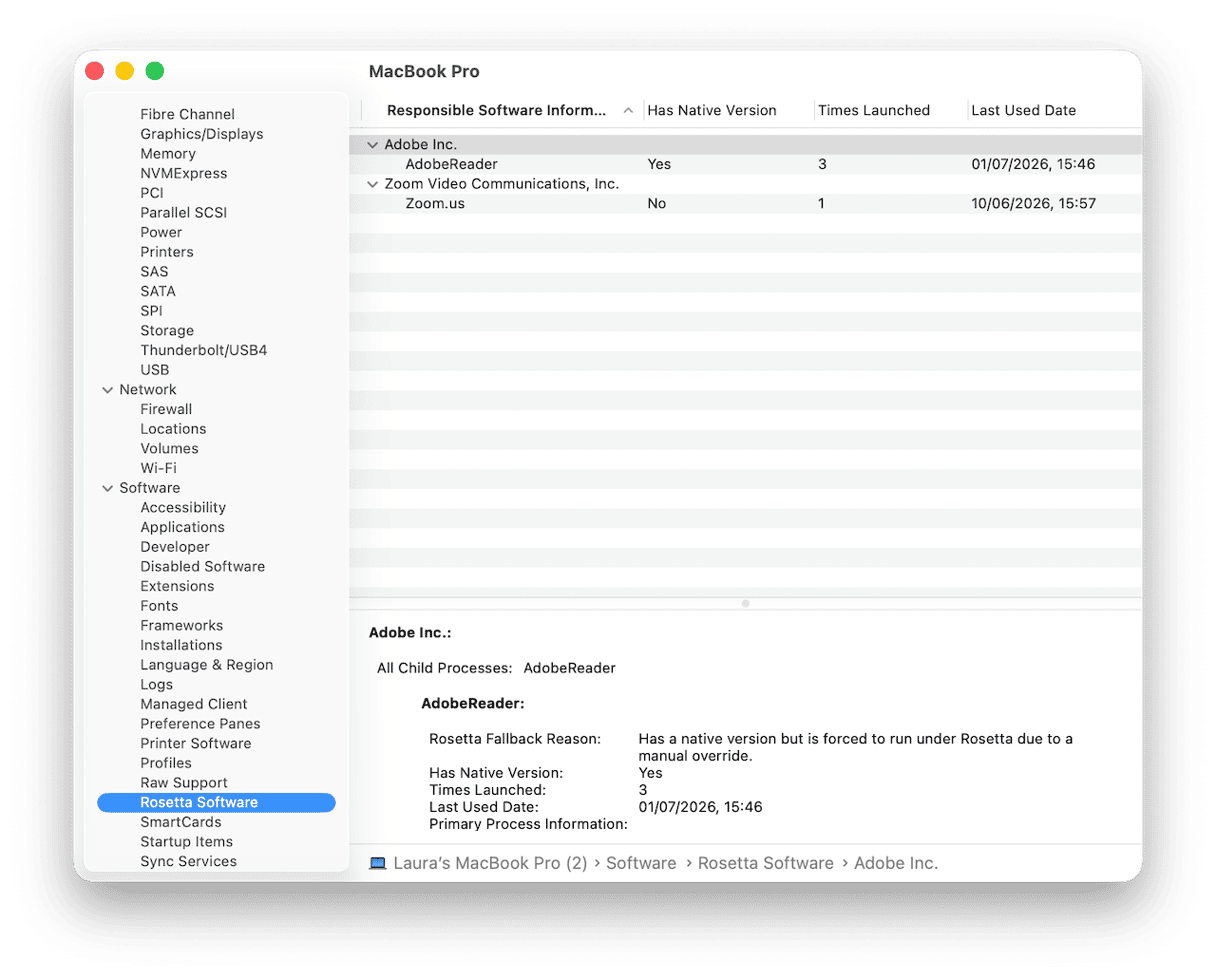
You can already start to audit your apps now. Golden Gate adds a way to check System Settings > General > About > System Report > Software > Rosetta Software. You can see which apps still depend on Rosetta.
This does give you time to start looking for native Apple silicon app alternatives before support ends.
How to keep your Intel Mac running well on Tahoe
If you’re keeping your Intel Mac, then I’d say it’s time to stay on top of its performance, and there’s quite a lot you can do.
1. Keep Tahoe updated
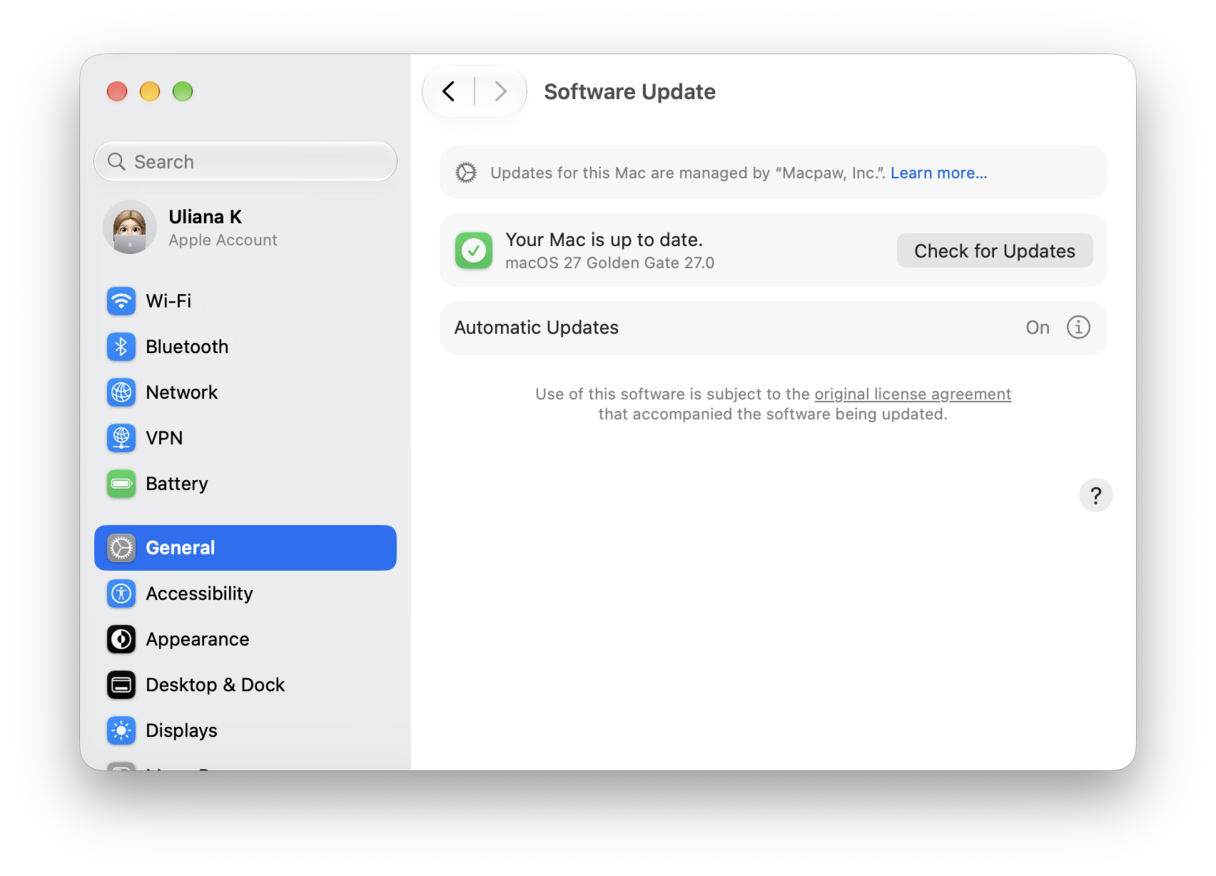
Security patches will continue arriving automatically during Apple’s support window, so don’t overlook any available updates; they’re still worth doing.
2. Keep third-party apps updated
For as long as developers support Tahoe, keep your apps, especially any third-party ones like Browsers, even Office apps, creative tools, and password managers.
3. Manage performance
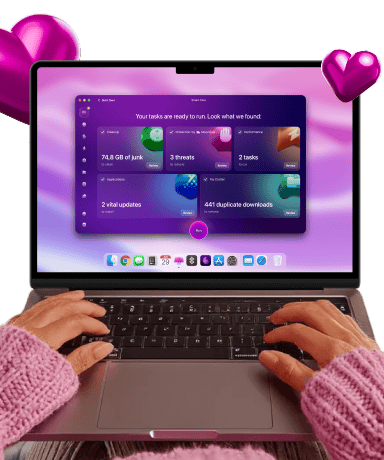
The best thing you can do for your Intel Mac is to keep it lean and well-maintained. The Performance feature from CleanMyMac, for instance, can help you do a ton of things, like get better control over what's running in the background, manage your login items and launch agents, and help you run other maintenance tasks.
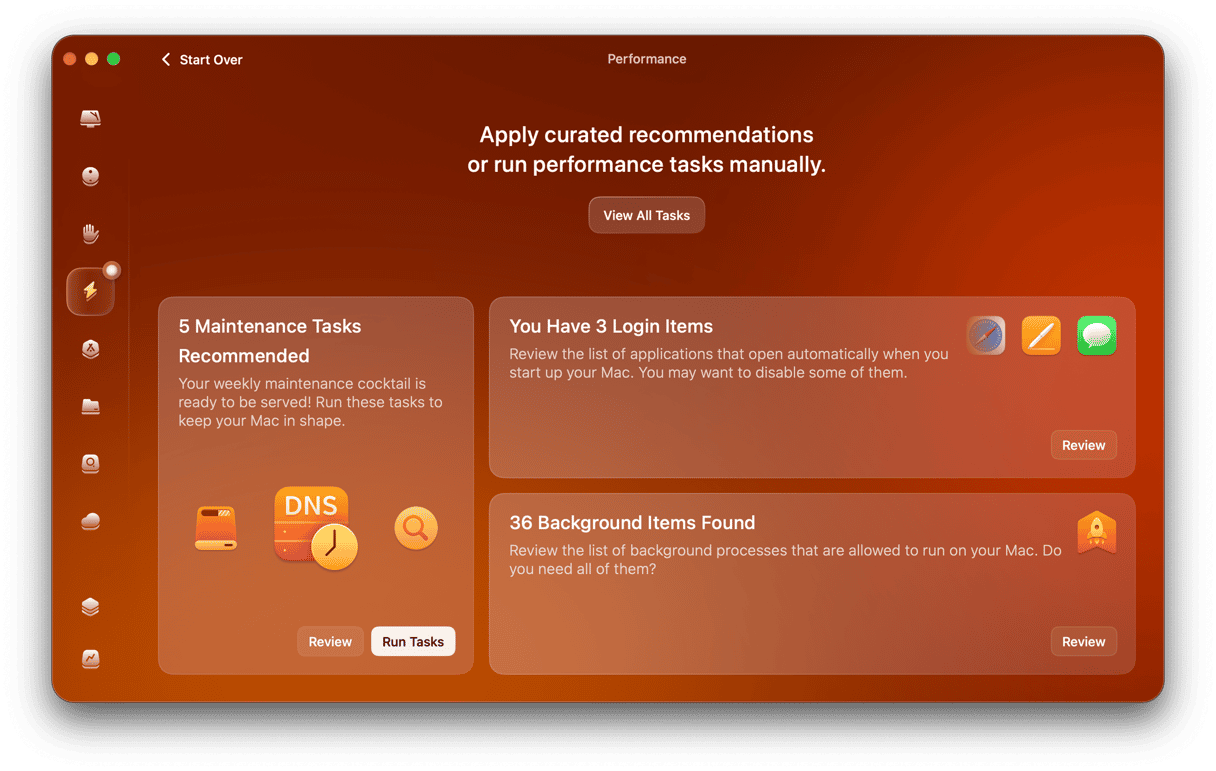
If you haven’t yet, test this app out for seven days for free — get your free trial here.
Should I upgrade to Apple silicon?
There’s nothing wrong with using a working Intel Mac on Tahoe for another couple of years, especially for everyday tasks, but it’s probably time to start planning. You certainly don’t need to go and panic buy, but at least you know by 2029, support is going to have faded.
If you rely on your Mac for paid work, client files, financial tasks, or secure browsing, I personally wouldn’t be waiting till the support is completely gone. These days, refurbished M1 Macs often sit in the $700-900 range, also worth considering. Intel Macs still have some trade-in value now, but that will fall as 2028 gets closer.
Frequently asked questions
Can my Intel Mac install macOS Golden Gate?
No. macOS Golden Gate requires Apple silicon.
Will my Intel Mac stop working after Golden Gate?
No. Your Mac continues running Tahoe as before.
How long will Apple support Intel Macs?
Apple committed to three years of security updates from Tahoe, which points to coverage until approximately late 2028.
What features does my Intel Mac miss in Golden Gate?
You miss Siri AI, Visual Intelligence, Golden Gate performance improvements, and future macOS features.