
If you want to know how to uninstall QuickBooks on Mac, then you’ve probably run into some annoying issues, maybe it’s crashing, maybe you upgraded accounting platforms, or maybe the app simply feels too heavy for your Mac.
Removing QuickBooks turned out to be slightly more complicated than dragging its app icon to Trash, but in this guide, I will walk through what QuickBooks is, why people decide to remove it, and the practical ways I found to uninstall it properly without leaving leftover files behind.
What is QuickBooks for Mac?
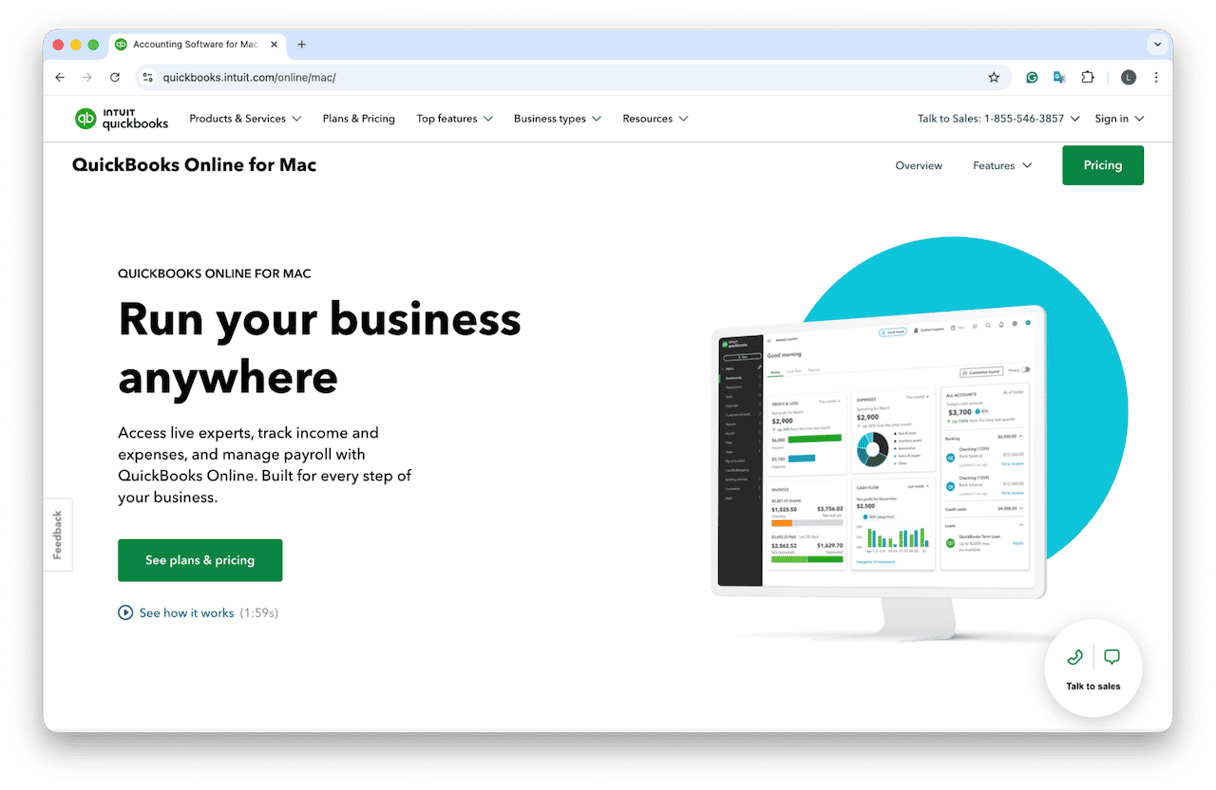
QuickBooks is a well-known accounting software developed by Intuit, popular for small businesses and freelancers. It’s built to help users manage invoices, track expenses, and generate financial reports.
What lots of users don’t realize is that, once installed, QuickBooks stores a lot of data, from preferences to background support files, inside hidden Library folders on your macOS. It also installs supporting components for updates and integrations.
It’s a solid app, but it can grow to be quite large, and that’s due to its comprehensive accounting databases, company backups, and cached files. Over time, that footprint can become noticeable.
Why uninstall QuickBooks?
There are several common reasons people decide to uninstall QuickBooks.
- Switching platforms. Many businesses move to cloud accounting tools that run in a browser. Once that happens, the desktop app becomes unnecessary.
- Troubleshooting fatigue. I have seen cases where QuickBooks updates conflict with macOS updates.
- Low storage. Company files and cached data can consume gigabytes over time.
Whatever your reason, let’s move on to how to uninstall QuickBooks for Mac.
How to uninstall QuickBooks on Mac manually
1. Quit QuickBooks
- Make sure the application is completely closed.
- Open QuickBooks and choose QuickBooks > Quit QuickBooks from the menu bar.
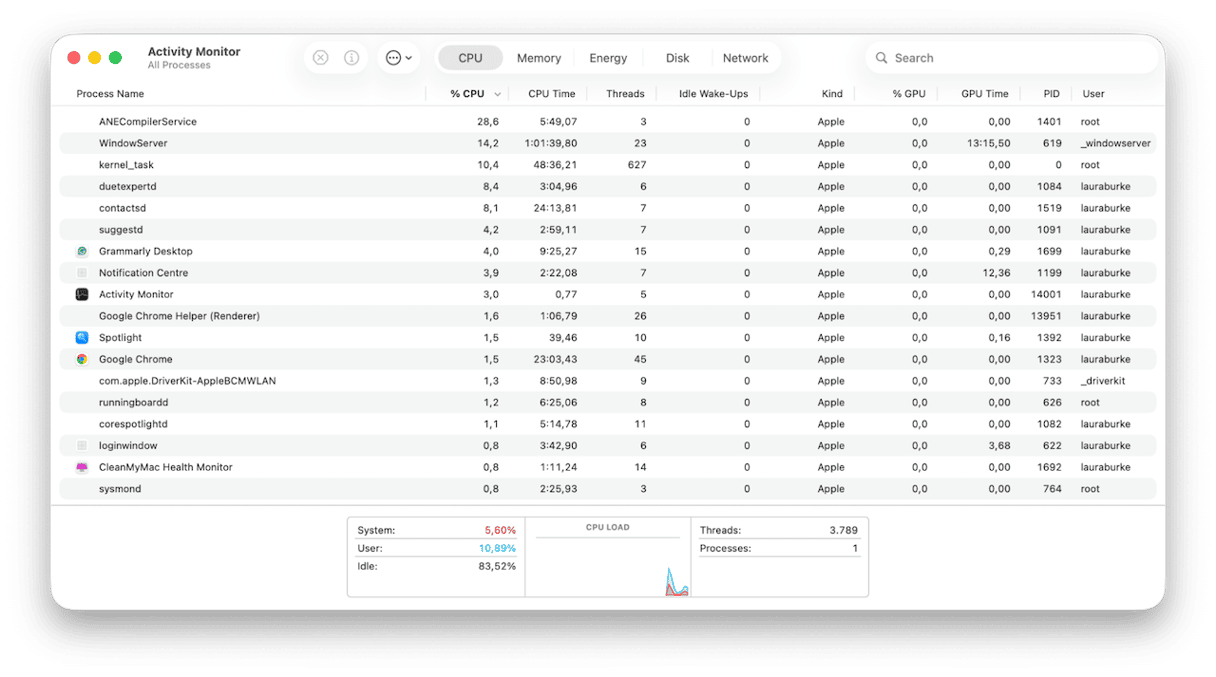
- Or you can also confirm it is not running by opening Activity Monitor and checking for any QuickBooks processes.
2. Remove the application
- Open Finder > Applications.
- Locate QuickBooks and drag the application to the Trash.
- Then empty the Trash.
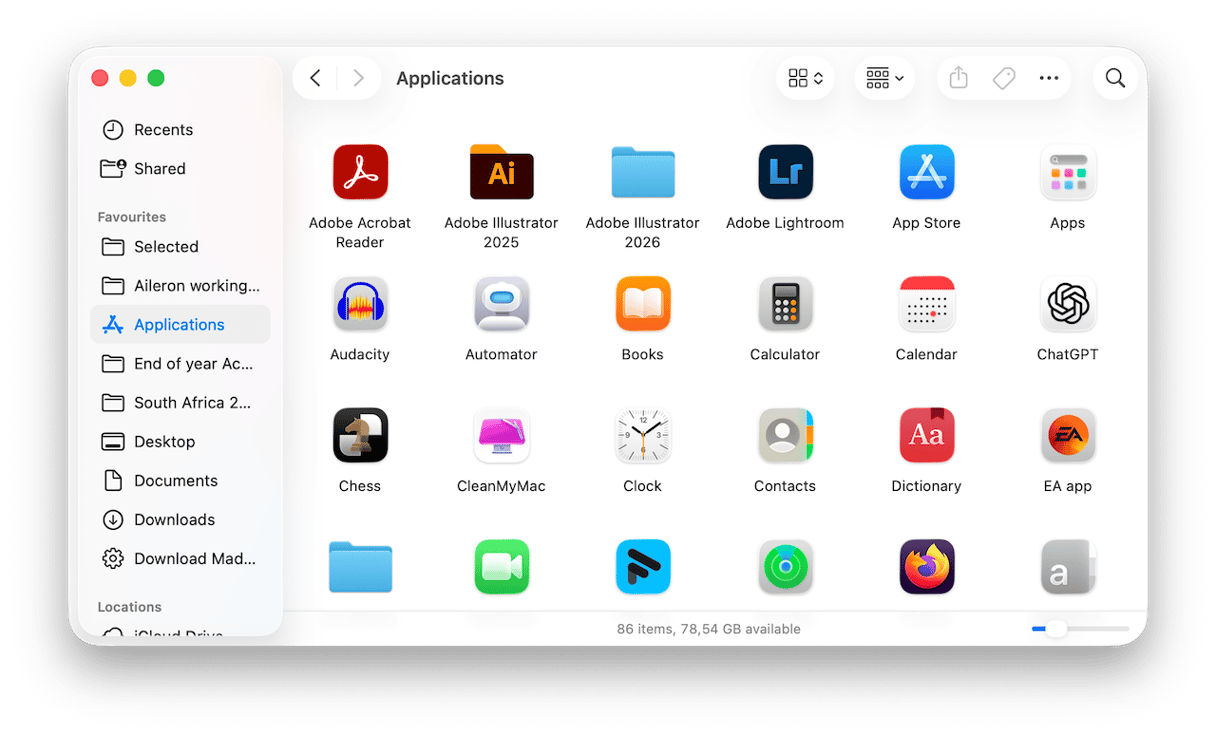
This removes the main program, but several support files usually remain.
3. Delete support files
- Press Shift - Command - G in Finder and go to the following folders.
- ~/Library/Application Support
- ~/Library/Preferences
- ~/Library/Caches
- Look for folders related to QuickBooks and delete them.
- Restart your Mac after deleting these items to help clear background references.
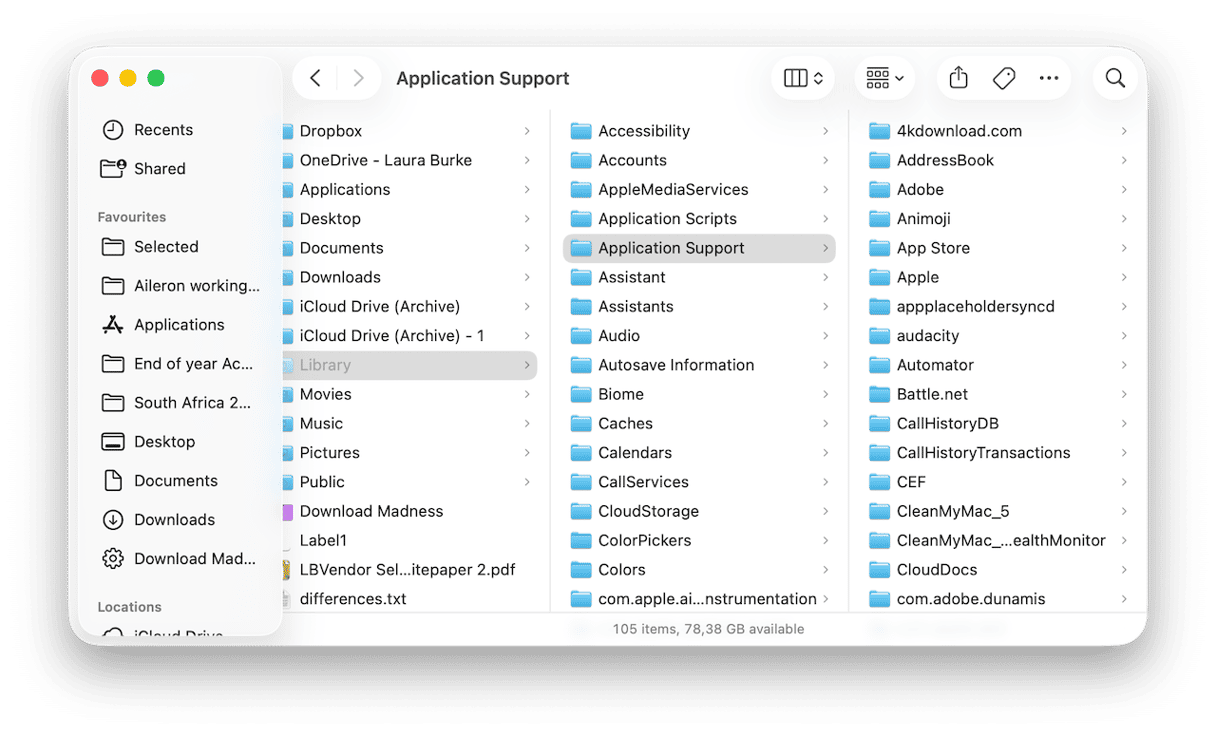
While this manual removal method works, it requires digging through hidden folders. Missing one support file can leave leftover data behind. There’s an easier way. Keep reading.
How to uninstall QuickBooks automatically
Dragging apps to the trash doesn’t guarantee you’ve actually fully removed the app. Using a dedicated tool like CleanMyMac’s Applications feature, scans for all associated files and removes them together, ensuring a complete and full uninstall without the hunting around in Library folders part; here’s how:
- Start your free CleanMyMac trial — use all features at zero cost for 7 days.
- Open and click Applications > Scan.
- Click Manage My Applications and find QuickBooks in the list.
- Press Uninstall.
This way, you can remove any app from your Mac. Or even multiple apps at a time.
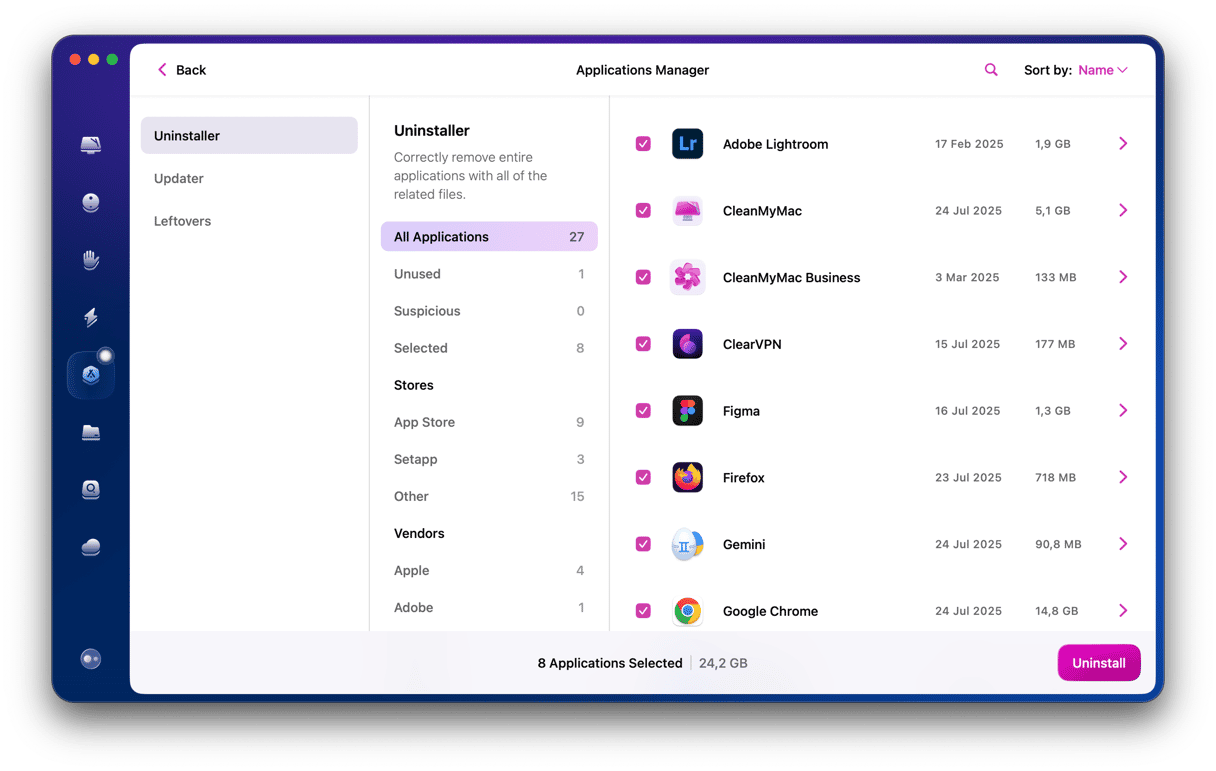
This automatic method makes sure all leftovers are safely removed, freeing up space and helping to avoid future file corruption issues.
So we’ve covered all the steps on how to uninstall QuickBooks on Mac. It’s a powerful tool, QuickBooks, but when it is no longer needed or begins causing issues, removing it properly is worth the effort. No matter if you choose the manual route or an automated uninstall method, make sure to remove the leftover files.
Frequently asked questions
Does uninstalling QuickBooks affect integrations like bank feeds or payroll accounts?
Removing the software does not cancel those services. However, integrations configured in the app will stop syncing until the software is installed again.
Is it possible to run older QuickBooks versions on modern macOS?
Some older releases struggle with newer macOS systems, which is one reason users choose to uninstall and upgrade. You’ll need to check QuickBooks help pages for compatibility.
Can I still log in online if I delete the QuickBooks app?
Deleting the QuickBooks app will only remove the software interface from your MacBook. It does not delete your account, subscription, or data, which are stored securely in the cloud; you’ll still be able to log in online. If you want to fully cancel your account, you can manage it online.