Speculation that Apple will introduce a touchscreen interface to macOS has been around since the iPhone was first launched 20 years ago. For a long time, it seemed that Apple was much less interested in the idea than many users, and when it expanded the trackpad and added gesture support, it seemed that was the end of any hope of a touchscreen interface. But the macOS Golden Gate beta has reignited it. Buried deep in the code of the new OS are very strong hints that a touchscreen interface for Mac is not just on the way, but imminent.
I’ve been testing the Golden Gate beta for a few weeks now, and in this article, I’ll show you what Apple has done to make macOS touchscreen-friendly and explain what it might mean for the future of the Mac.
Does any Mac have a touchscreen?
In short, no. However, the Apple rumor mill has been red hot with reports from people connected to suppliers of a new MacBook that will have a touchscreen interface. That, together with the hints in Golden Gate, suggest that we will, finally, see a MacBook with a touchscreen interface in the not-too-distant future. Here’s a more detailed look at those Golden Gate features.
What Golden Gate adds for touchscreen right now
- Finger control in Sidecar
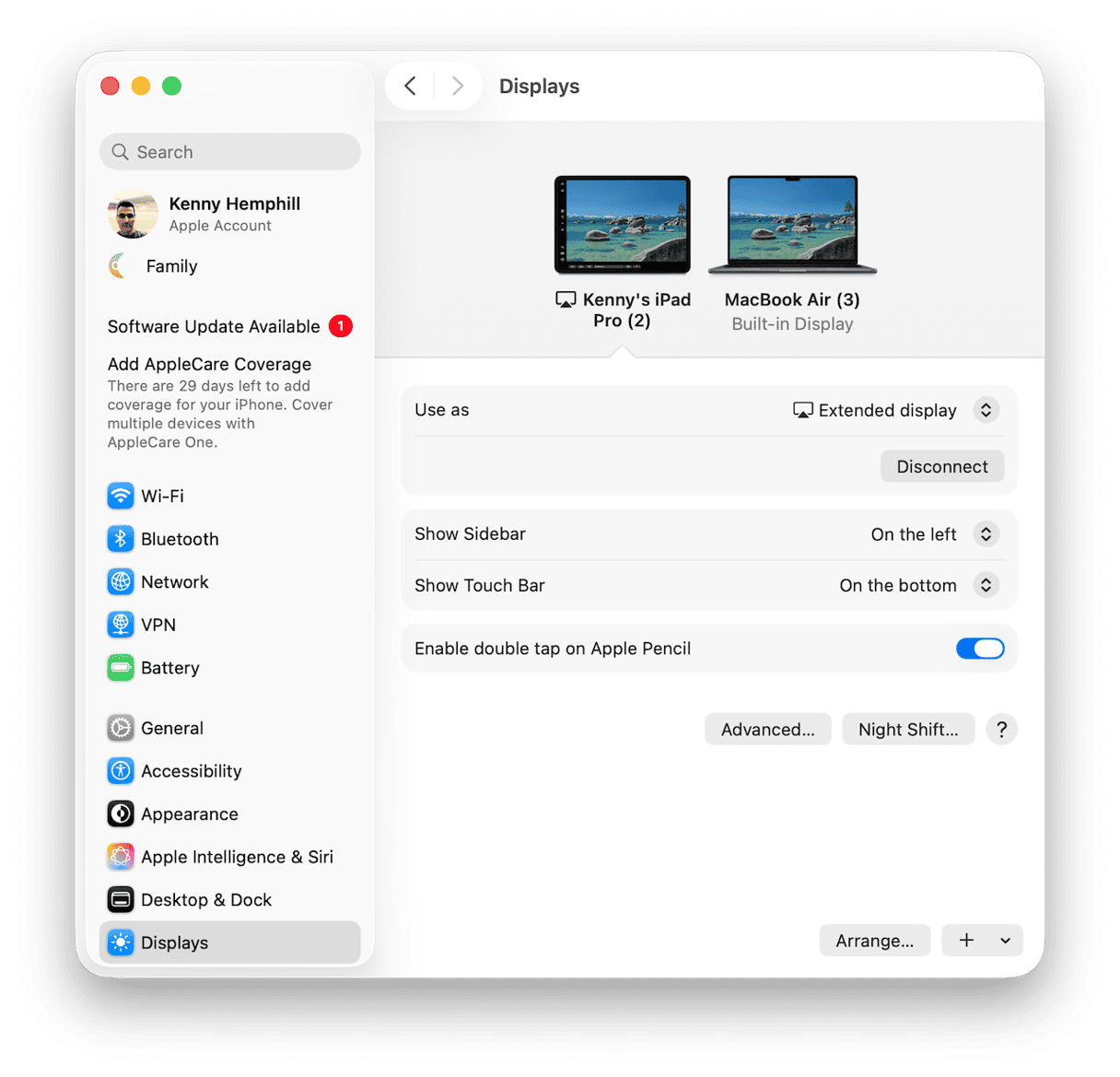
Sidecar is the feature in macOS that allows you to use an iPad as an extended display. Until now, the only touch features it supported were two-finger scrolling and pinch to zoom. Everything else had to be controlled using your Mac’s mouse or trackpad. Now, if you connect an iPad running iPadOS 27 to a Mac with Apple silicon running macOS 27, you can scroll with one finger and tap a control, as well as use gestures and Markup on the iPad screen using your fingers.
In practice, in my tests, it worked well. Scrolling in a Finder window using a finger seemed weird at first, but I soon got used to it. Menus responded quickly when I tapped them. To use a well-worn phrase, it just worked.
- Swipe down to refresh in Apple apps
macOS Golden Gate adds the ability to swipe down the screen to refresh in Safari, Mail, News, Podcasts, Calendar, just as you can in iOS and iPadOS. When the scroll bar is at the top of a window, pulling down on the trackpad with two fingers refreshes the page. This is a feature that has, until now, been the preserve of Apple’s touchscreen interfaces and is another clue that it plans to add support for touchscreen in macOS, as well as a suggestion that it will release its own Mac with a touchscreen.
- Touch-aware Liquid Glass
While most of the changes to Liquid Glass in Golden Gate address criticisms of its original incarnation in Tahoe, Sidecar highlights some more additions. When you use touch to control your Mac on an iPad display with Sidecar, interface elements stretch, animate, and glow, just as they do in iOS. The Podcasts toolbar flashes white when you tap on it, and Calculator buttons stretch when you tap or drag them.
- New developer APIs
Aside from the new features in the Golden Gate beta, there is code aimed at developers that allows apps to detect when a touchscreen interface is connected. In Apple’s guidelines for developers, the company explicitly says that these APIs are ‘not just for the Sidecar display.’ That strongly implies that Apple plans to develop a touchscreen Mac.
How to test touchscreen on your Mac today
Ok, so we know that there will probably be a MacBook with a touchscreen in the future. But what about now? How can you test out touchscreen in Golden Gate yourself?
First of all, you’ll need a Mac with Apple Silicon with the latest Golden Gate public beta installed. You’ll also need an iPad with iPadOS 27 beta installed. And both devices will need to be signed into the same Apple account.
- On your Mac, either go to Control Center > Screen Mirroring and select your iPad, or go to System Settings > Displays and choose Add Display.
- When the iPad appears as a second screen, try tapping a menu on the iPad screen.
- Drag a Safari window onto the iPad screen, then try pulling down on the page with two fingers to refresh it.
- Next, try pinching and unpinching on the iPad screen to zoom in and out of a web page or a photo in the Mac’s Photos app.
What's coming: the hardware picture
It’s important to note that Apple hasn’t announced a Mac with a touchscreen interface, but the sources who provided information on what it has planned have been right before. It’s reported that Apple will introduce a new top-end MacBook, the MacBook Ultra. It will be thinner than the MacBook Pro, have an M6 chip, an OLED display, and Dynamic Island. Most importantly, it will have a touchscreen. The likely launch date, according to these reports, is early 2027.
Get your Mac ready for Golden Gate
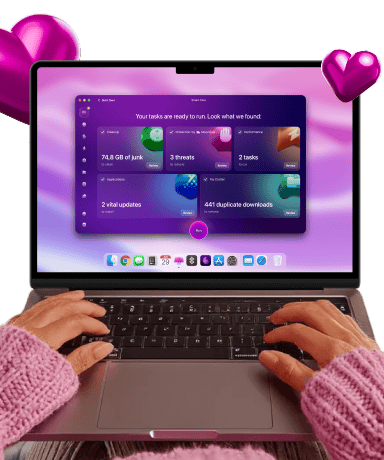
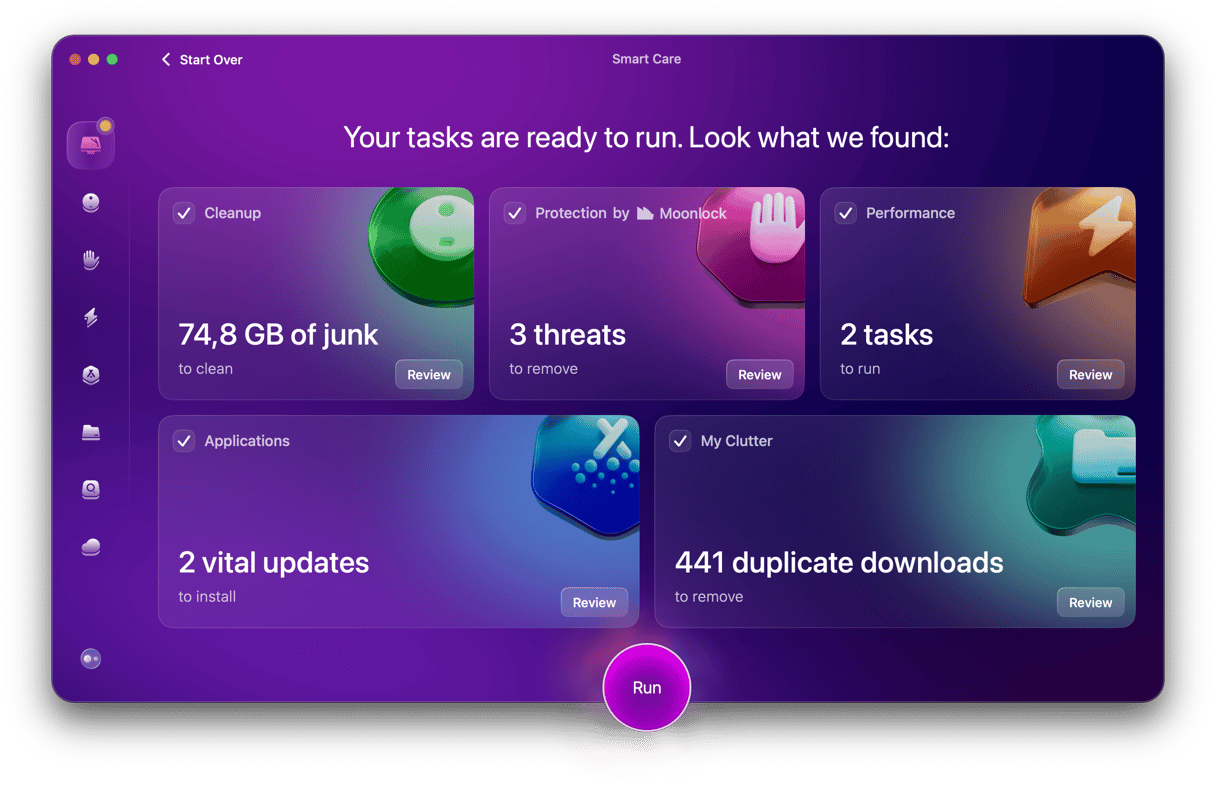
Before you upgrade to Golden Gate and start using touchscreen in Sidecar, it’s a good idea to get your Mac in shape. That means clearing out junk files and clutter, running maintenance tasks, and optimizing performance. CleanMyMac’s Smart Care feature acts as a single-scan pre-flight check: it finds junk files, broken app remnants, and space hogs and removes them with a click.
- Start your free CleanMyMac trial — you can test all 25+ tools for 7 days at zero cost.
- Open the app and select Smart Care in the sidebar.
- Click Scan.
- When it’s finished scanning, click Run.
Apple’s touchscreen MacBook isn’t here yet, but the evidence in macOS Golden Gate suggests that it’s coming soon. For now, you can try out some touchscreen features using an iPad and the Mac’s Sidecar feature. It works very well and suggests that when the touchscreen MacBook does arrive, it will be successful.