
If you have a Cricut machine and use the app on your Mac, you'll know that it's a great tool for letting your imagination run wild and turning your ideas into a tangible reality. Most of the time, the Cricut Design Space app works well and without any problems. But sometimes it slows down or becomes unstable. When that happens, it's often due to a corrupt file in its cache. In this article, we'll show you how to clear cache in Cricut Design Space on your Mac.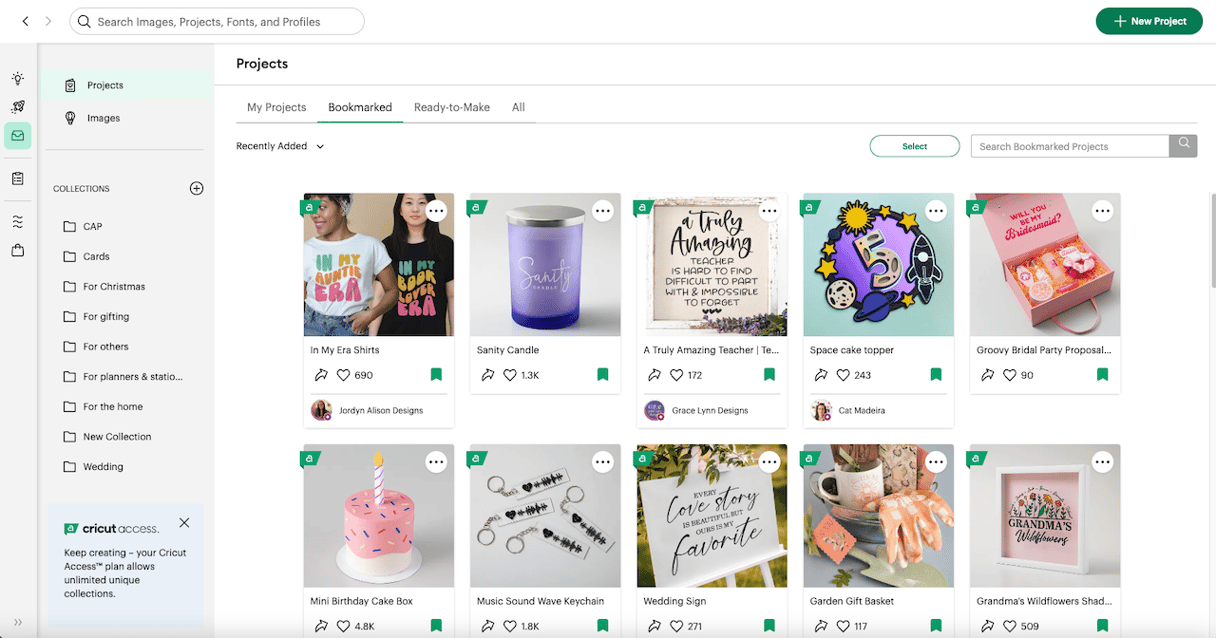
What is cache in Cricut Design Space?
When you use the Cricut Design Space app on your Mac for the first time, it downloads some resources from a server so you can access them in the app. It then stores the files in cache so that it doesn't have to download them each time you use the app. Most of the time, that means the app runs more quickly and smoothly than it otherwise would. However, sometimes the cache becomes corrupt, and when that happens, it can slow the app down or even cause it to crash.
Why clear cache in Cricut Design Space?
When you use the Cricut Design Space app on your Mac for the first time, it downloads some resources from a server so you can access them in the app. It then stores the files in cache so that it doesn't have to download them each time you use the app. Most of the time, that means the app runs more quickly and smoothly than it otherwise would. However, sometimes the cache becomes corrupt and when that happens, it can slow the app down or even cause it to crash.
How to clear cache in Cricut Design Space on your Mac
Clear cache manually
- Click on the Finder icon in the Dock.
- Select the Go menu and choose Go to Folder.
- In the text box, paste this file path and press Return:
~/.cricut-design-space - Open the LocalData folder and drag the contents to the Trash.
- Empty the Trash.
- Launch Cricut Design Space, choose the View menu, then Force Reload.

Once you have emptied the Trash, all the cache files for Cricut Design Space will be gone. The next time you use the app, it will download a fresh copy of the files it needs and start to create a new cache.
Clear cache in two clicks
You probably realize by now that Cricut Design Space isn’t the only app that saves data in a cache folder on your Mac. Most apps do it. The result is lots of cache folders and files on your Mac with files that can conflict with each other, become very large, or hold out-of-date information.
Clearing cache for all apps can free up lots of space on your startup disk as well as help your Mac run more smoothly. And it’s not just cache files; there are lots of other files on your Mac that cumulatively can take up several gigabytes of space. These include log files, application binaries you don’t need, Mail attachments, and language files for languages you don’t use.
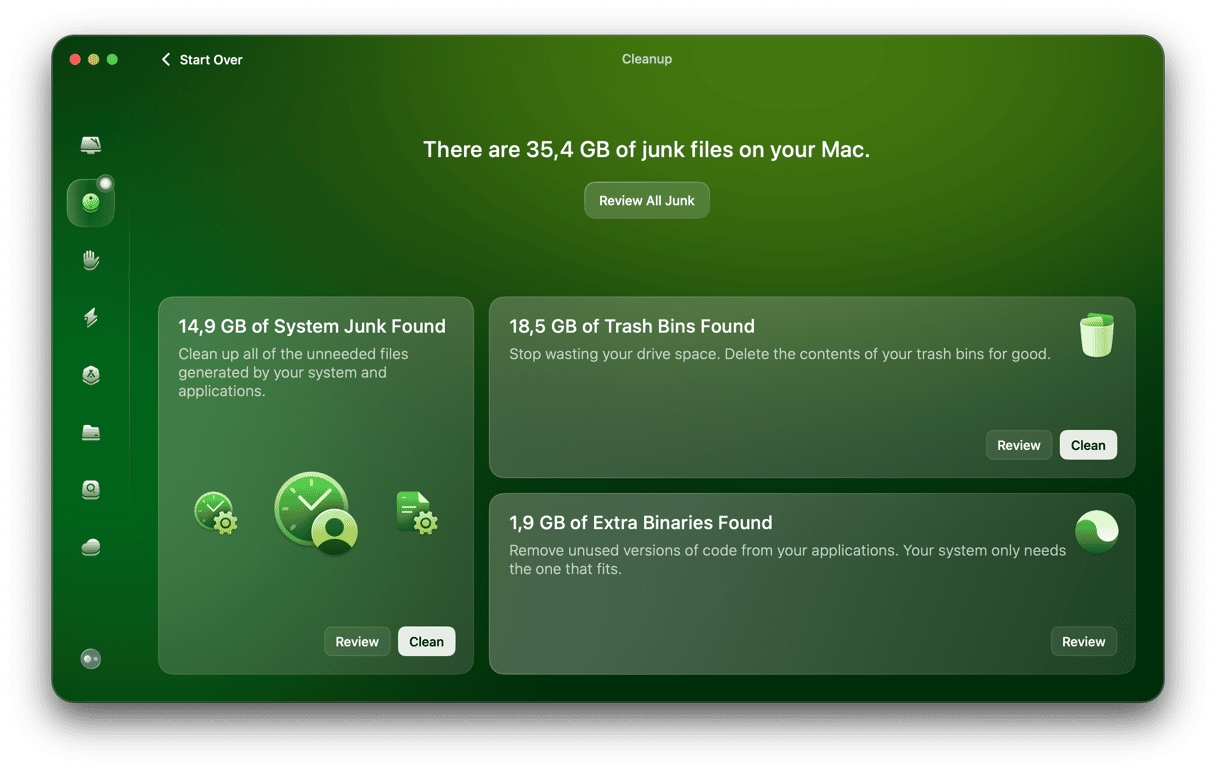
Clearing out all those files manually is time-consuming and laborious, but you don’t have to do it manually. CleanMyMac’s Cleanup feature can do it for you. It scans your Mac, builds a picture of all those files, and then reports back on what it has found. You can then choose to delete everything it recommends or review its findings and choose for yourself what to do.
- Get your free CleanMyMac trial — check out how it works for 7 days for free.
- Choose Cleanup in the sidebar and click Scan.
- When it’s finished scanning, click Clean in each panel to remove files or Review to find out more about them.
Clearing cache in Cricut Design Space may help fix problems with the app or make it run more smoothly. Follow the instructions above to try it for yourself.
Frequently asked questions
Will I lose my designs if I delete cache?
No, your designs are stored separately from cached data.
How often should I clear cache in Cricut Design Space?
There's no set schedule. You only need to clear the cache if you're experiencing problems with the app, such as slow performance or crashes.
Does clearing the cache log me out of Cricut Design Space?
Clearing the cache should not log you out of your Cricut account, but it's a good idea to have your login details to hand just in case.
Can I clear Cricut Design Space cache without deleting my saved projects?
Yes. The cache folder contains only temporary resource files, not your project data. Your saved designs are stored separately and will not be affected.