
The forums are full of threads on does Power BI work on Mac. I've put this article together because I kept hitting outdated answers and half-true workarounds. Some threads said it works fine, while others said it's not possible, which is not helpful when you need a report live by Friday.
I’m running macOS Tahoe, and I tested the current paths myself. The short version for those wanting answers instantly: the Power BI Service runs in your browser on a Mac, but Power BI Desktop is still Windows only.
That means you either use the web for viewing and light edits, or you run Desktop inside Windows with Parallels, or you remote into a Windows machine. Below, I’ll show the clean setups, what to expect, and the snags to avoid. Let's get started.
What is Power BI?
OK, let's make sure we cover some basics here. Power BI is Microsoft's tool for turning raw data into charts, dashboards, and shareable reports. On a Mac like mine running Tahoe 26.0.1, it shows up in two very different ways:
- Power BI Service (the website). You sign in at powerbi.microsoft.com in Safari, Chrome, or Firefox. You can open dashboards your team shared, filter them, refresh visuals, leave comments, and make light edits. Think, review, and collaborate in the browser.
- Power BI Desktop (the builder app). This is the heavy-duty Windows program people use to clean and connect data sources, write Power Query steps, build DAX models, and design reports from scratch. As of 2025, there is no Mac version. Desktop is Windows only.
So this leads to another question, does Power BI work on a Mac? Well, keep on reading.
Does Power BI work on Mac in 2025
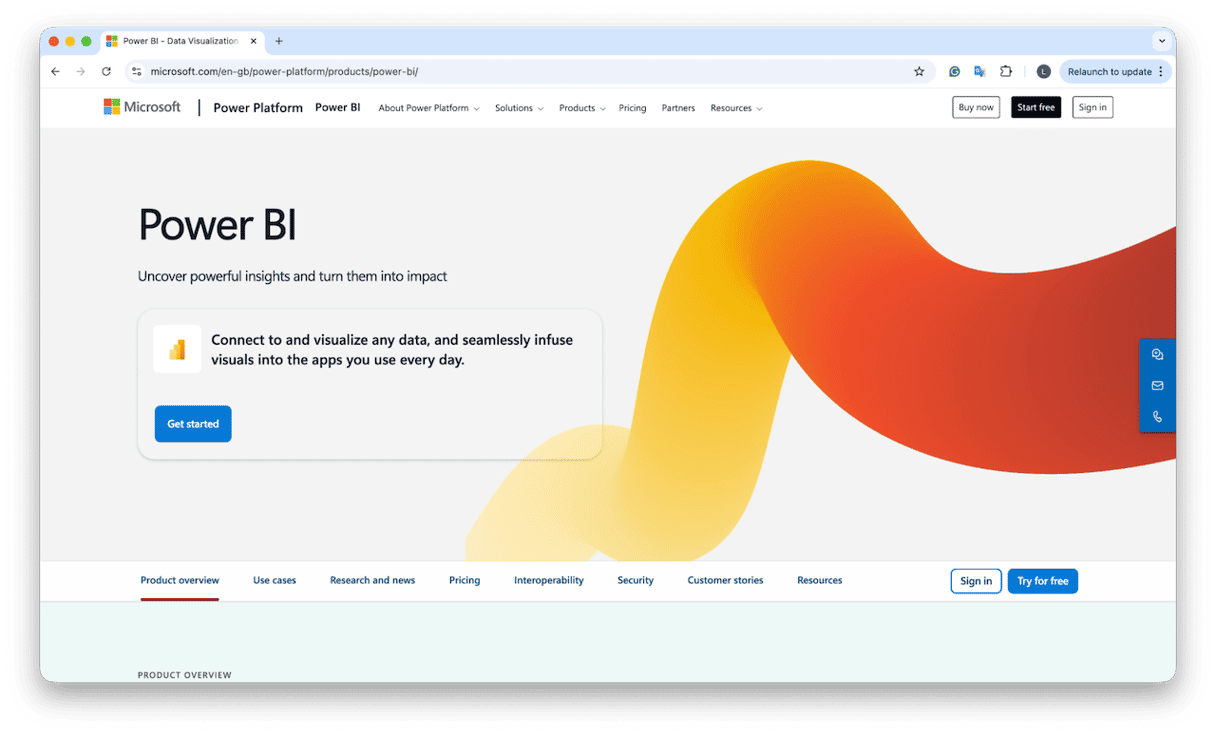
Yes, for the web experience. You can sign in at the Power BI Service using your browser of choice and work with reports and dashboards. Microsoft's supported browsers list includes Safari on Mac. That is the simplest way to use Power BI on a Mac today.
Microsoft has not shipped a Mac build of Power BI Desktop. Official answers and community threads in 2025 still state that Desktop is Windows only.
So the decision is simple. Use the web for viewing and light authoring. Use Windows if you need full Desktop features.
How to run Power BI on a Mac
Here are the paths I've tested, and as of 2025, these are the working methods.
1. Use Power BI Service in your browser (fastest)
If you need to view and collaborate on shared reports, quick edits, and small model tweaks that the Service supports, this is by far the quickest method.
- Open Safari, Chrome, or Firefox.
- Sign in to the Power BI Service.
- Open, filter, slice, and share most reports.
2. Run Power BI Desktop inside Windows 11 with Parallels
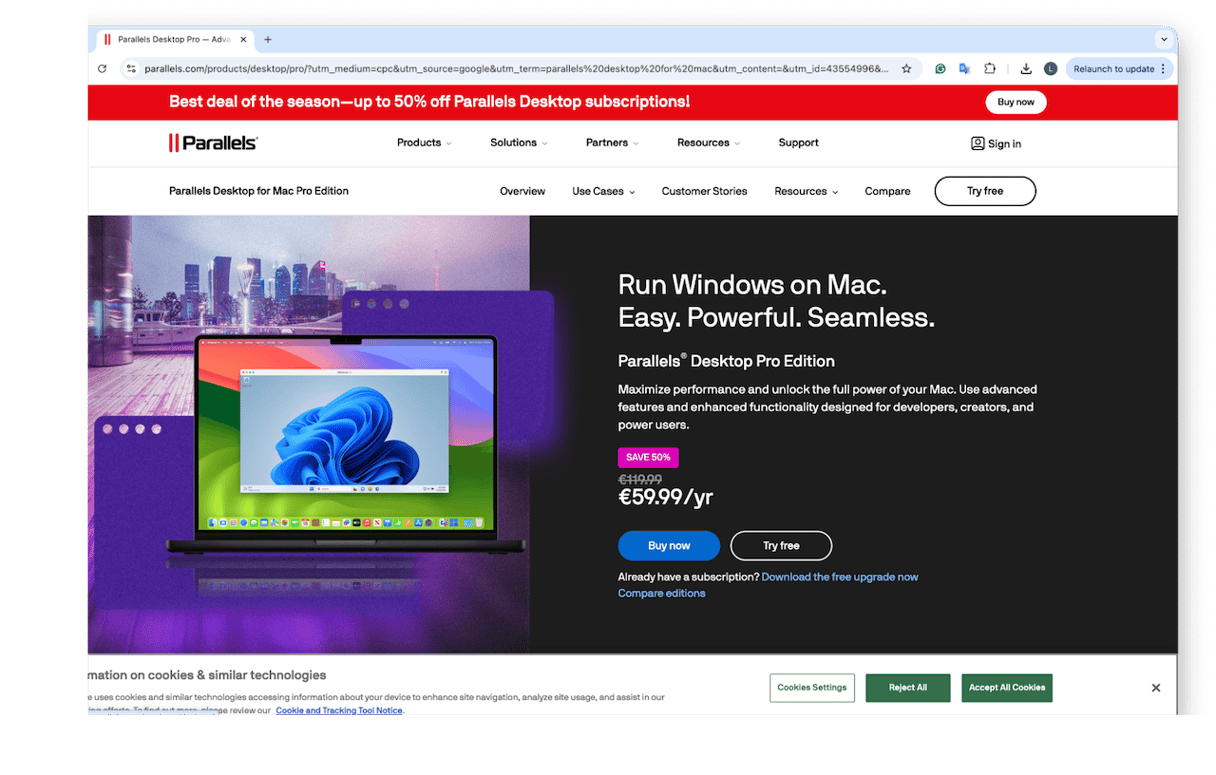
You stay on your Mac, but run a Windows 11 virtual machine for Power BI Desktop. This has been the most reliable setup I've seen on the forums for Apple silicon, because, as I mentioned earlier in the article, there is no app available on Mac. So here's how to do it.
- Install Parallels Desktop and create a Windows 11 VM. Parallels has a guided flow for Apple silicon.
- In Windows, download and install Power BI Desktop from Microsoft. Use the standard EXE installer or the Microsoft Store build.
- Assign enough resources to the VM for data work. I give Windows 16 GB RAM and at least 4 CPU cores when I'm modeling.
- Share a folder between macOS and Windows so you can keep source files in one place and publish easily to the Service.
Desktop runs in Windows as intended. On modern Macs, Parallels' performance is more than fine for most report development. But it's important to mention that a Virtual Machine uses a lot of disk space.
Keep your Mac side tidy when using a VM
I use a couple of tasks in CleanMyMac to keep macOS responsive while a resource-heavy Windows VM is running. While it won't speed up Power BI itself, it does free up space and stop your Mac from feeling sluggish; here's how:
- Open CleanMyMac — get your free trial here (test for 7 days).
- First, go to Smart Care > Scan.
- Once complete, remove clutter and free up space.
- Next, go to Performance > Scan.
- Take a look at the Maintenance recommendations and keep your Mac fully optimized.
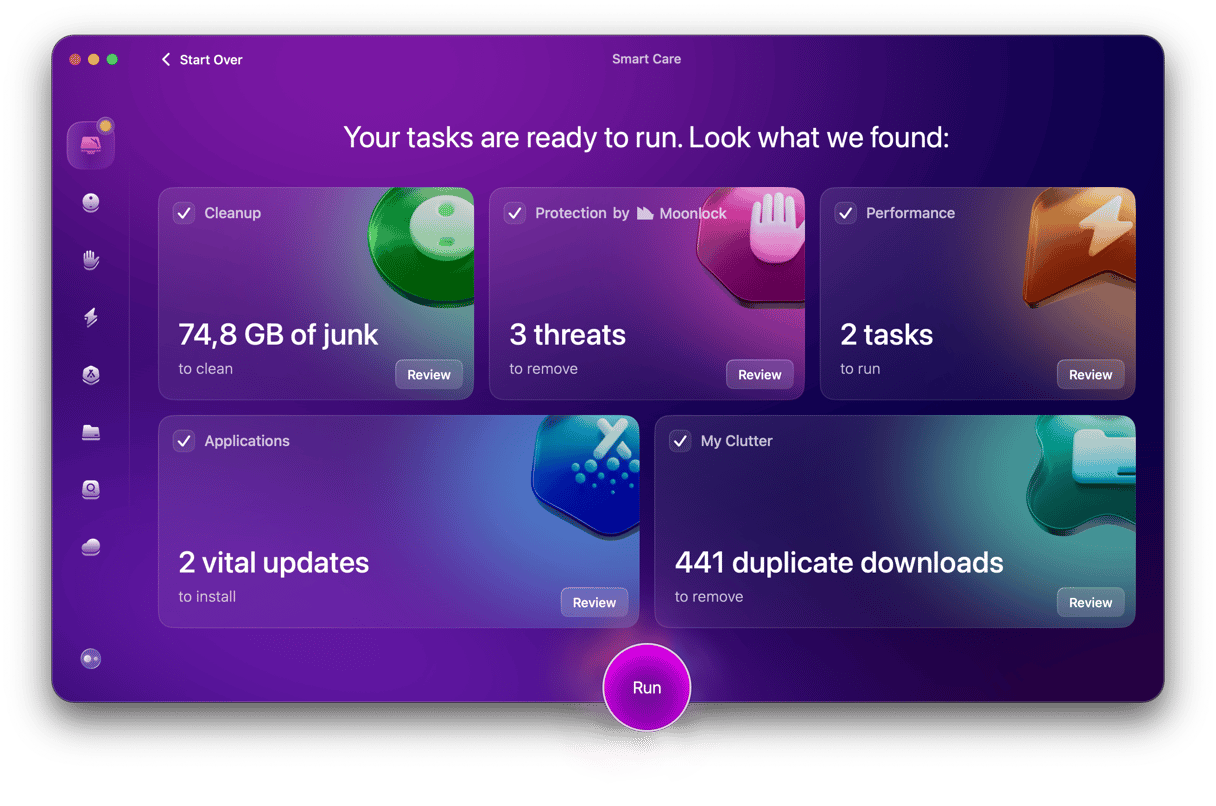
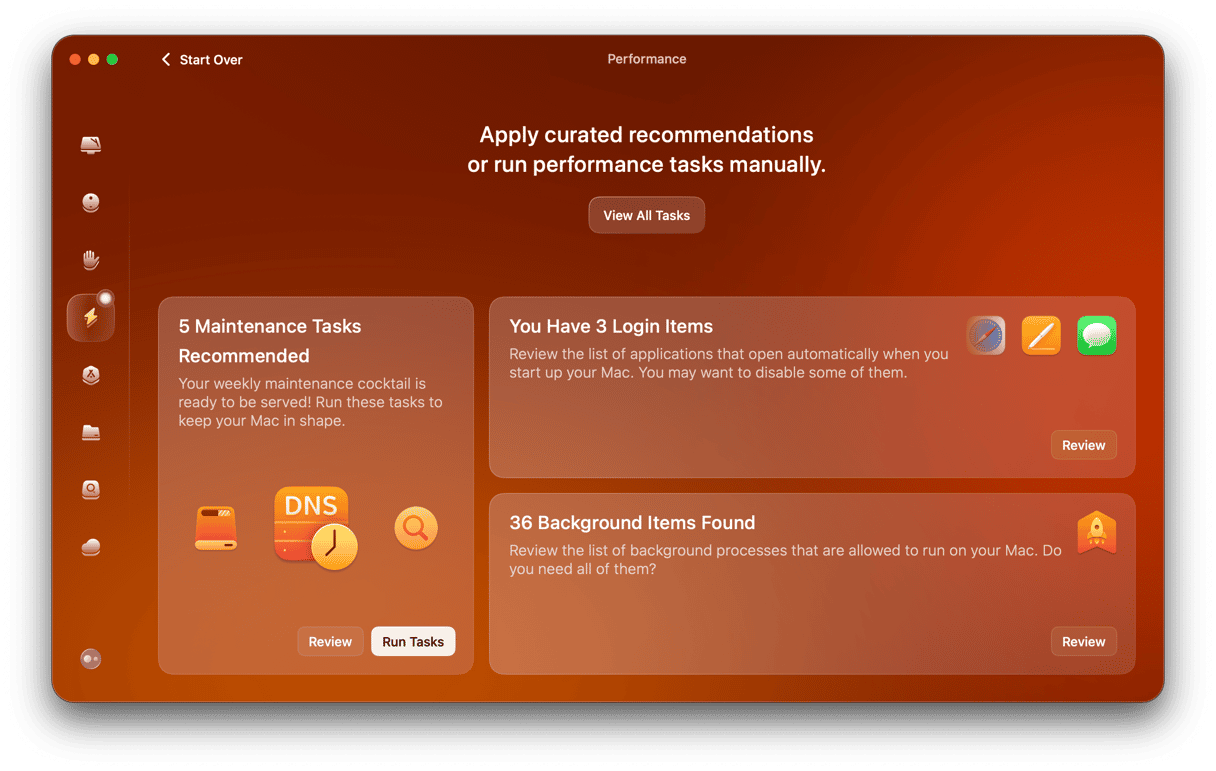
I really rely on this tool; it clears safe junk, old caches, and user temp files so my VM has more free disk headroom. This small routine keeps my Mac smooth while Windows 11 and Power BI Desktop do the heavy lifting.
So, is Power BI available for Mac? Well, the Service is, the Desktop app is not. The simplest route is the browser on macOS, which Microsoft supports, and it’s getting better every quarter. Hopefully, this article answered all your questions. If you need Desktop-level modeling, plan on Windows via Parallels on Apple silicon or a remote Windows PC your team maintains. The web app handles viewing, sharing, quick tweaks, and many refresh tasks in Safari or Chrome, but DAX-heavy builds still live in Desktop. Keep storage headroom and your Mac responsive during long VM sessions with a quick Smart Care pass and periodic Performance maintenance so everything stays smooth.
Frequently asked questions
Is there a native Power BI Desktop for macOS in 2025?
No. Use the web Service, a Windows VM with Parallels, or remote to a Windows PC.
Does the Power BI web app work in Safari?
Yes. Safari for Mac is on the supported browsers list. Chrome and Firefox are also supported.
Will Boot Camp help on Apple silicon?
No. Boot Camp is not available on Apple silicon, so use Parallels or remote access instead.